AI creative workspaceon one editable canvas
Bring prompts and references together, generate images and videos, then connect each result to your next step. VibePaper keeps your creative workflow visible and editable on one canvas.
Start with a prompt, a reference, or a rough idea.
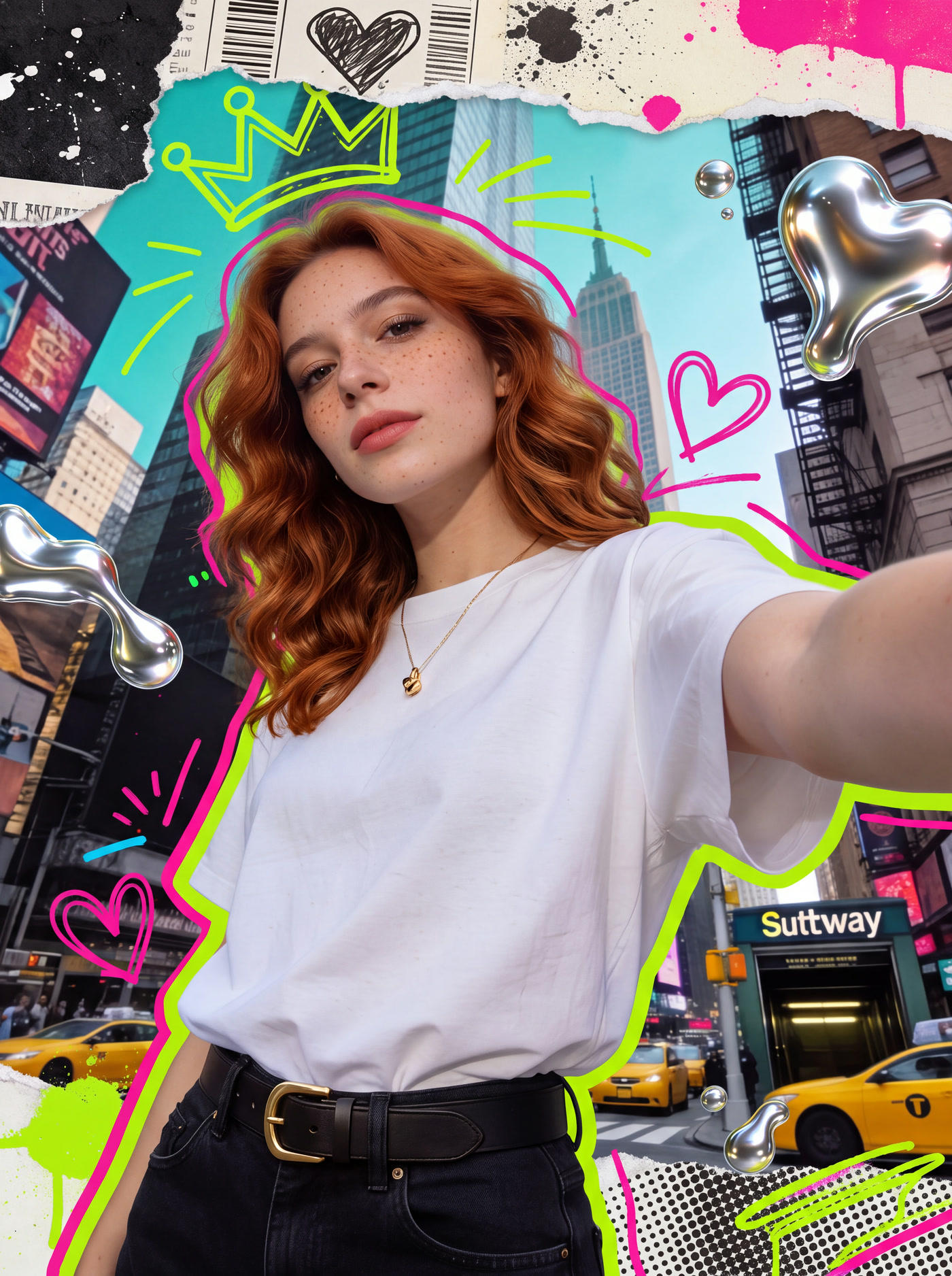 01GPT-Image-2
Create an image
Start from a prompt, a reference image, or a rough sketch. Keep the result on the canvas for the next step.
Start with an imageBuild a workflow
Connect inputs, models, and outputs on the canvas. Revisit an earlier step and develop another version without starting from scratch.
Open the workspaceCreate a video
Use a prompt or reference image to explore video generation, with your inputs and outputs kept in the same project.
Open the workspaceCreate with MiniMax H3
Explore MiniMax H3 alongside other video models, and choose the inputs that fit the shot you want to make.
Open the workspaceDo not stop at the first generation.
VibePaper keeps your references, generation steps, and results together on one board. Adjust an input, compare a model, or continue the idea without losing the path that produced it.
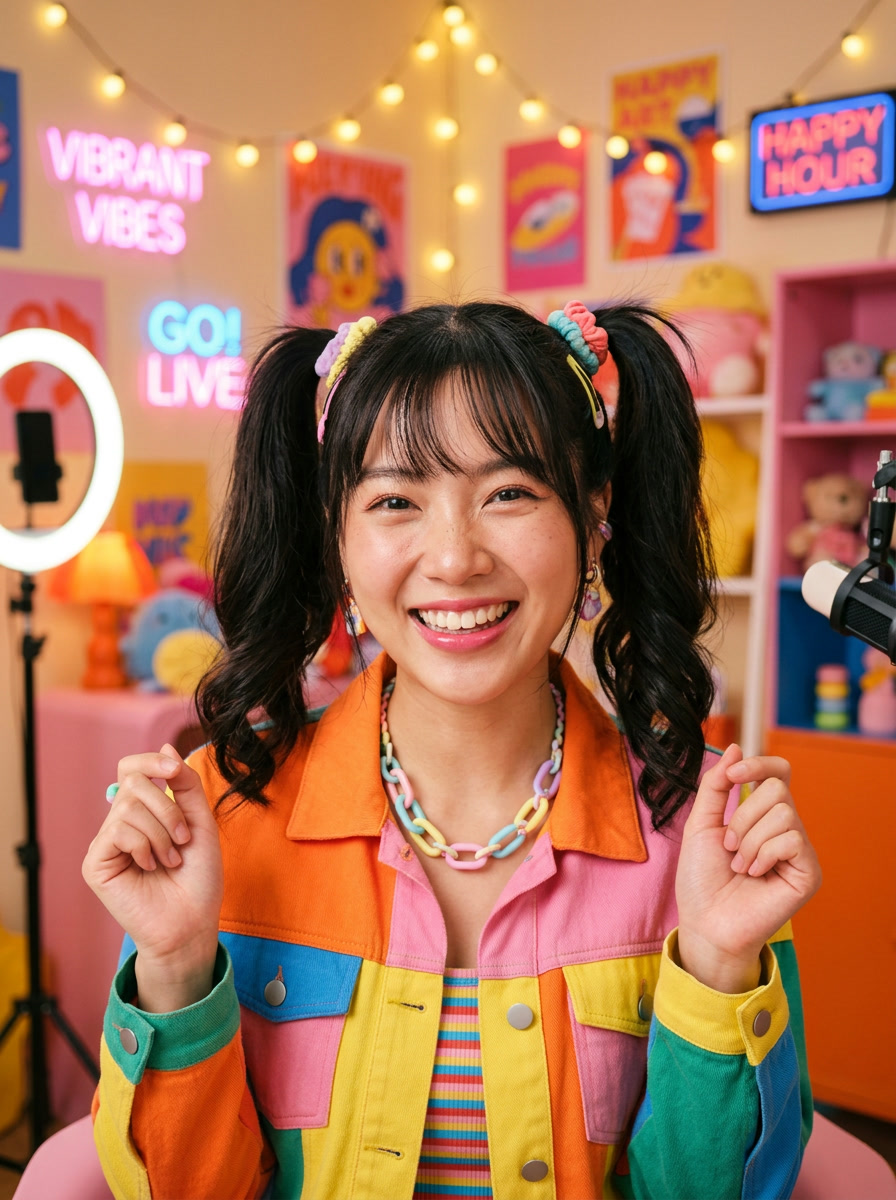
- Creator referenceUpload
- Product shotUpload
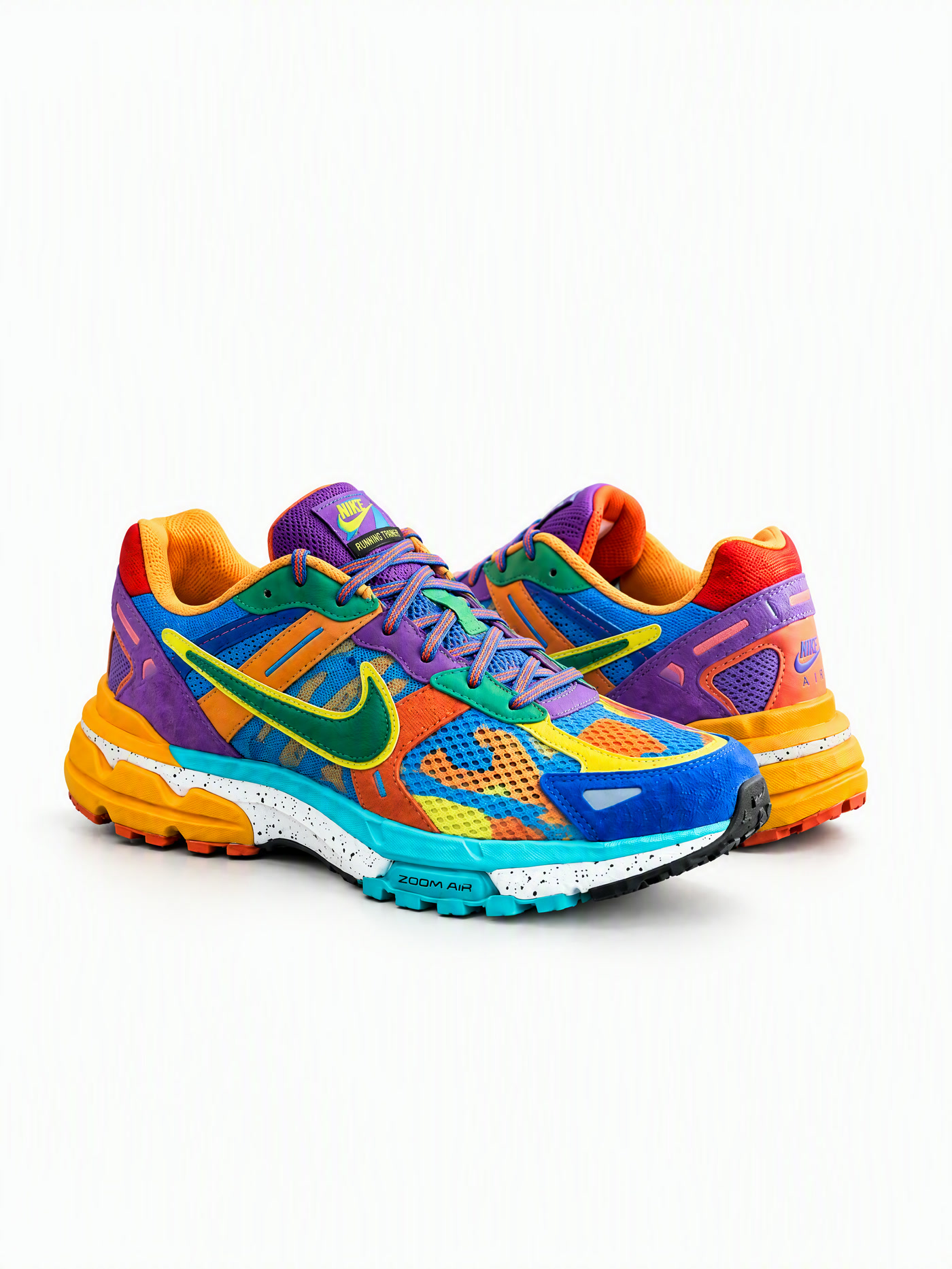
- Sneaker showcaseVideo workflow
Choose what you want to make.
Use the models that fit the work.
Choose an image or video model for the step you are working on. Keep its inputs and results on the canvas so you can compare directions and continue refining.
Image
Available in VibePaperKeep generation and editing in the same visual workflow, then compare results without rebuilding the board.
Video
Available in VibePaperWork with prompts, reference images, and model-specific controls inside one connected project.
Reasoning & workflow
Available in VibePaperAdd planning and reasoning steps where a creative workflow needs more direction.


Explore image and video ideas.
常見問題
需要撰寫程式碼嗎?
不需要。只要用自然語言描述目標,工作流程就會編譯成可編輯的節點圖;想進一步調整時再介入即可。
生成內容的所有權歸誰?
你擁有在 VibePaper 上創作的所有內容,並可自由用於商業用途。
支援哪些模型?
文字、圖像、影片、語音與研究功能皆連接領先模型。新模型可直接加入,不必改變既有流程。
團隊可以協作嗎?
工作流程與成果都能分享,團隊成員可在同一張畫布上即時協作。