AI creative workspaceon one editable canvas
Bring prompts and references together, generate images and videos, then connect each result to your next step. VibePaper keeps your creative workflow visible and editable on one canvas.
Start with a prompt, a reference, or a rough idea.
 01GPT-Image-2
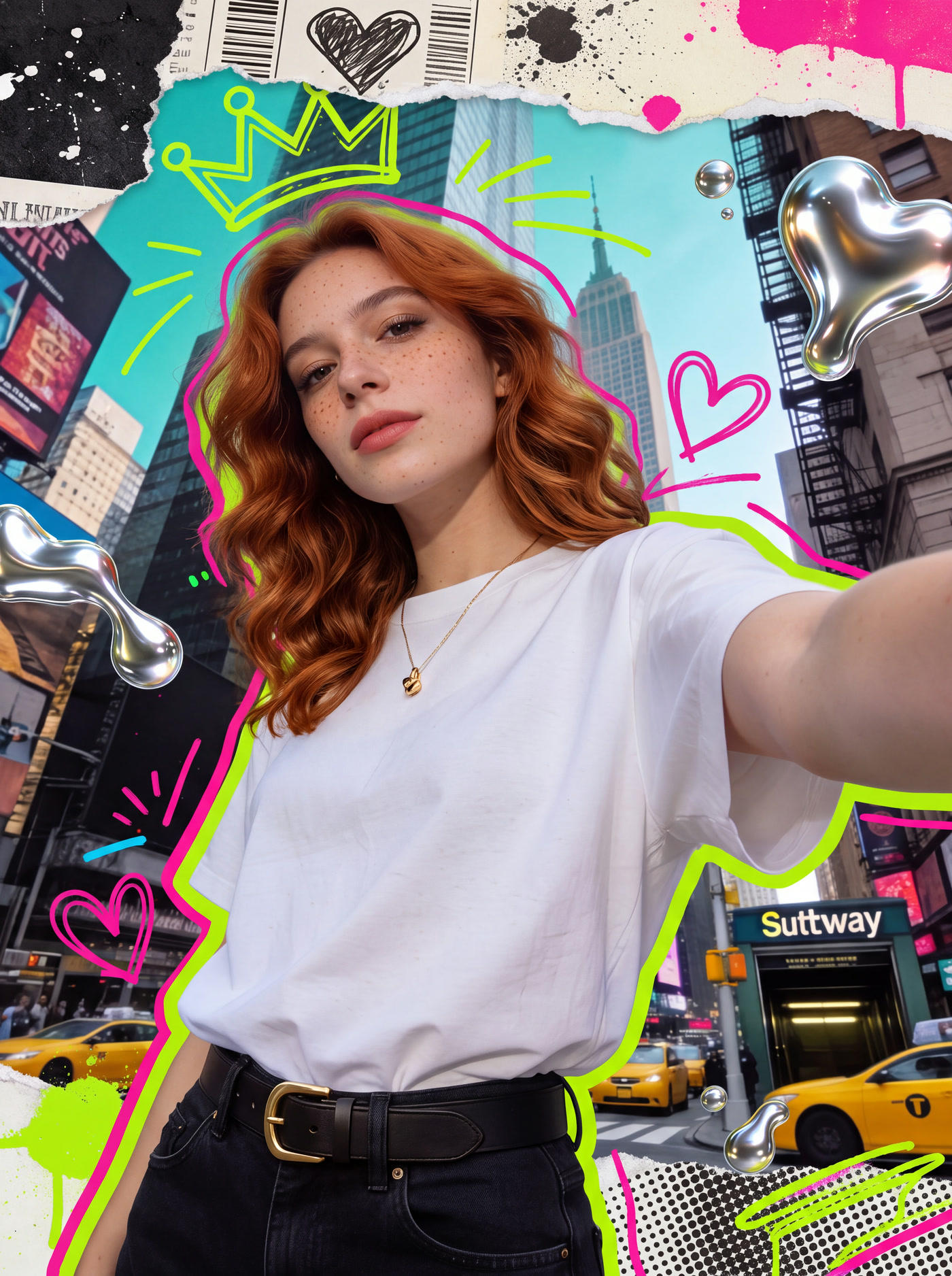
Create an image
Start from a prompt, a reference image, or a rough sketch. Keep the result on the canvas for the next step.
Start with an imageBuild a workflow
Connect inputs, models, and outputs on the canvas. Revisit an earlier step and develop another version without starting from scratch.
Open the workspaceCreate a video
Use a prompt or reference image to explore video generation, with your inputs and outputs kept in the same project.
Open the workspaceCreate with MiniMax H3
Explore MiniMax H3 alongside other video models, and choose the inputs that fit the shot you want to make.
Open the workspaceDo not stop at the first generation.
VibePaper keeps your references, generation steps, and results together on one board. Adjust an input, compare a model, or continue the idea without losing the path that produced it.
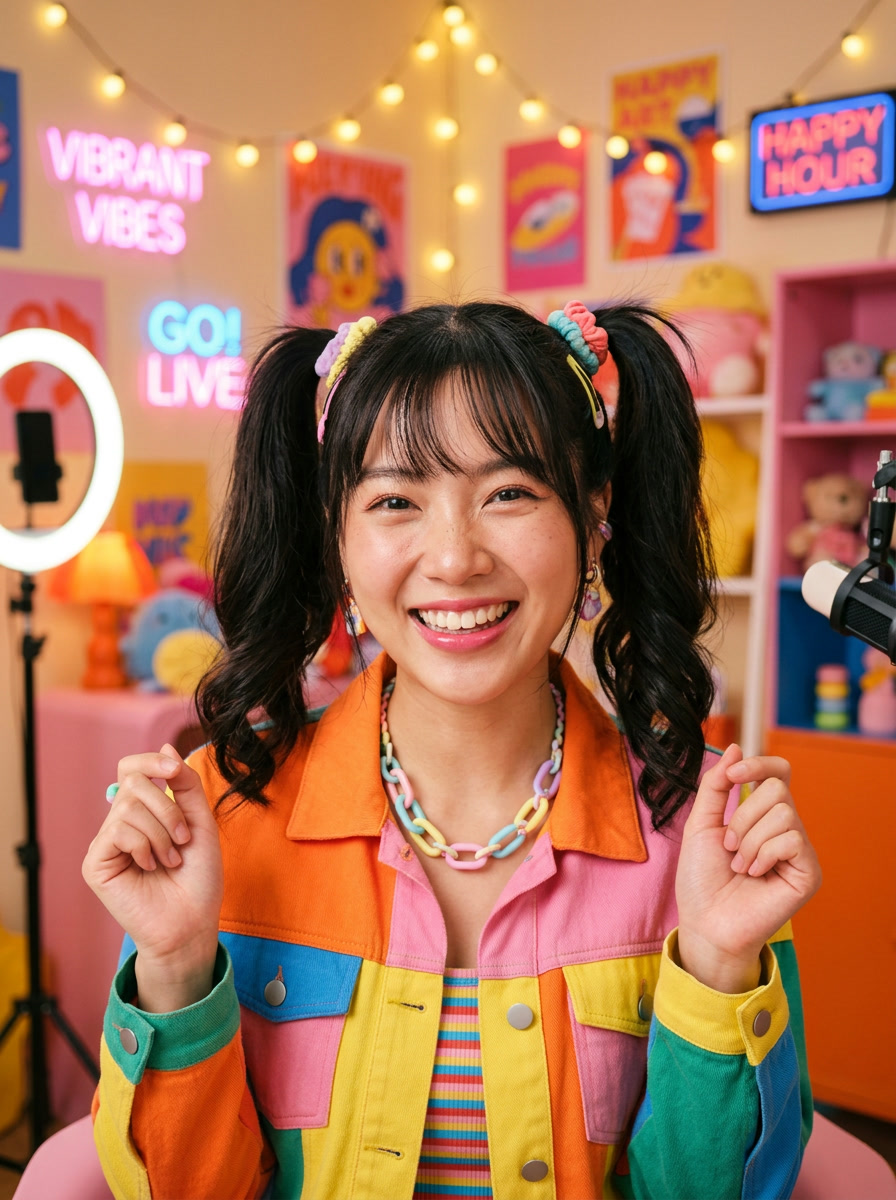
- Creator referenceUpload
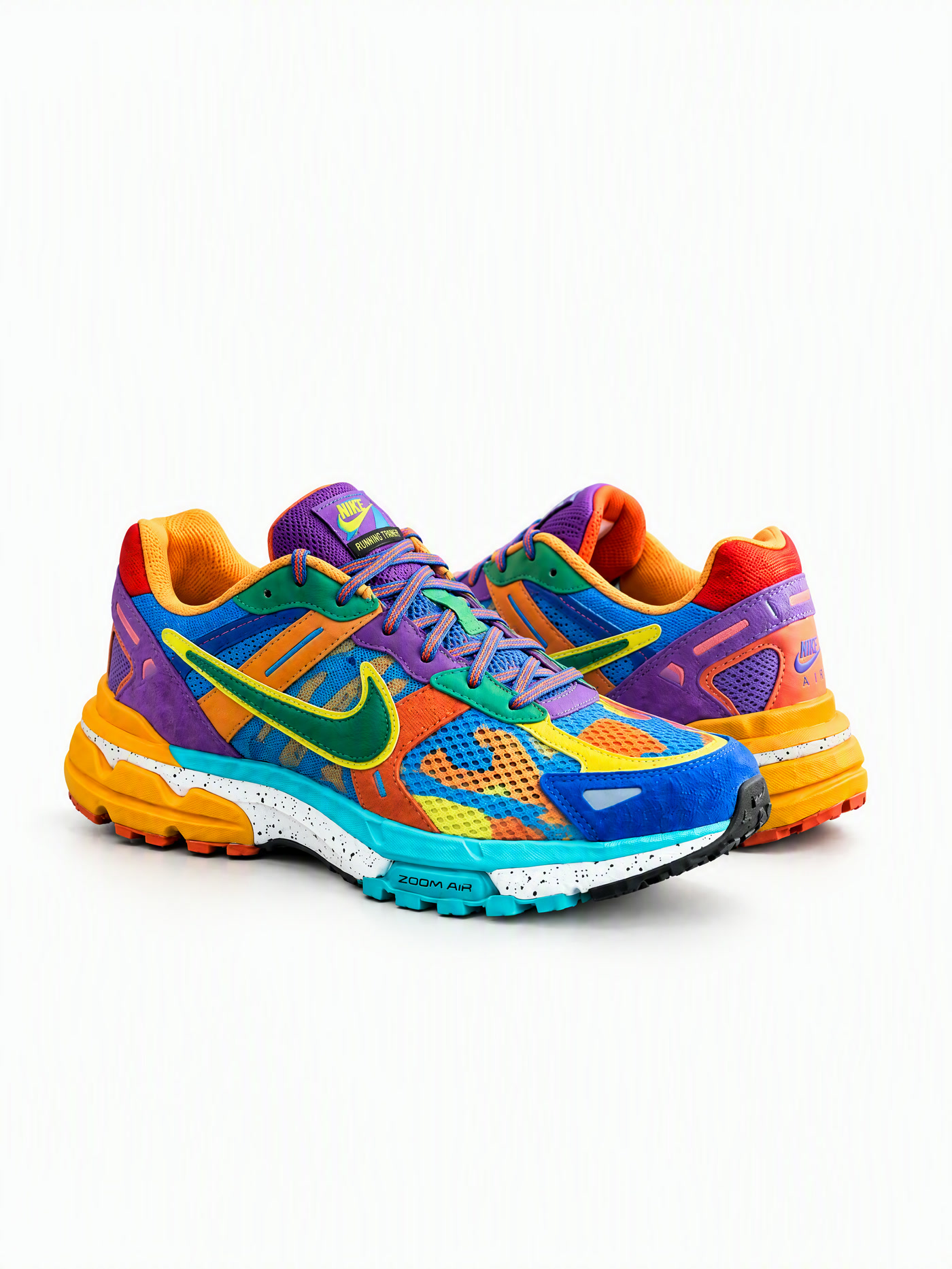
- Product shotUpload
- Sneaker showcaseVideo workflow
Choose what you want to make.
Use the models that fit the work.
Choose an image or video model for the step you are working on. Keep its inputs and results on the canvas so you can compare directions and continue refining.
Image
Available in VibePaperKeep generation and editing in the same visual workflow, then compare results without rebuilding the board.
Video
Available in VibePaperWork with prompts, reference images, and model-specific controls inside one connected project.
Reasoning & workflow
Available in VibePaperAdd planning and reasoning steps where a creative workflow needs more direction.


Explore image and video ideas.
Frequently asked about VibePaper
What is VibePaper?
VibePaper is an AI creative workspace where images, videos, models, references, and workflow steps stay connected on one editable visual canvas.
Do I need to write code?
No. Start with a prompt or reference, arrange the workflow visually, and refine the steps you want to control.
What can I create with VibePaper?
You can build image and video workflows, compare model outputs, and continue each result as part of a larger creative project.
Can I use AI Face Swap now?
Yes. Sign in, upload a face photo and a target photo, and your first face swap is free for new users. You can then keep the result on your canvas or turn it into a video.