 VibePaper
Free AI Face Swap Online
Swap faces in photos online with an AI face changer that matches the new face to the light and angle of the original. Upload your face and a target photo, sign in, and your first face swap is free.
JPG, PNG or WEBP, up to 25 MB each
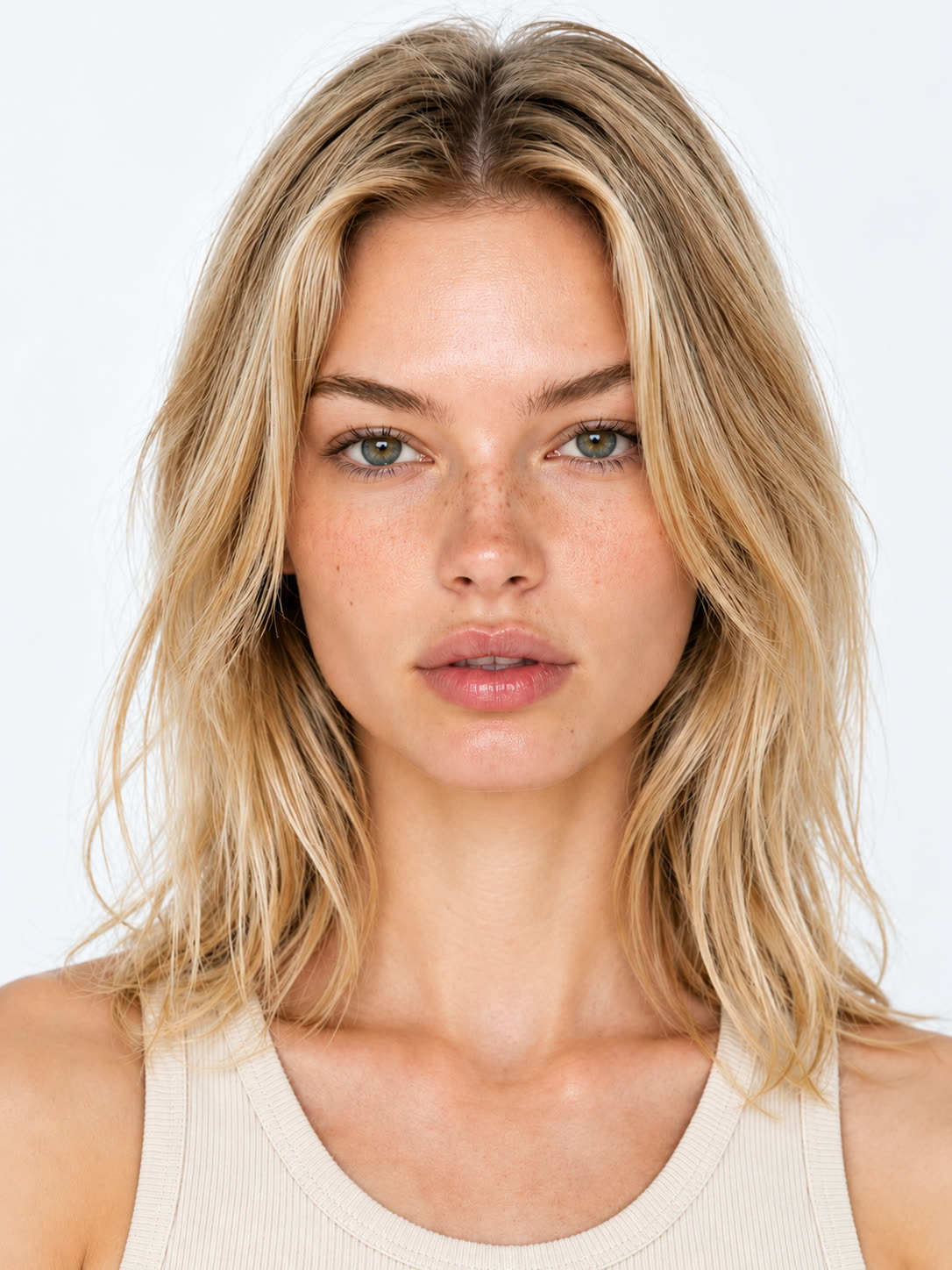
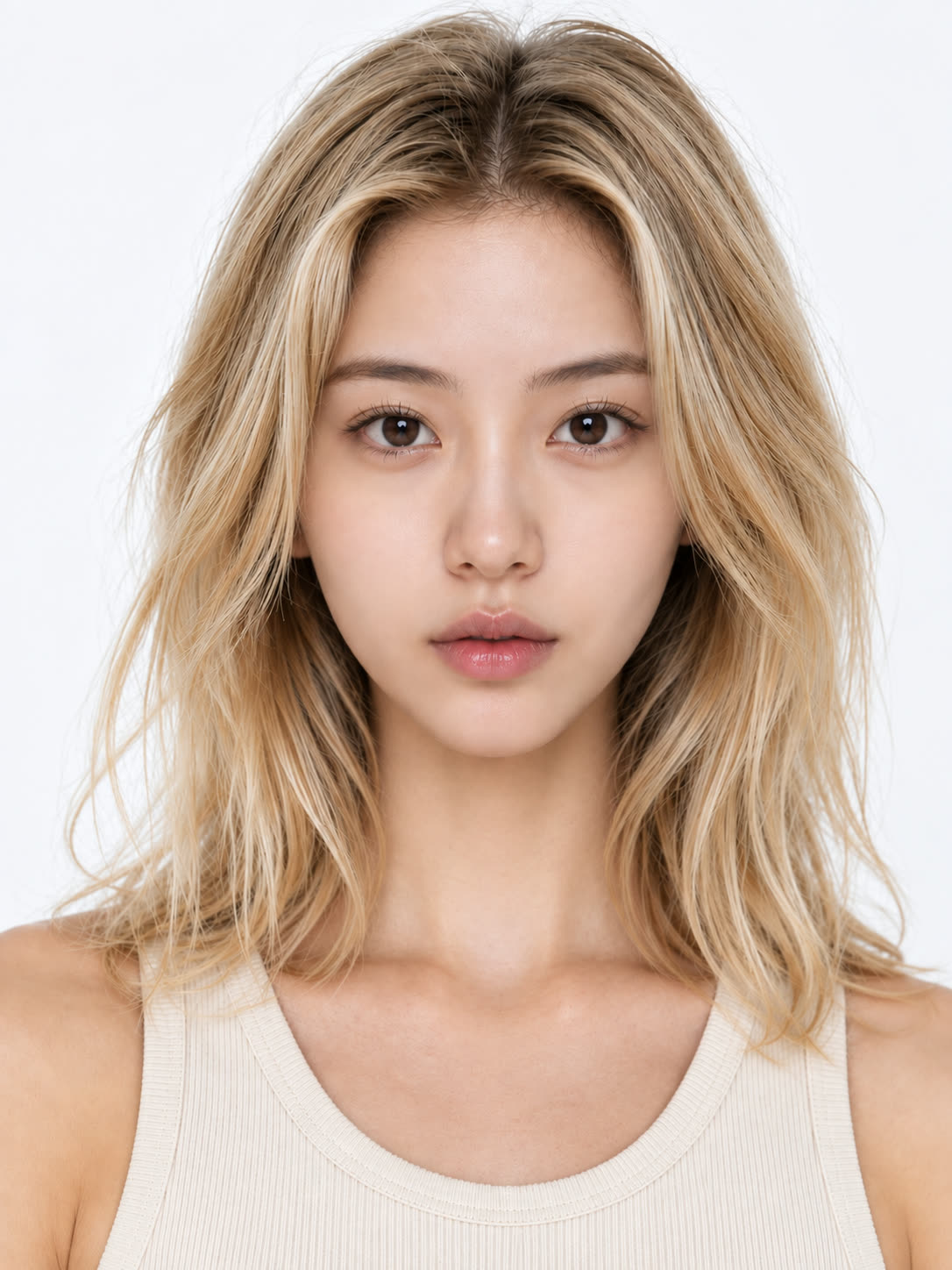
A realistic AI face changer for photo face swaps
Curious how your face would look in another photo? The VibePaper AI face swap takes the face from your picture and places it into a target photo. Whether you call it a face swap, a head swap, a face morph, or face replacement, the idea is the same: the scene, hair, outfit, and pose stay, and only the face changes.
Face swap runs on the image-editing models integrated into the VibePaper canvas, applied specifically to replacing a face. It is built to match the new face to the skin tone, lighting, and head angle of the target photo, so the result reads as one realistic photo rather than a face pasted on top.
Upload JPG, PNG, or WEBP photos up to 25 MB. Not quite right? Try another source photo and compare the versions side by side on your canvas.
Start a face swap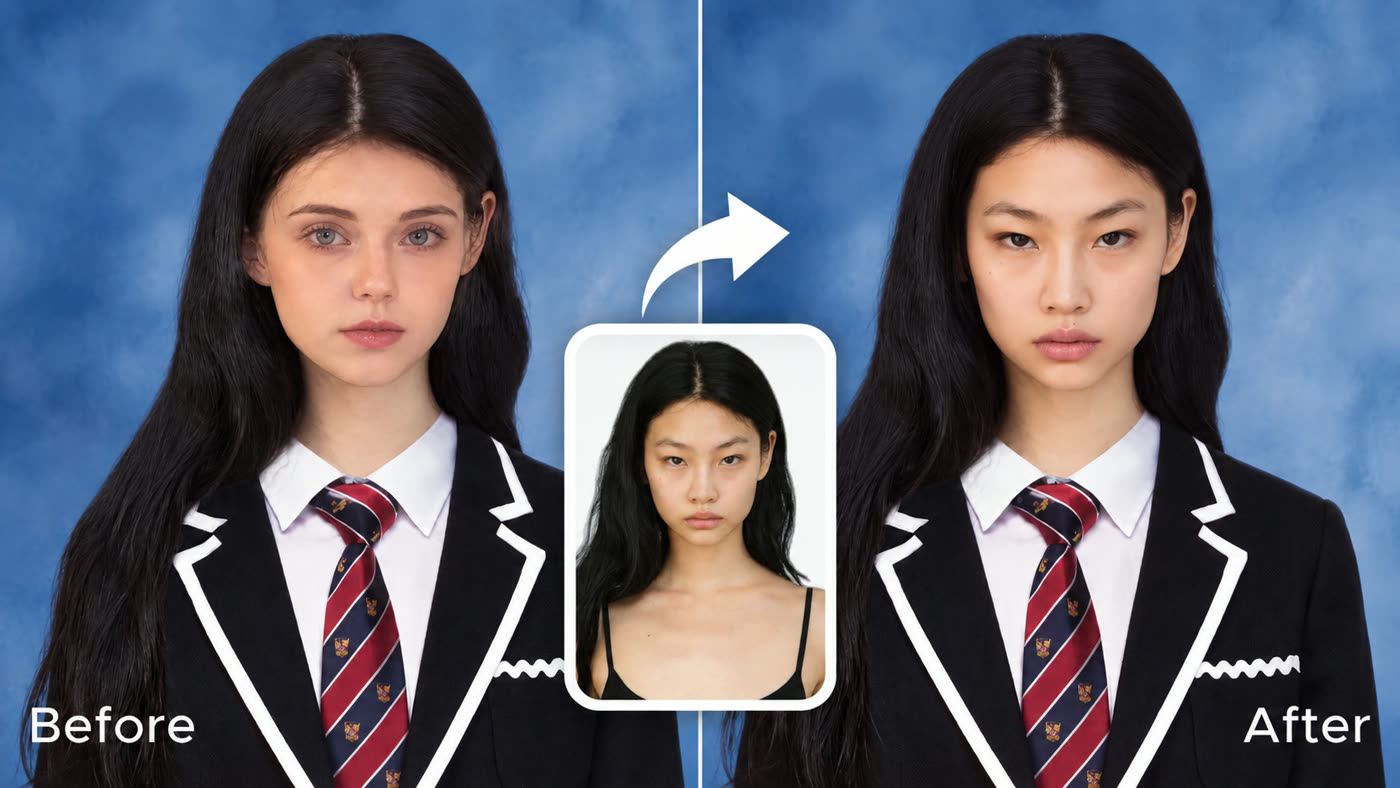
Swap faces in photos, then turn them into video
Most face swap apps stop at a single download. In VibePaper the face swap lands on your canvas, next to every other tool, ready for the next step.
Animate it with MiniMax H3 for natural micro-expressions, or build a 30-second, multi-reference scene with Seedance 2.5. Put your face into a film-style scene, a music video look, or a short story, and keep the same face across every shot.
You can also crop the image, add a title, and turn it into a social post, or build a consistent set of looks for an avatar, a game character, or a series.
Swap a face, then animate it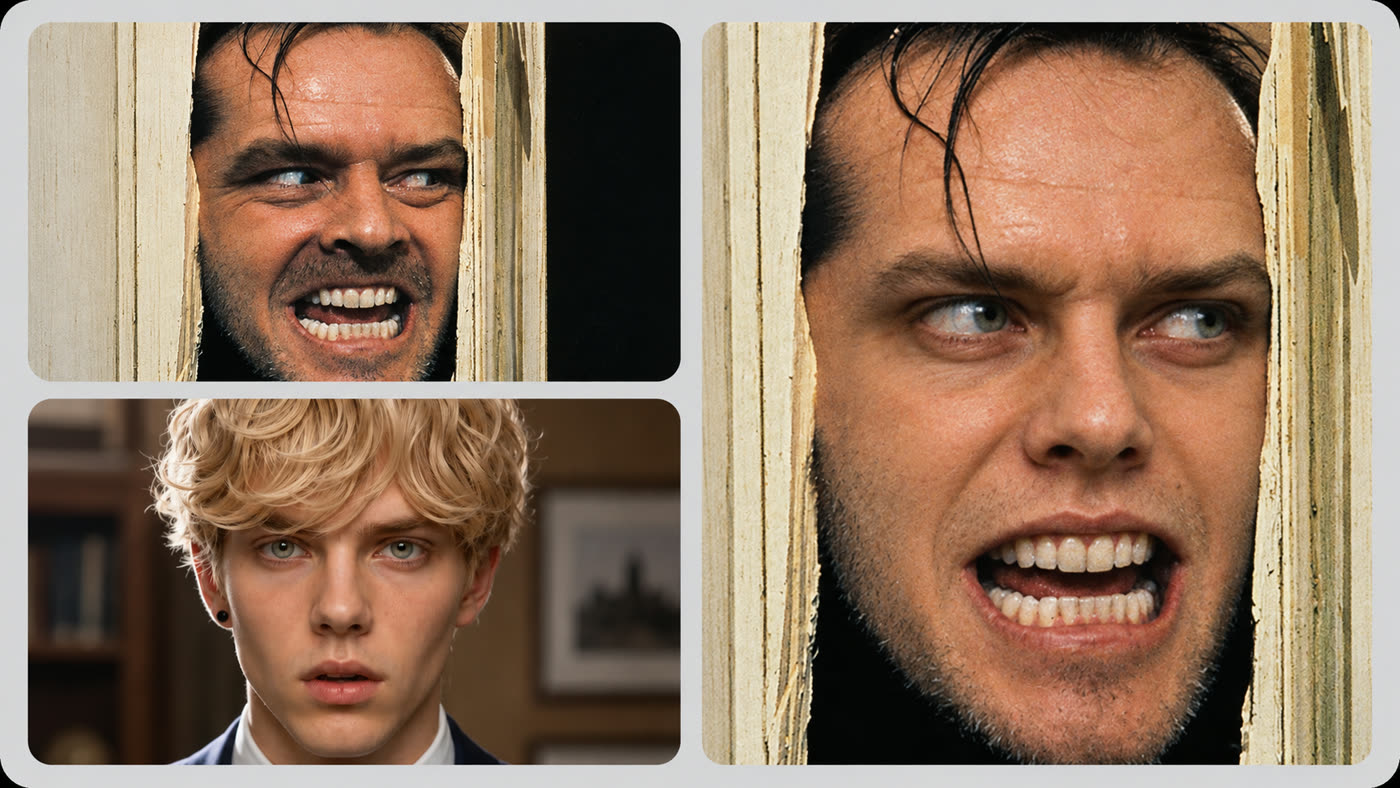
Free face swap online, with no app to download
The face swapper works in your browser on desktop and mobile, so there is nothing to install. Sign in and your first face swap is free.
After that, each swap uses credits from your plan. You see the credit cost before you generate, and plan details are always on your subscription page, with no hidden charges.
Use it for funny face swaps and memes, profile pictures, or creative projects, and only upload photos you own or have permission to use.
Get your free face swap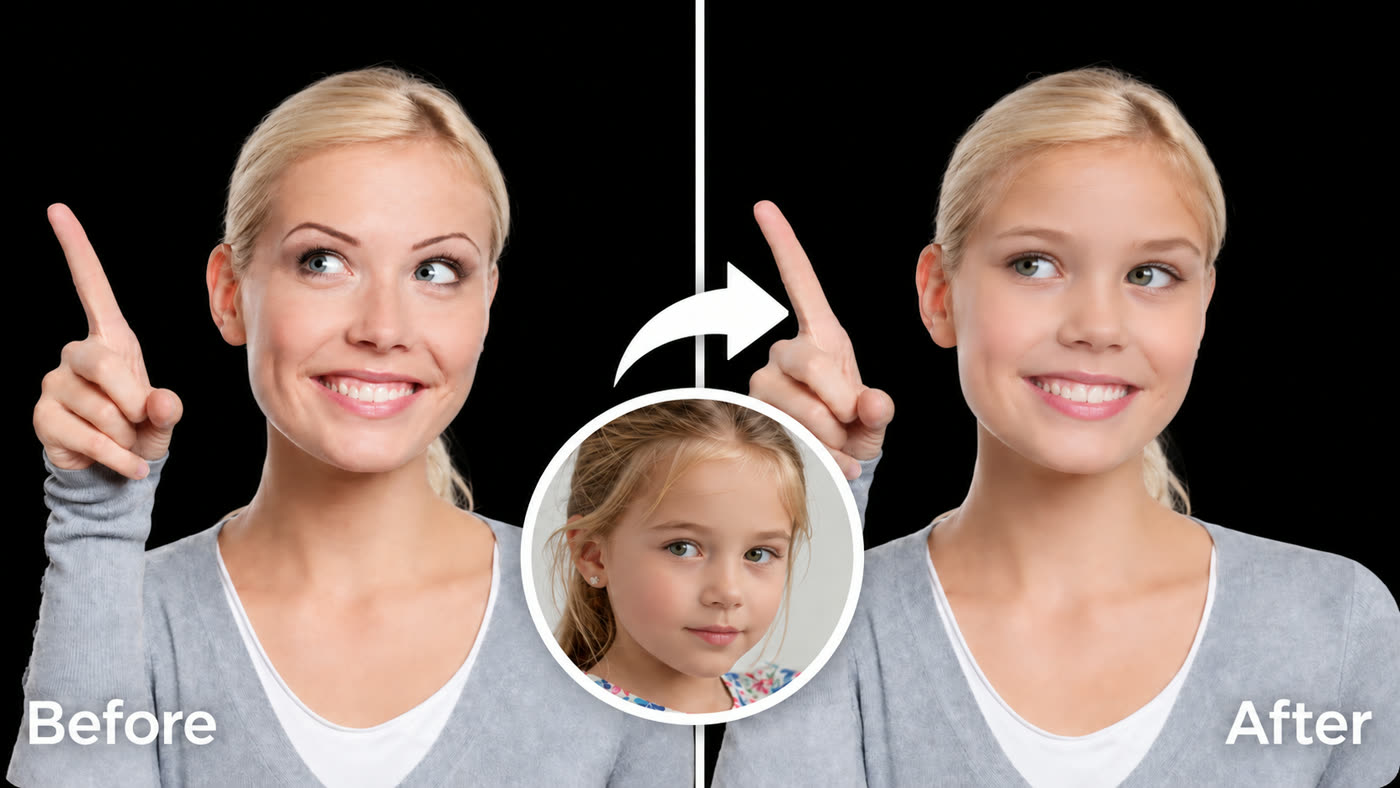
See what AI face swap can do
From funny face swaps and memes to professional headshots for LinkedIn, travel selfies, wedding photos, and cartoon or fantasy characters, here is what one photo face swap can do. Only use photos you own or have permission to use.
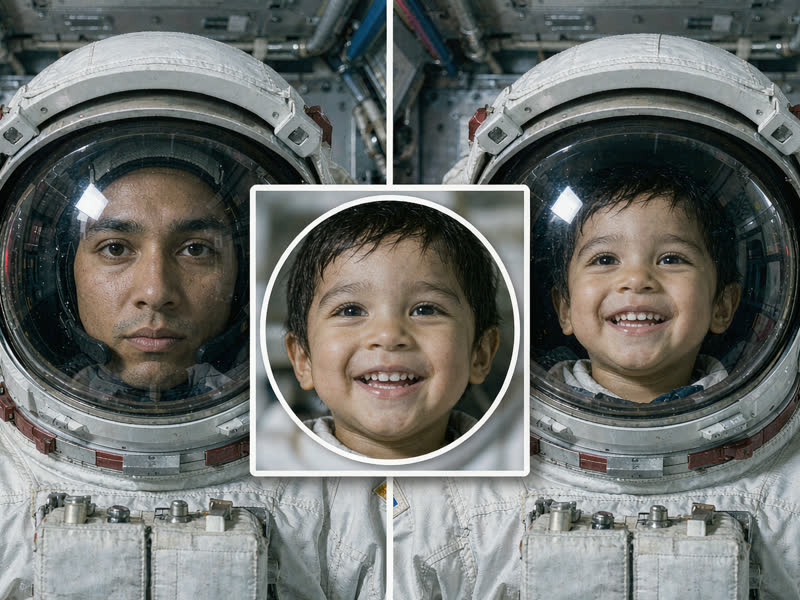
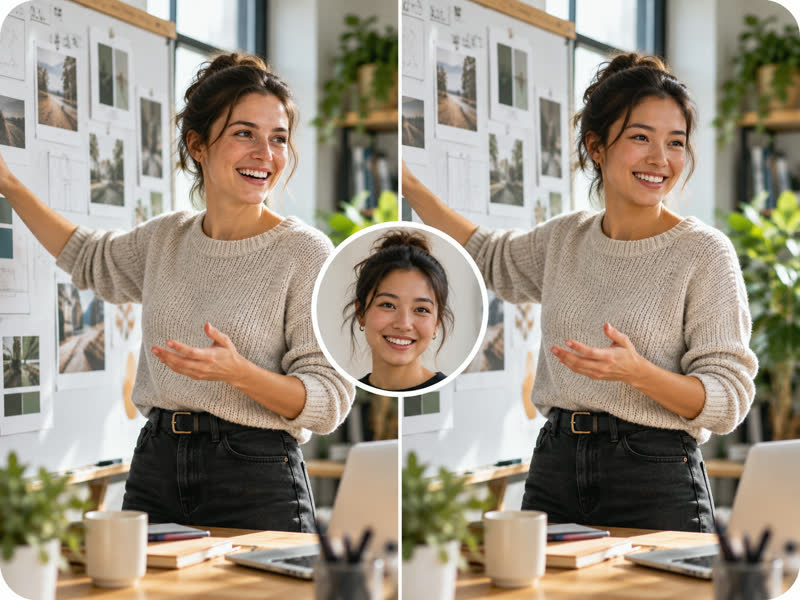
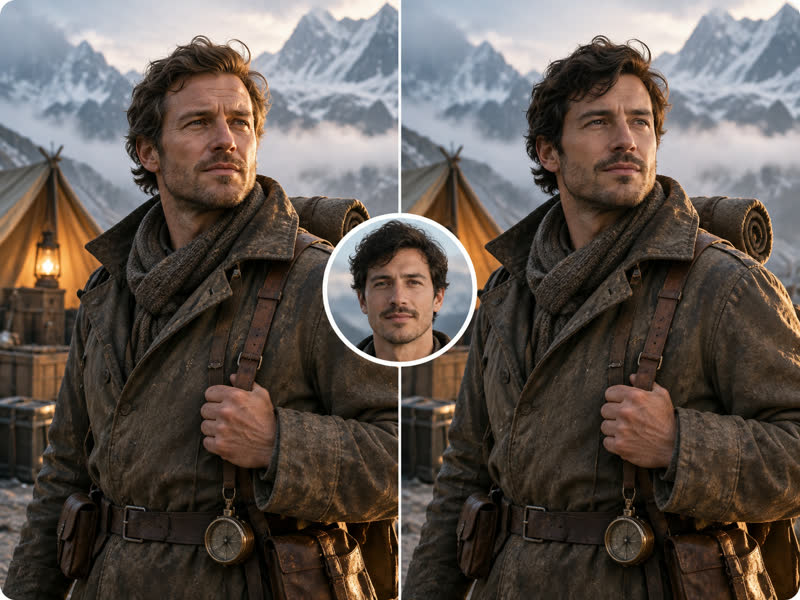
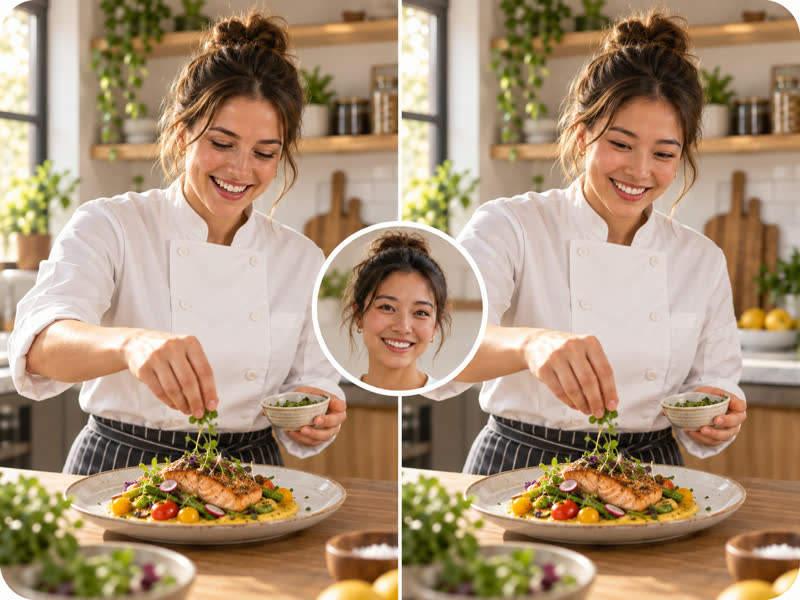
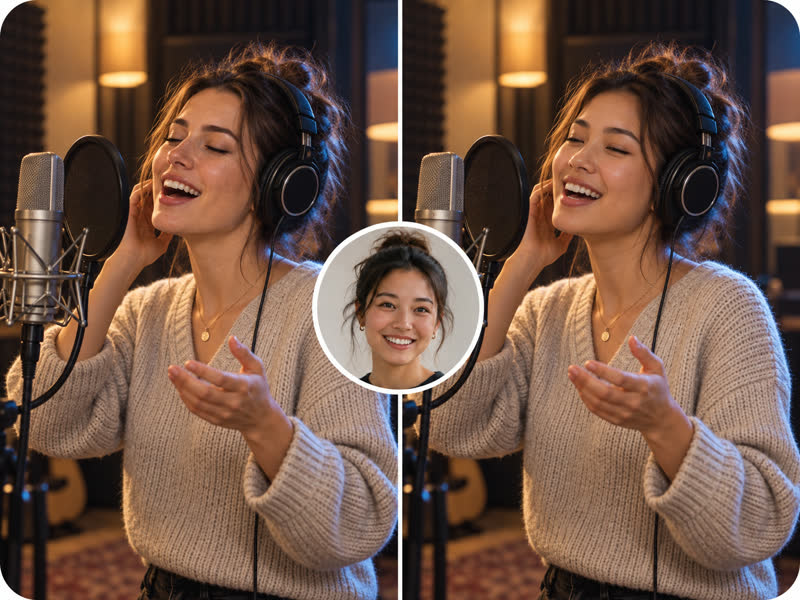
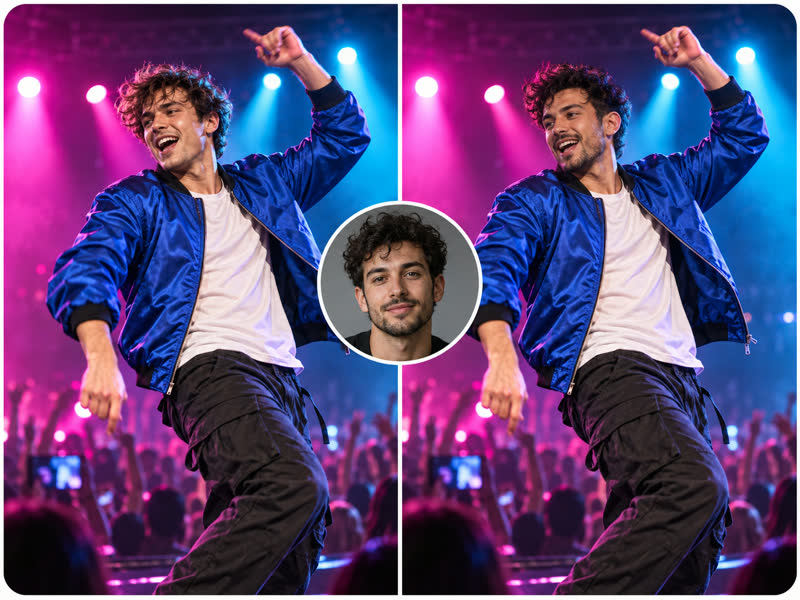
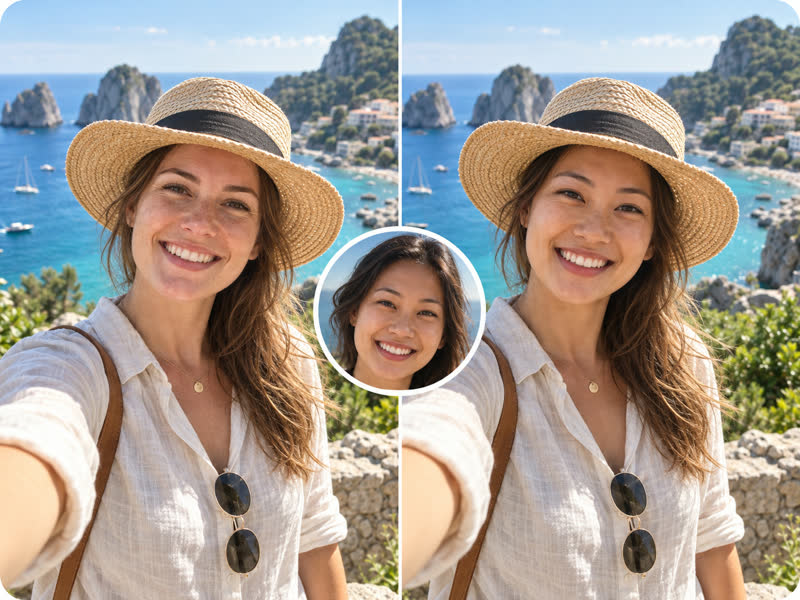
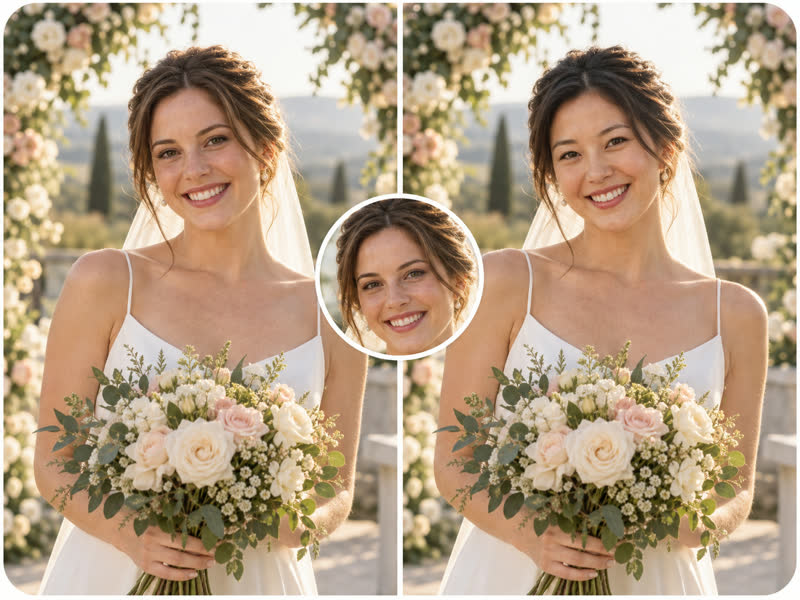
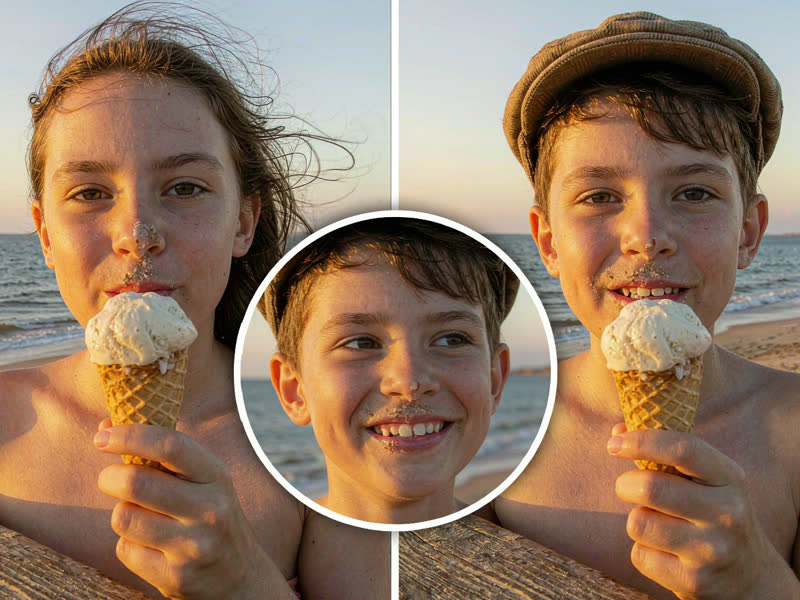
How to swap faces in photos online
Three steps, no photo-editing skills needed. Everything happens in your browser.
Sign in and upload your face
Sign in to VibePaper and upload a selfie or portrait as the source image. A sharp, front-facing photo with good lighting and nothing covering the face works best. JPG, PNG, or WEBP, up to 25 MB.
Choose a target photo
Upload the photo where you want your face to appear: a portrait, a group shot, a movie-style scene, a professional headshot template, or a cartoon character you have permission to use. A similar face angle gives a more natural result.
Generate and keep creating
Click generate and the AI face swap is ready in a moment, free for your first swap. Download it, try another version, or keep editing and animating it on the VibePaper canvas.
Explore more VibePaper tools
Every tool puts its result on the same canvas, so one idea can move from image to video.
Frequently asked questions about AI face swap
What is AI face swap?
AI face swap is a way to change the face in a photo with artificial intelligence. You give it a source face and a target photo, and it replaces the face in the target while keeping the rest of the picture. It is also called a face changer, face editor, head swap, face morph, or face combiner.
Is AI face swap free to use?
You need a VibePaper account to use face swap. New users get their first face swap free; after that, each swap uses credits from your plan, and the cost is shown before you generate.
How does the AI face swapper work?
Face swap uses the image-editing capability of models already integrated into the VibePaper canvas, applied specifically to face replacement. It finds the face in both photos, then blends your face into the target, matching skin tone, lighting, and angle.
How do I get the most realistic face swap?
Use a sharp, well-lit face photo and a target photo with a similar face angle and expression. Avoid heavy shadows, sunglasses, hands, or hair covering the face. If the first result does not look right, try another source photo and compare the versions.
Do I need to download a face swap app?
No. VibePaper face swap works online in your browser on desktop and mobile. Open the page, sign in, and upload your photos.
Can I make professional headshots or profile pictures?
Yes. Swap your face onto a professional portrait you have the rights to use to try a LinkedIn headshot, a resume photo, or a new profile picture, then crop and adjust it on the canvas.
Can I do an anime or cartoon face swap?
You can use any target image with a clear, visible face, including illustrated, cartoon, or anime-style characters and artwork you have permission to use. Faces drawn in a realistic style and at a similar angle give the most natural result.
Can I turn my face swap into a video?
Yes. Bring the result into MiniMax H3 for expressive close-ups, or into Seedance 2.5 for longer, multi-reference scenes.
Is face swap the same as a deepfake?
Face swap uses similar technology, but VibePaper is built for creative, personal, and professional use: memes, profile pictures, characters, and stories. Do not use it to impersonate someone, deceive people, or create harmful or non-consensual content.
Can I upload someone else’s photo?
Only upload photos you own or have clear permission to use. Swapping faces for personal fun and creative projects is generally fine; using someone’s likeness without consent may break the law and our terms.
Are my uploads private?
Read the VibePaper Privacy Policy for the current rules on uploads, generated images, storage, and data use.
Ready to make your first face swap?
Upload your face and a target photo, and swap faces online in a few clicks. Your first face swap is free.