Remove Watermark from Video OnlineRemoveWatermarkfromVideoOnline
Upload your video clip and let AI automatically detect and remove visible watermarks, corner logos, and stamps. The footage behind the mark is rebuilt frame by frame, with no manual masking.
Only upload videos you own or have permission to edit. New users receive free credits upon sign-in.
Automatic Video Watermark RemovalAutomaticVideoWatermarkRemoval
01
Automatic Video Watermark Detection and Removal
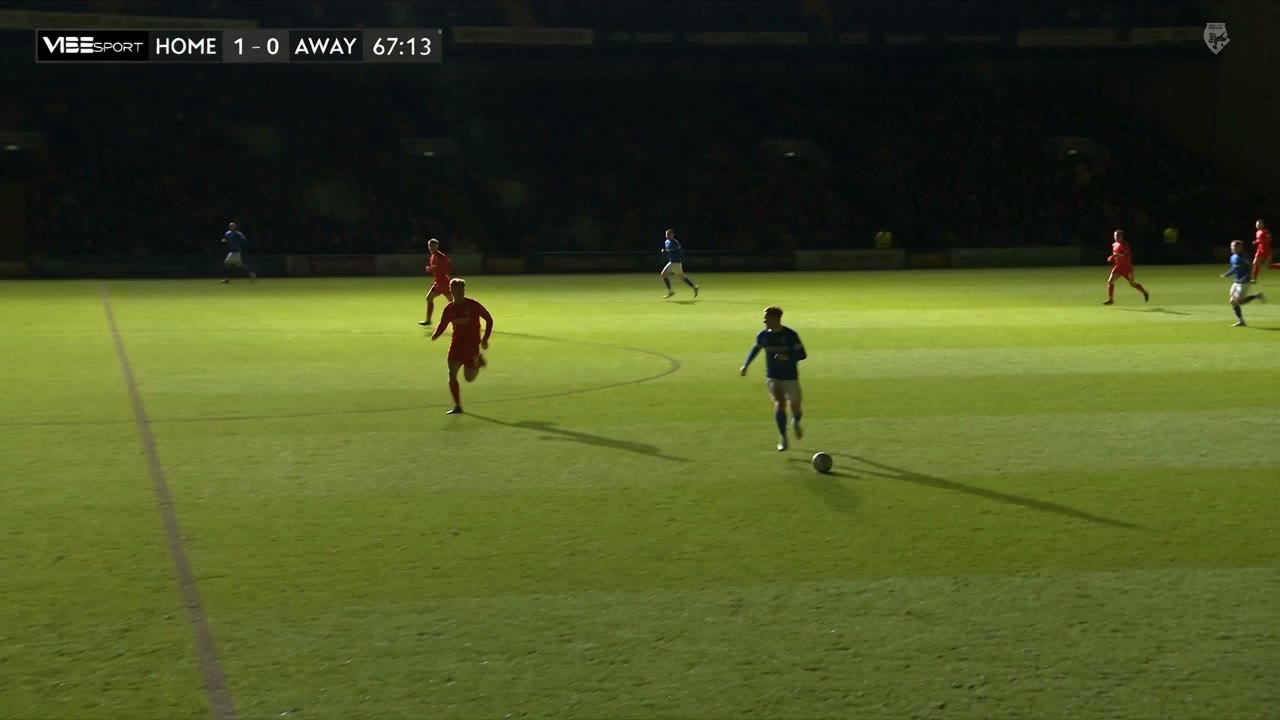
Removing marks from video used to mean manually keyframing masks across dozens of seconds, or placing an ugly blurred rectangle that ruins the entire frame. VibePaper automates this process entirely: once you upload your clip, our video AI locates the visible watermark position automatically.
The models rebuild the background behind the mark throughout the clip, including marks that move or shift, so the footage stays natural and consistent instead of showing blurred smudges.
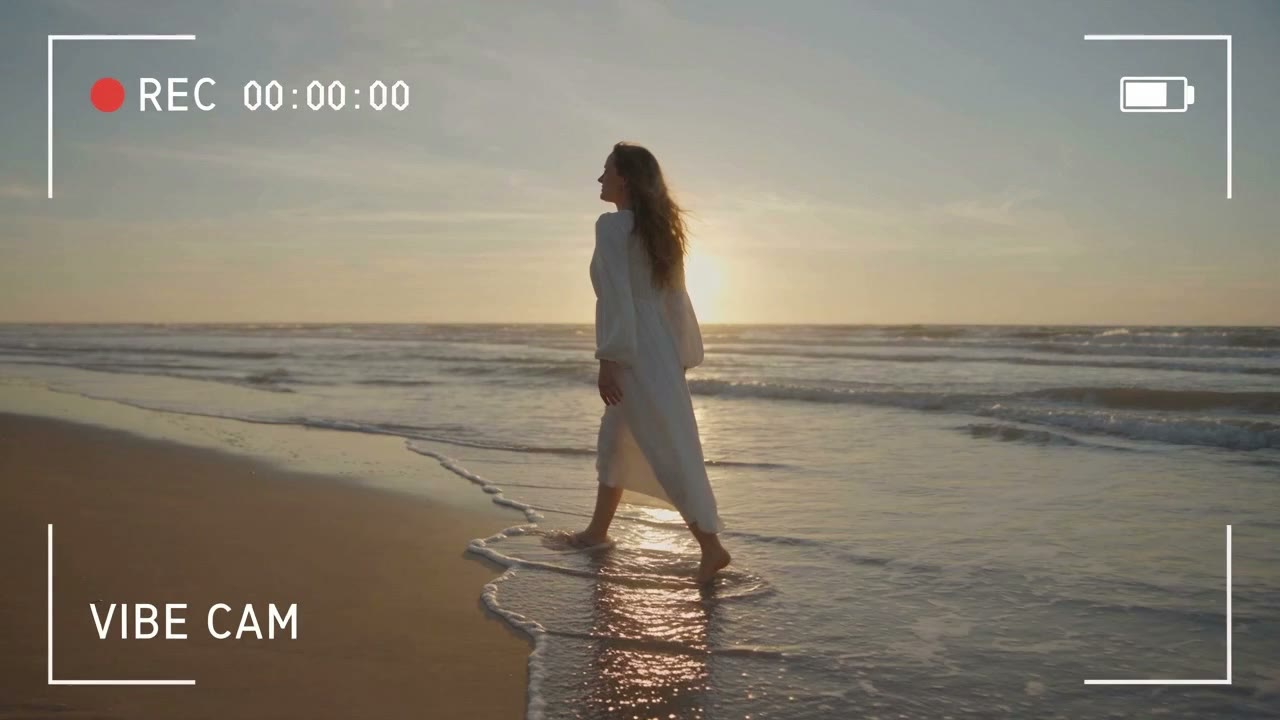
When repurposing personal footage or authorized creative assets, persistent corner logos and app stamps often distract from the main subject. VibePaper is designed to handle visible channel badges, camera overlays, and the export marks that editing apps add to clips you made.
Instead of cropping out critical parts of your composition, our models restore the original scene underneath the mark. You keep your full framing intact, ready for personal archiving or multi-platform publishing.
Clear Small and Faint Corner Marks Without Touching the Footage
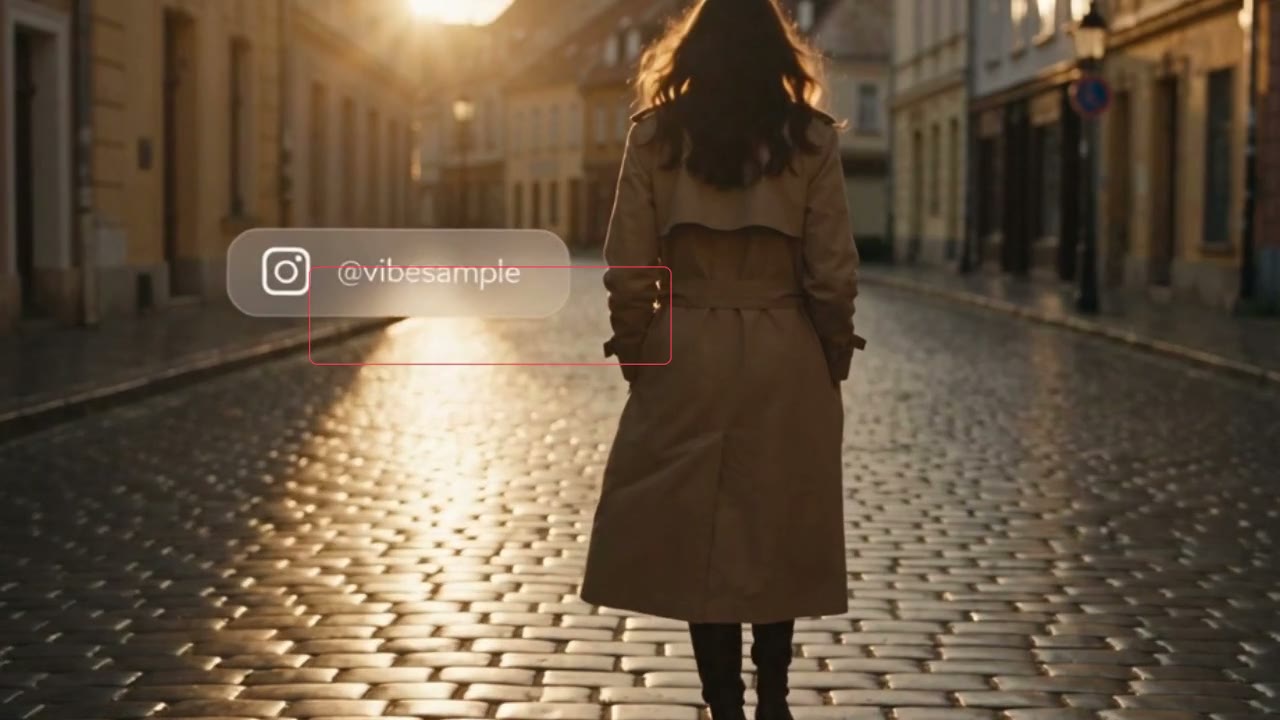
Not every mark is a big logo. Thin corner badges, semi-transparent account tags and tiny app stamps are easy to miss on a small screen, yet they sit on every frame. VibePaper looks for these low-contrast marks as well, so a clip that seems clean at a glance does not keep a faint stamp in the corner.
Only the pixels around the mark are rebuilt. Motion, faces, camera movement and the rest of the frame are left as they were, so the finished clip plays like the original, minus the mark.
Practical guides and plain-language briefs on the models you can use here: what each one is good at, how to prompt it, and how to get a better result on the canvas.
How do I remove a watermark from a video online for free?
Upload your MP4 or MOV clip (up to 15 seconds) to VibePaper. The AI automatically analyzes the frames, locates the visible watermark, and fills in the area with natural background footage. New users get 20 free credits on sign-up and 10 more for each daily check-in to test the tool and export clean results.
Will removing a watermark blur my video?
That is what the tool is designed to avoid. Rather than applying a blur or mosaic over the watermark area, VibePaper’s video models rebuild the background behind it. Results depend on the footage, so try a short clip of your own and compare.
Can I paste a video link to remove the watermark?
No. The tool works on video files you upload, not on links. If you have a clip you own or have permission to edit, such as your own export with a corner badge, upload the file here to clean it.
Does the tool handle moving watermarks?
Yes. Moving or shifting watermarks are removed the same way as fixed ones: the AI detects the mark and rebuilds the background behind it throughout the clip.
Can I continue editing my clean video in VibePaper?
Yes. Once your video is watermark-free, you can open it directly inside the VibePaper canvas to restyle it, apply cinematic video filters, or generate new scenes with our AI video models.
How long can my video be?
Each clip can be up to 15 seconds and 50 MB, in MP4 or MOV format. For longer footage, split it into shorter clips and process them one by one.
Is it legal to remove watermarks from videos?
You should only remove watermarks from video footage you own, created yourself, or have explicit legal permission to edit. Do not remove watermarks to infringe on copyrighted intellectual property. Please check our Privacy Policy and Terms of Service.