
Briefs on the AI video and image models available in VibePaper, and guides for getting better results on the canvas.
Video
Shot lists, prompts and the habits that turn a generated clip into a usable one.
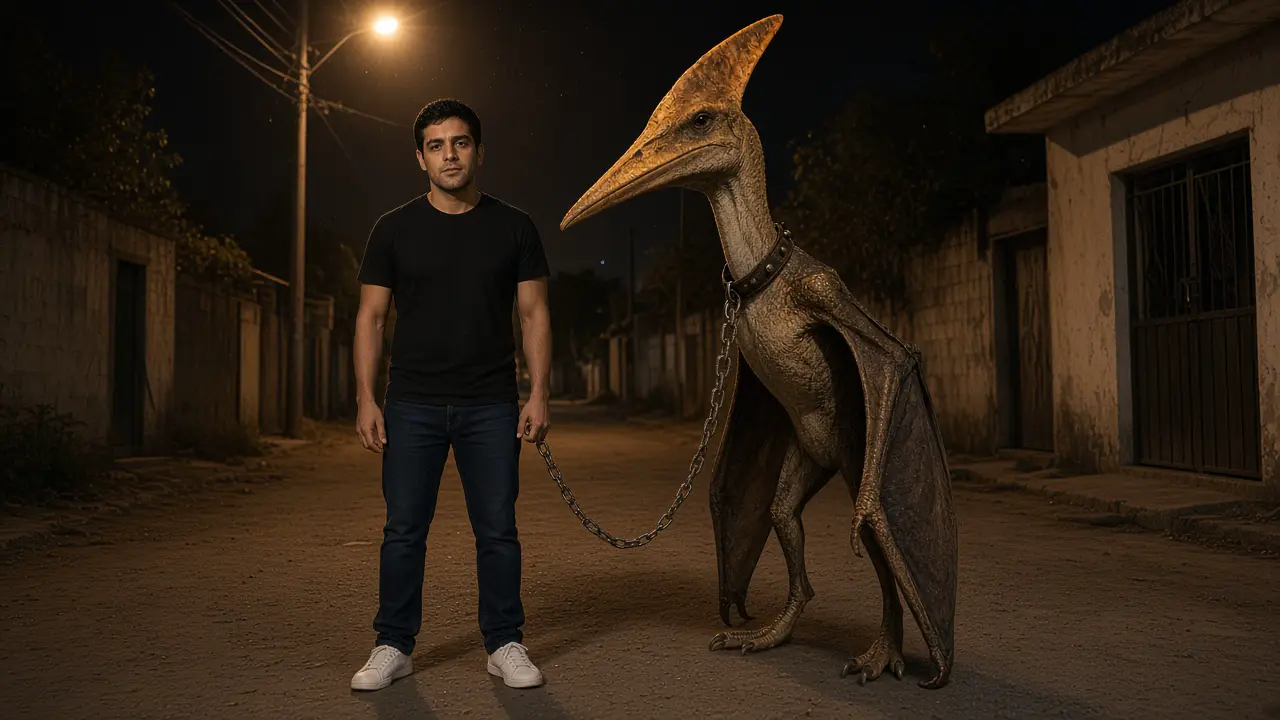 Video · How to Make a Mexico Pterodactyl AI Video: Chain, Wings, and a Thumbs-UpDraw the night stills in Paper Gen, keep one sodium grade, and let Seedance 2.5 flap, pull the chain, and land the thumbs-up. Say it is AI.
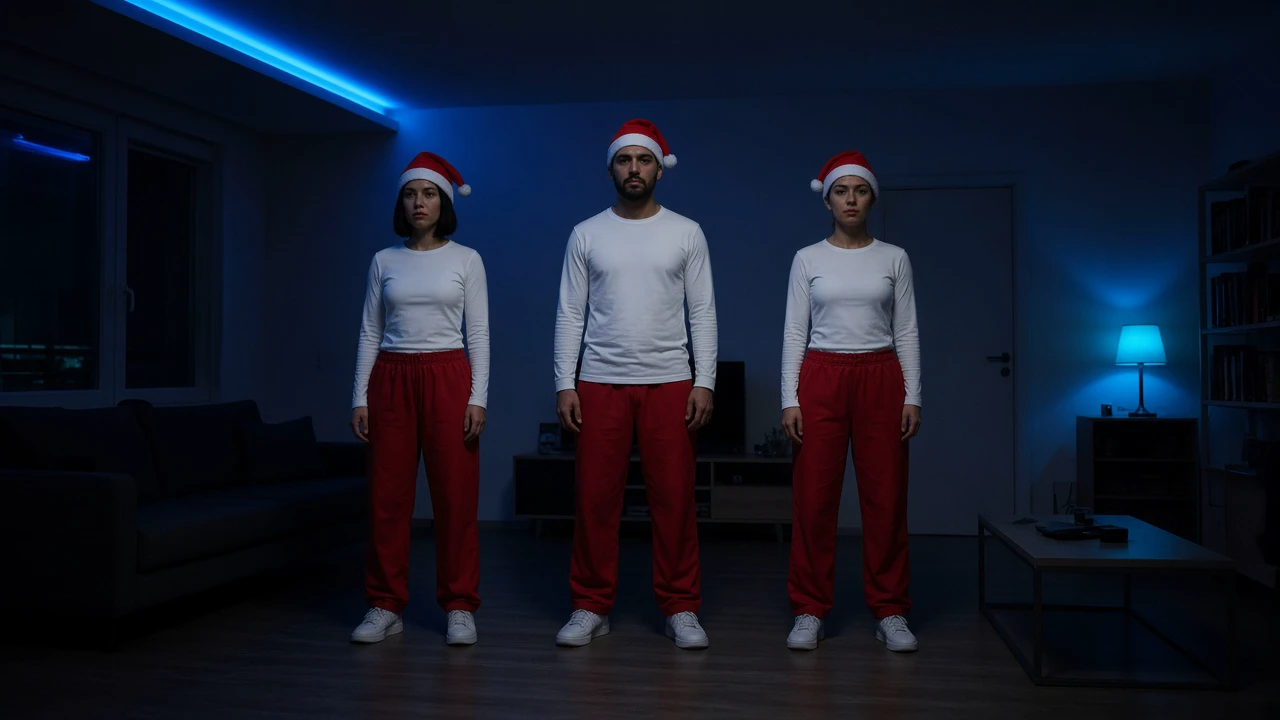 Video · How to Make a Jingle Bell Brazil Dance AI Video: Santa Hats, Blue Light, and the LineDraw the frozen line and the arm-cross in Paper Gen, hold the blue gel on the canvas, and let Seedance 2.5 cross the drop. Add the official sound yourself.
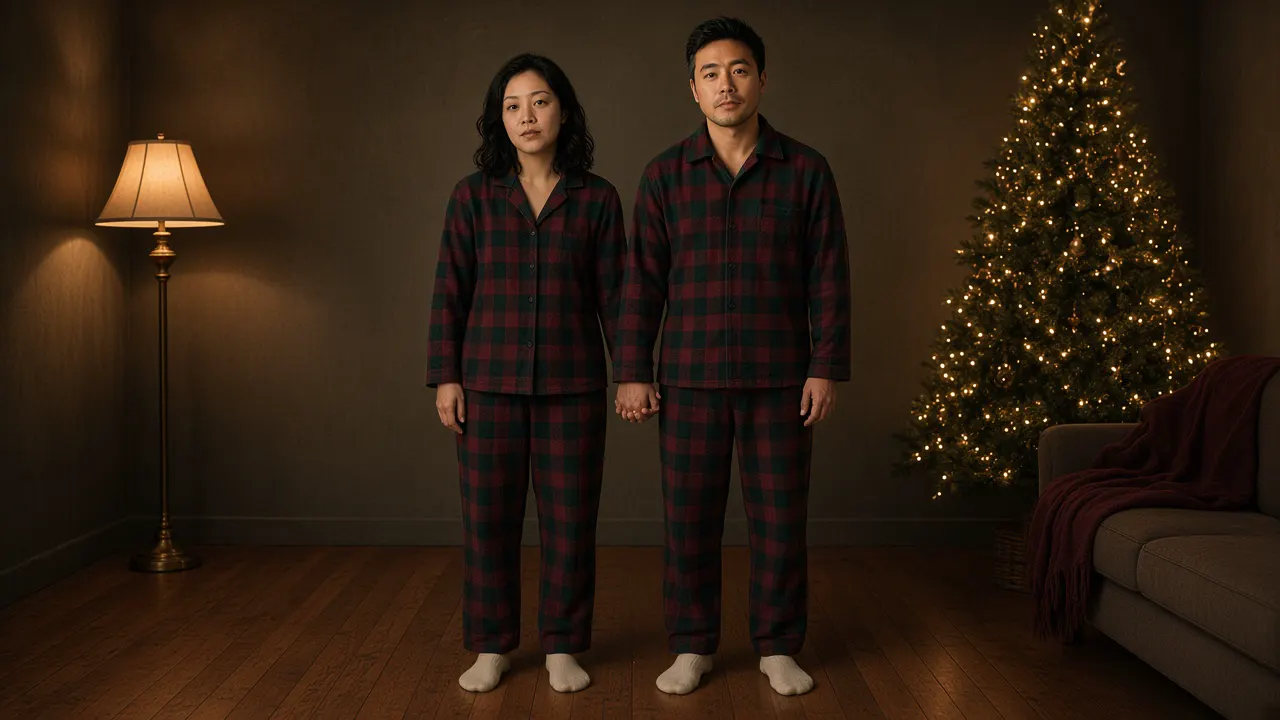 Video · How to Make a Snowman Dance AI Video: Spin, Tree, and PiggybackMake a Snowman Dance AI video: lock two adults, spin by the tree, then a piggyback walk-up. Add only audio you have the rights to use.
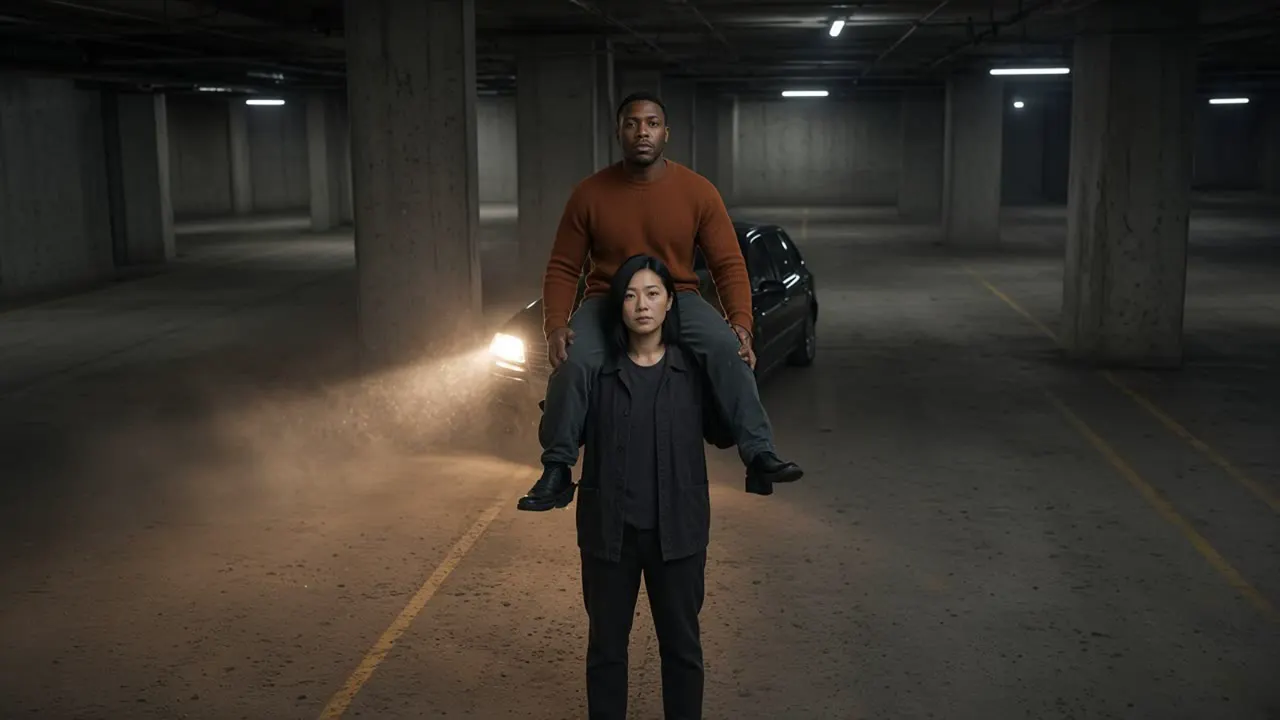 Video · How to Make a Shoulder Carry AI Video: Lift, Flip, and Lean InLock two adults in Paper Gen, hold the car-park light on the canvas, and let Seedance 2.5 cross the shoulder carry into the close-up.
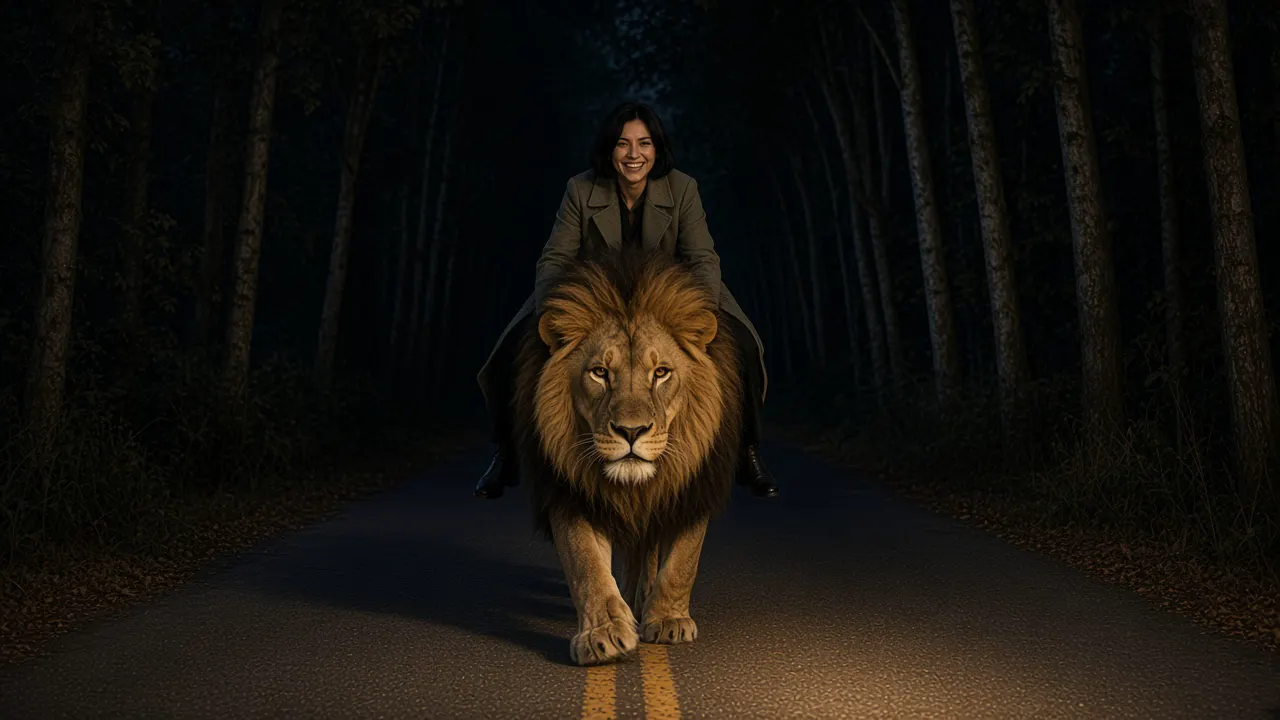 Video · How to Make a Riding Lion AI Video: Night Road, Roar, and RideDraw the night-road stills in Paper Gen, hold one grade on the canvas, and let Seedance 2.5 carry the roar, the pat, and the ride.
 Video · Seedance 2.5 Flash: Draft Fast, Finish on Seedance 2.5Seedance 2.5 Flash launched 12 Nov 2026, about twice as fast, ~0.99 CNY/s at 720p. Not in VibePaper. Draft the walk at 480p, then finish at 720p.
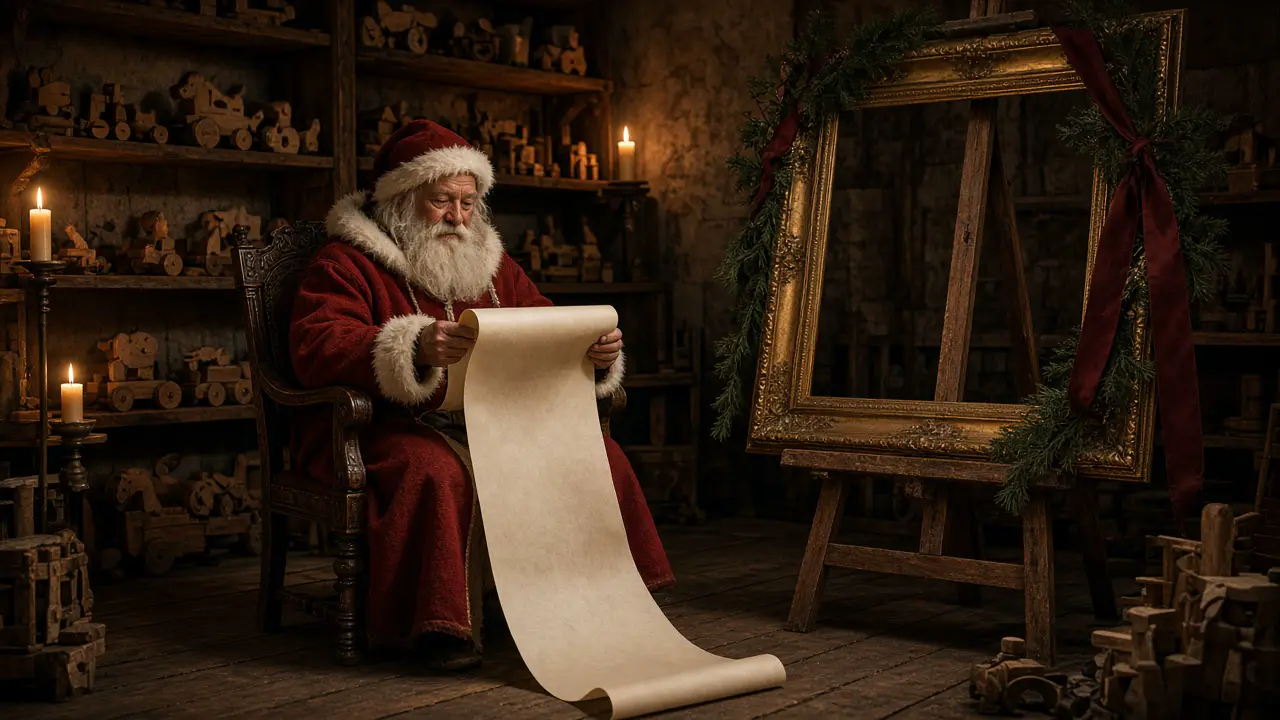 Video · How to Make an AI Santa Video: Nice List, Camera, and SleighDraw the Santa nice list stills in Paper Gen, grade them on the canvas, and move them in Seedance 2.5. The camera clip and sleigh use the same path.
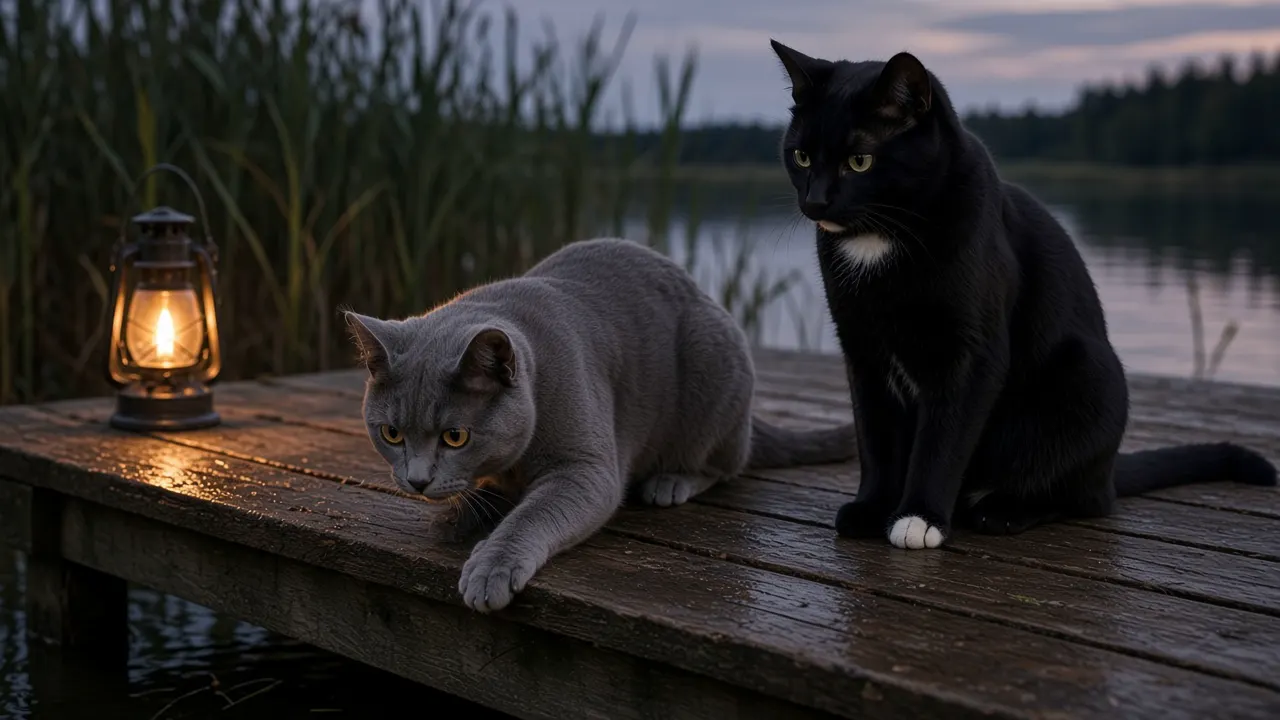 Video · AI Pet Video: Build a Cat Story SeriesLock two cats, then animate four shots. Seedream 5.0 stills, Seedance 2.5.
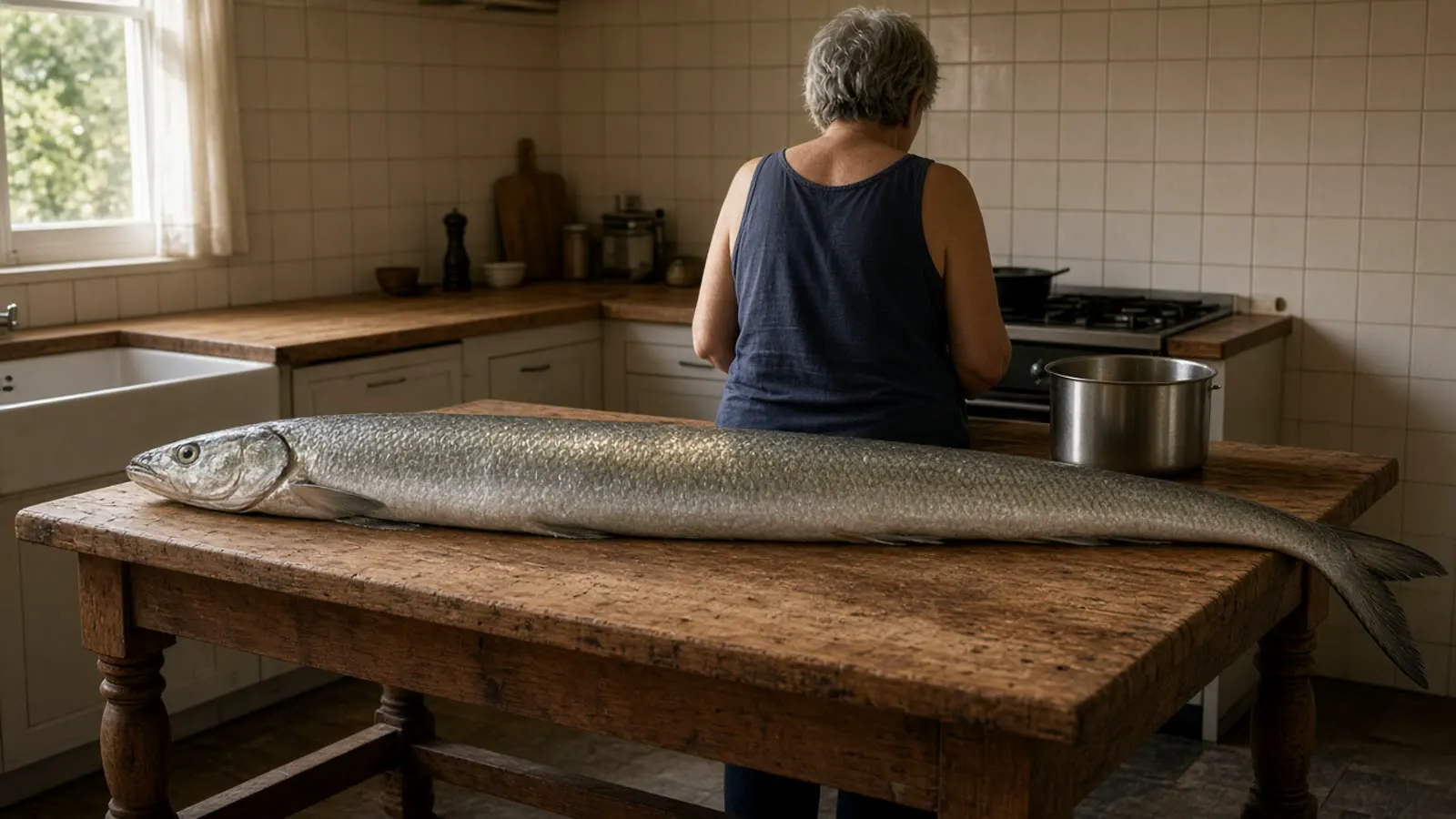 Video · Grandpa Giant Fish AI Trend: Make the Photo-to-Video Beats YourselfNovember 2026 photo-to-video beats in VibePaper, from a photo you can use. Seedream 5.0, then Seedance 2.5.
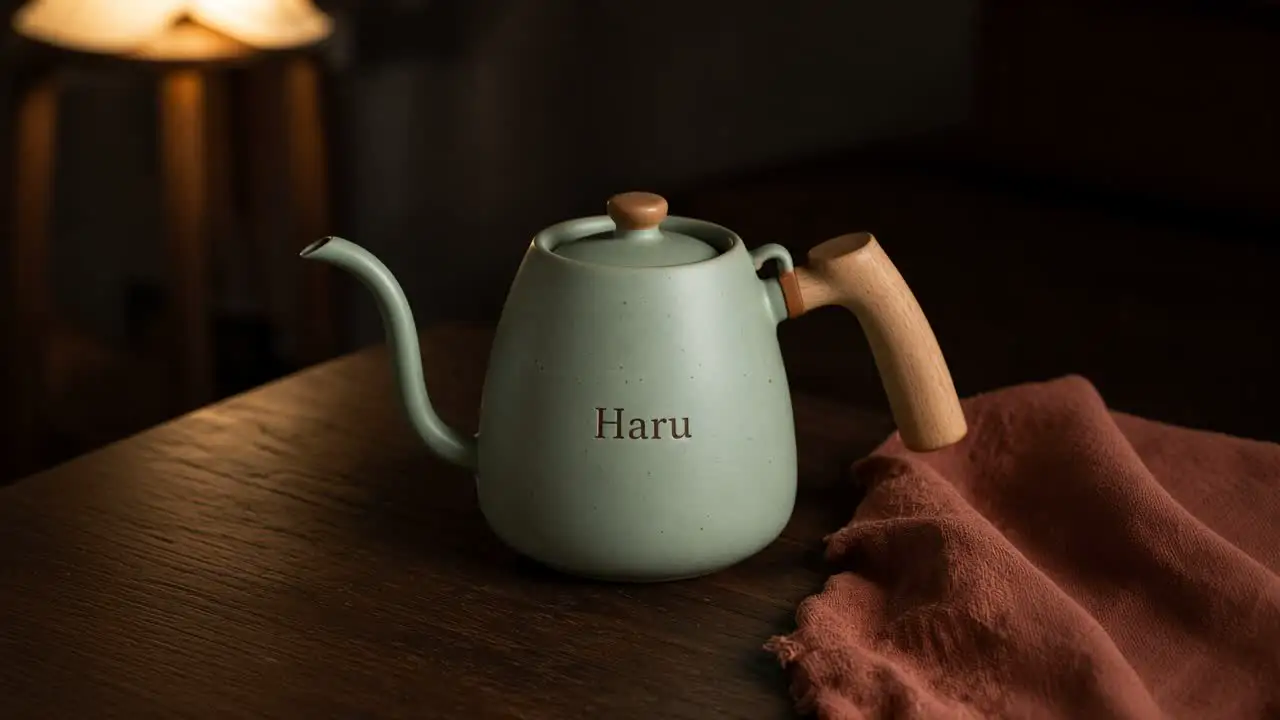 Video · Double 11 AI Product Ad Video: Keep the Product Identical Across ShotsLock one kettle across a Double 11, Black Friday, or Cyber Monday ad. Paper Gen stills, one canvas grade, then Seedance 2.5.
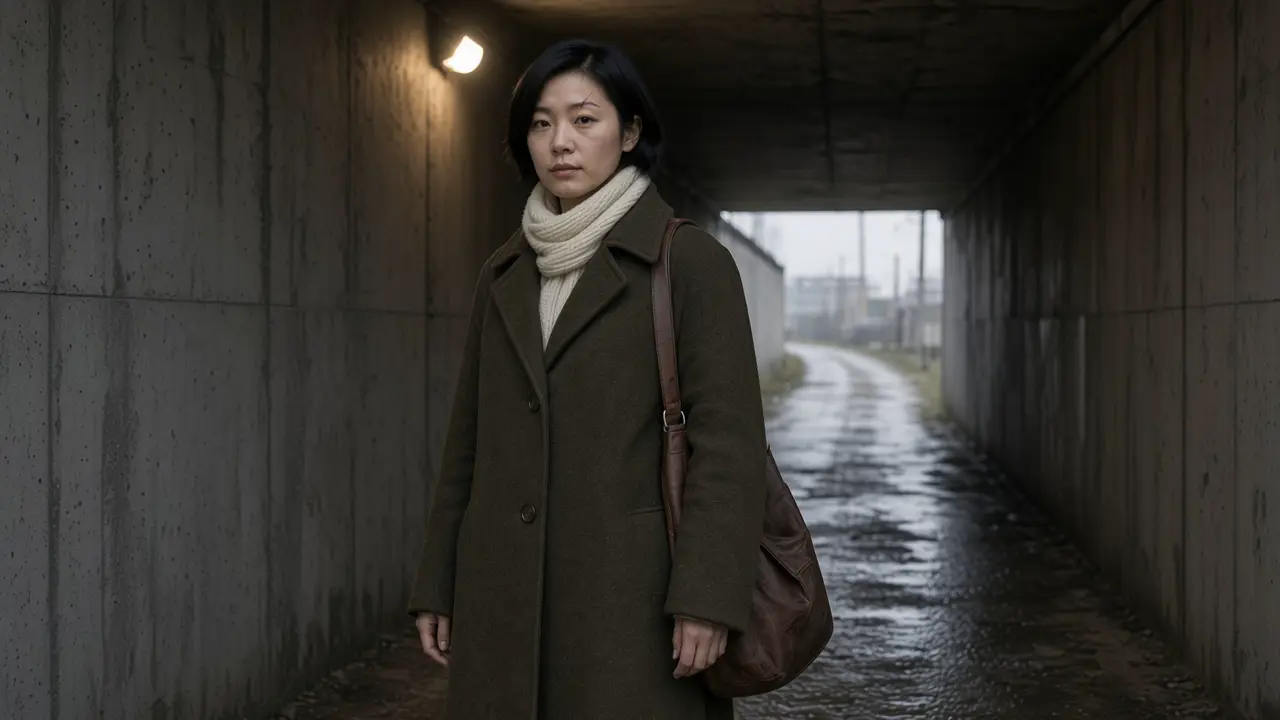 Video · Luma Character Sheet Habit: Keep One Character Across AI Video ShotsLuma Character Sheet arrived 4 Nov 2026. It is not in VibePaper. Lock stills in Paper Gen, grade on the canvas, then move one character in Seedance 2.5.
 Video · Kling 4.0 Flash: Draft the Shot Cheap, Then Finish ItKling 4.0 Flash opened to everyone on 4 Nov 2026 as a 720p draft. It is not in VibePaper. Draft on Seedance 2.5, branch Kling 3.0 Omni, then finish.
 Video · AI Lyric Video Storyboard: Beat Stills to Canvas to SeedanceMark beats on a song you own, draw each still in Paper Gen, grade the row on the canvas, then move it in Seedance 2.5.
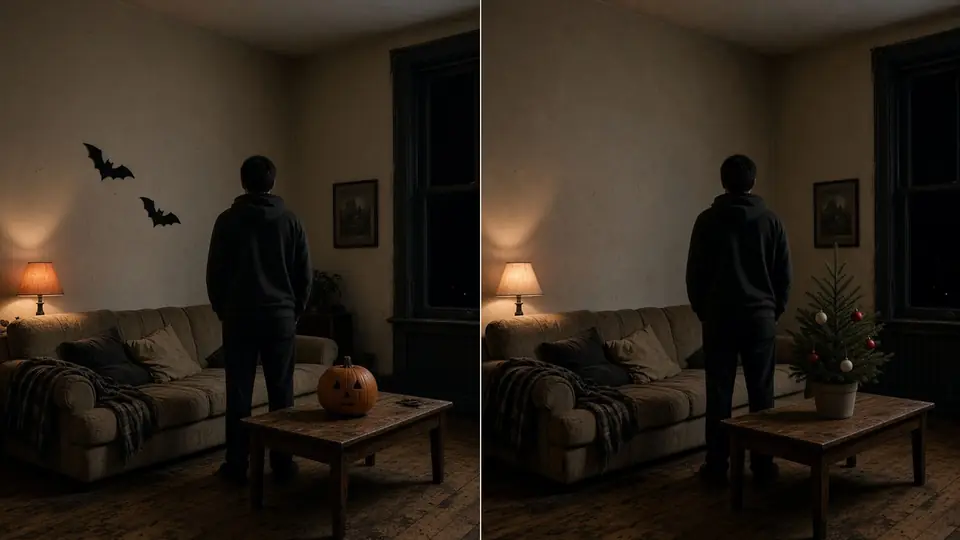 Video · Halloween to Christmas AI Transition VideoMatch a Halloween keyframe to a Christmas one in Paper Gen, line them up on the canvas, then cross with Seedance 2.5.
 Video · Pika H3 Flex: First and Last Frame Video with SoundKeyframe a clip the way Pika H3 Flex does: two stills in Paper Gen, a grade on the canvas, then Seedance 2.5 with sound.
 Video · Higgsfield Cinema Studio 4.0: A Multi-Shot Director WorkflowCinema Studio 4.0 sets the shot before you generate. Plan it on VibePaper: stills in Paper Gen, grade on the canvas, motion in Seedance 2.5.
 Video · Image to Video AI: Let the Still Do the Heavy LiftingA working guide to image to video AI: which photos animate well, why you should write only the motion, and where first and last frame control earns its keep.
 Video · Video to Video AI: Is Your Footage Worth Restyling?Before restyling a clip into anime, cartoon or 3D, check the footage will survive it: Restyle Studio upload limits, the storyboard check, and what to fix first.
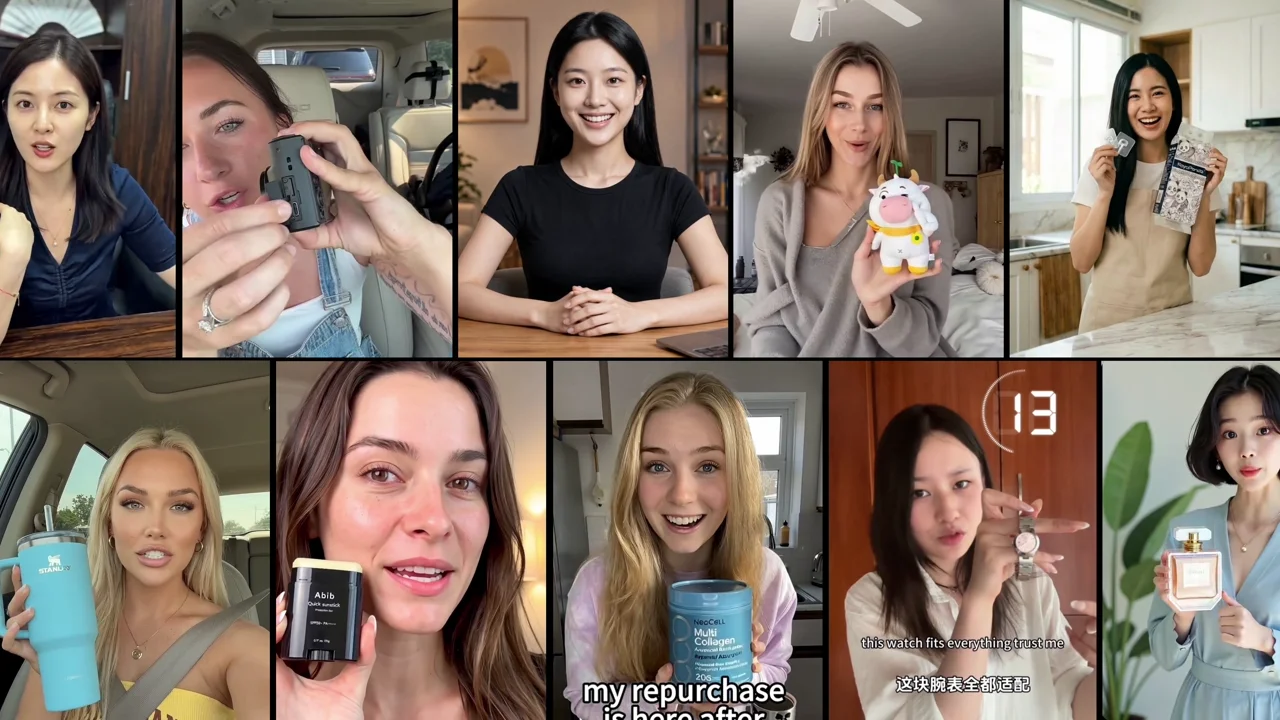 VideoCreate a talking avatar video with HeyGenConnect a portrait and a voice track on one canvas, then turn them into a synchronized avatar video.
Image
Prompts taken apart line by line, and when a reference does the job better.
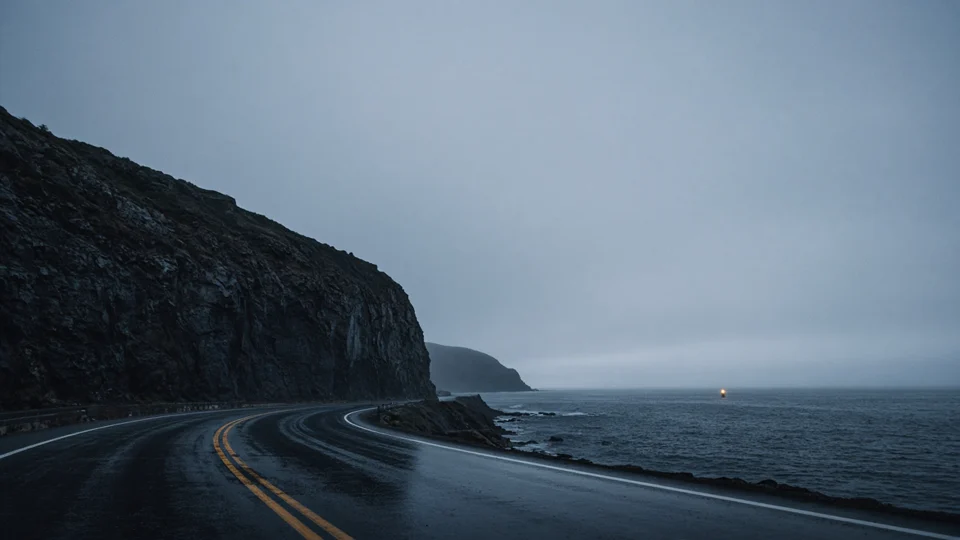 Image · Genie 4 World Wallpapers: Make the Still While You WaitGenie 4 is a research preview. While you wait, make the photoreal world still in Paper Gen on Seedream 5.0, then grade it on the canvas.
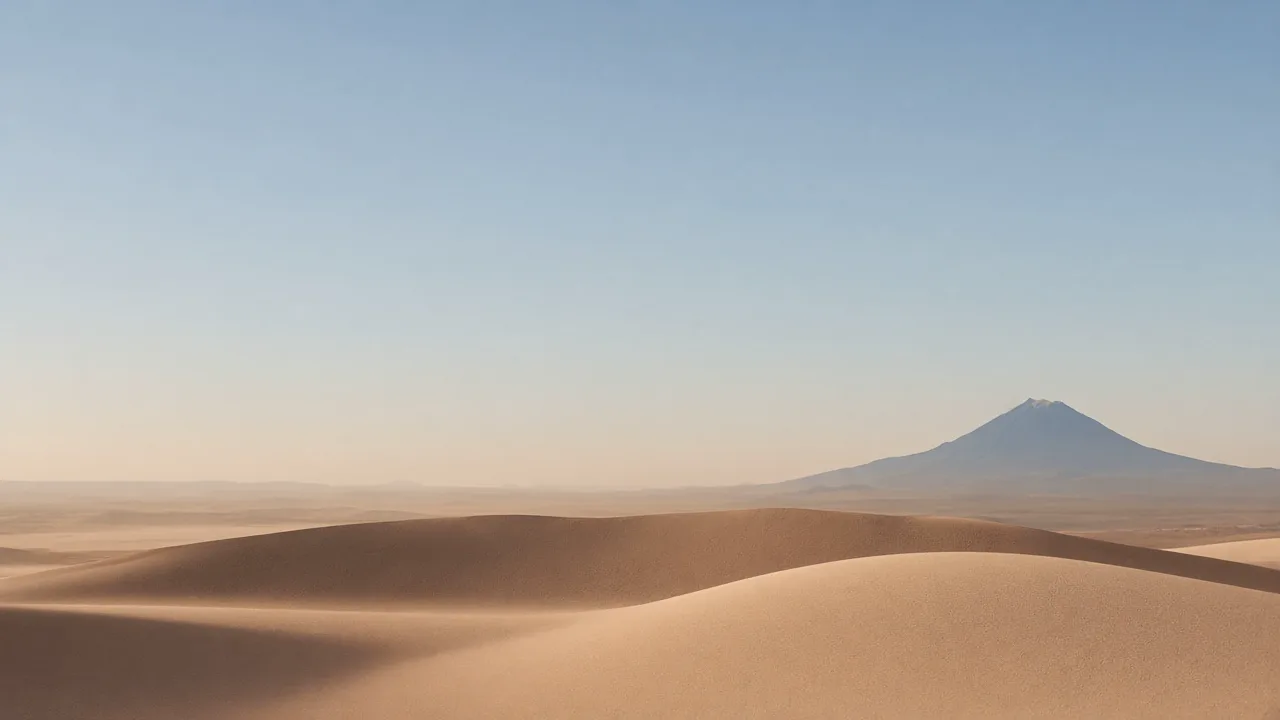 Image · iPhone Duo Wallpapers for a Lock Screen That Moved Its ClockiPhone Duo reached stores on 23 October 2026. Original dune lock screens for the 5.4-inch cover and 7.6-inch inner display, with the side clear for the clock.
 Image · Halloween Wallpapers for the Last Saturday in OctoberSaturday is Halloween. Finish the lock screen in Paper Gen on Seedream 5.0, 9:16. On the canvas: Dark Fairy Tale, Ghibli, Dark Gothic, Japanese School Horror.
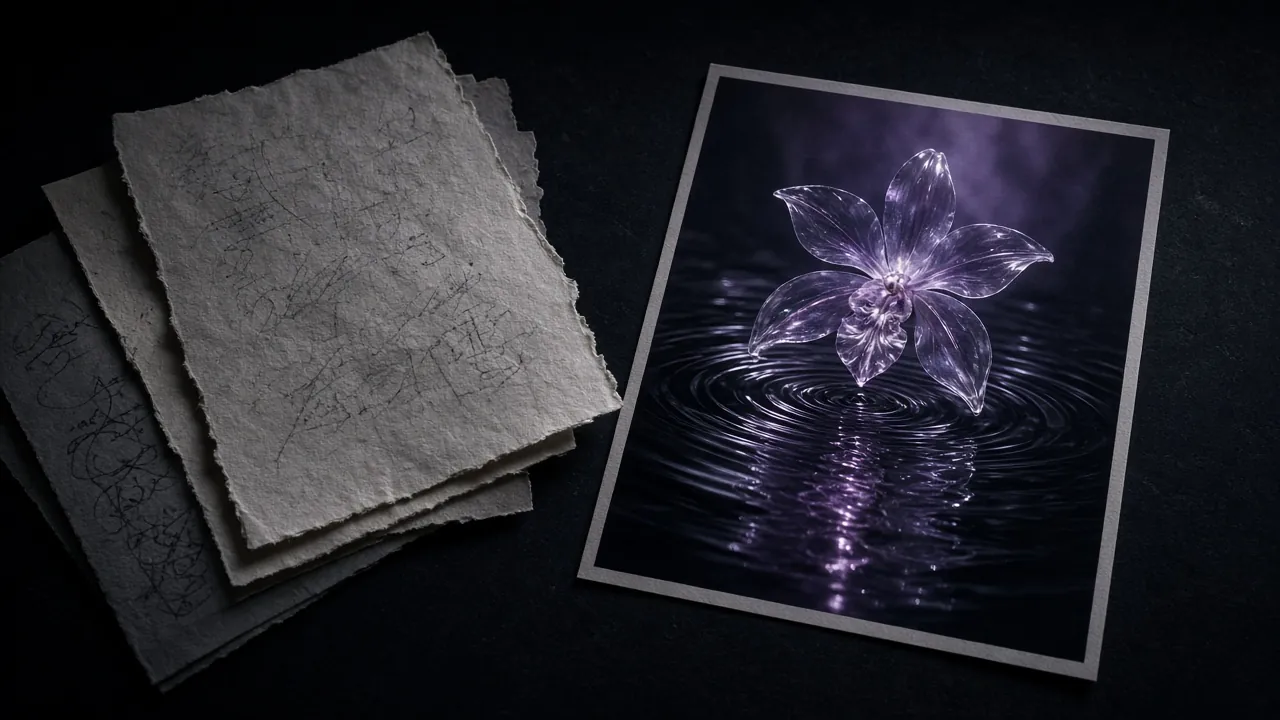 Image · AI Image Prompts, Taken Apart Line by LineAn AI image prompt guide built on one real prompt: what each phrase does, habits to drop, and when a reference image beats more words.
 Image · AI Face Swap Online: Why Swaps Look Fake, and How to Fix ItMost bad face swaps come down to the photos, not the tool. Source photo rules, matching angle and light, and what to do with the result.
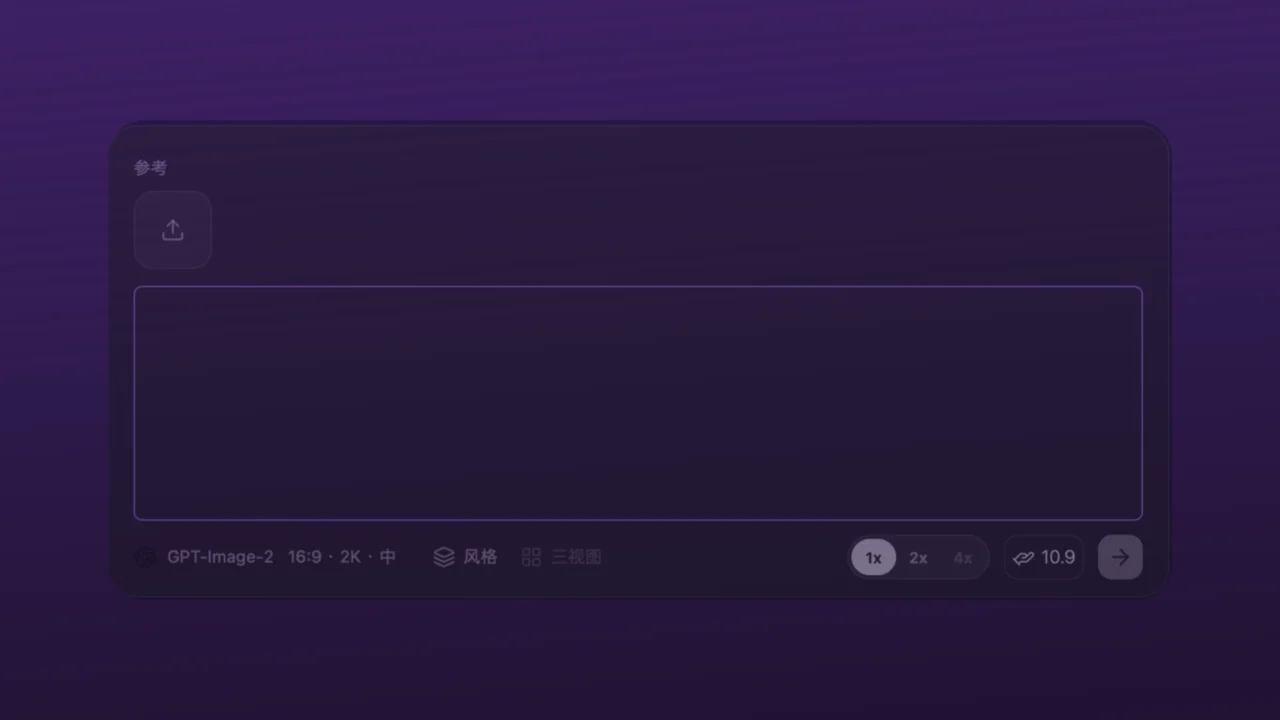 ImageBuild a consistent visual language with style templatesLearn how to apply reusable image styles on the VibePaper canvas without repeatedly tuning long prompts.
Workflow & Canvas
How projects actually move: branches, templates, batches and the CLI.
 Workflow · Personal AI Agent Guide: Set Up Velic to Search and CreateSet up Velic, the personal AI agent in VibePaper Paper Chat: name it, pick a model, then let it search the web, read files, make images and run canvas jobs.
 Workflow · Canva Craft Plans the Picture. Keep the Plan on the Canvas.Canva Craft, out 22 Oct 2026, plans a layout before pixels. Keep that plan on VibePaper: one brief, five image models, and one steam shot.
 Workflow · API Key Leaks and Billing Abuse: Lessons for AI AppsWhat happened at OpenCode, why REA makes client-side keys public, what Render learned, and a hardening checklist against stolen API credits.
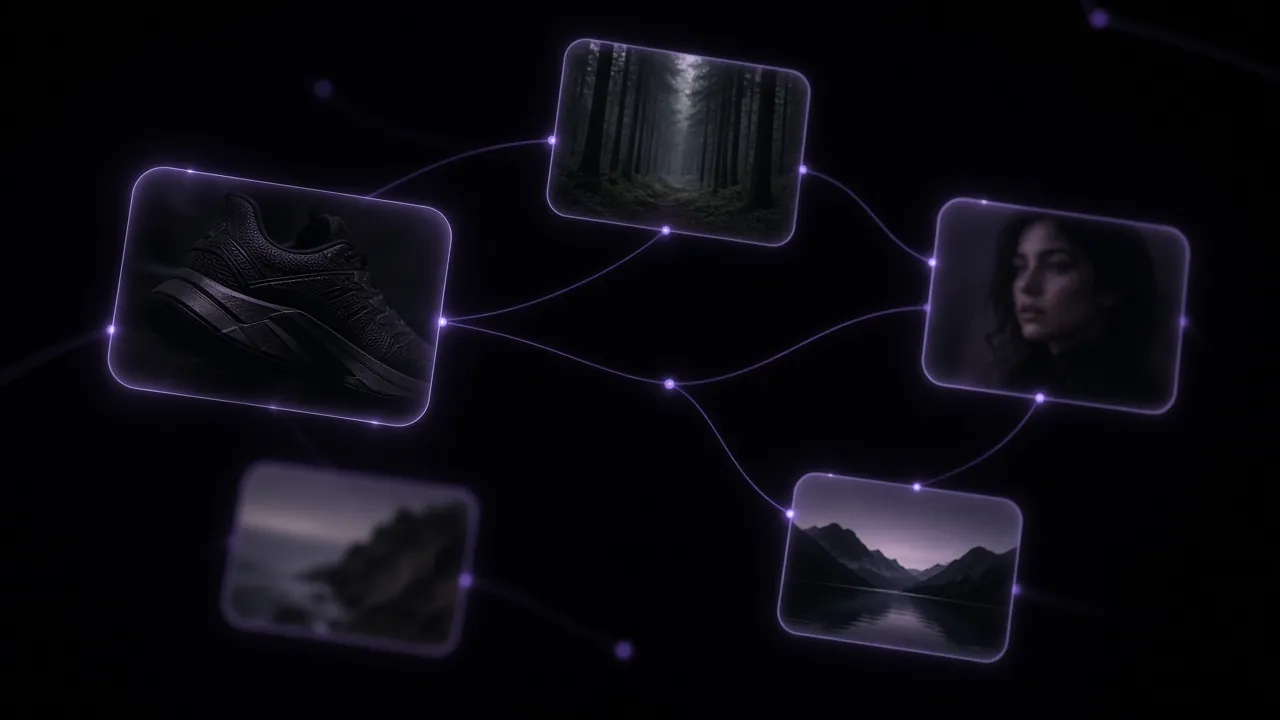 Workflow · AI Canvas Workflow: Why I Stopped Generating in ChatAn opinionated look at the node-based AI canvas: one sneaker campaign from first prompt to branches, comparing models side by side, and when it is overkill.
 Workflow · Skills, Templates and PaperTV: How to Borrow a Starting PointA blank prompt box is a bad place to start. Use PaperTV for reference, a Template or Skill as scaffolding, then make the result your own on the canvas.
 Workflow · VibePaper CLI: AI Image and Video from the TerminalInstall the VibePaper CLI from npm, sign in, run a generation, then batch a prompt file with a five-line shell loop. Plus when the browser still wins.
Models
Plain-language briefs on the models you can pick in VibePaper.
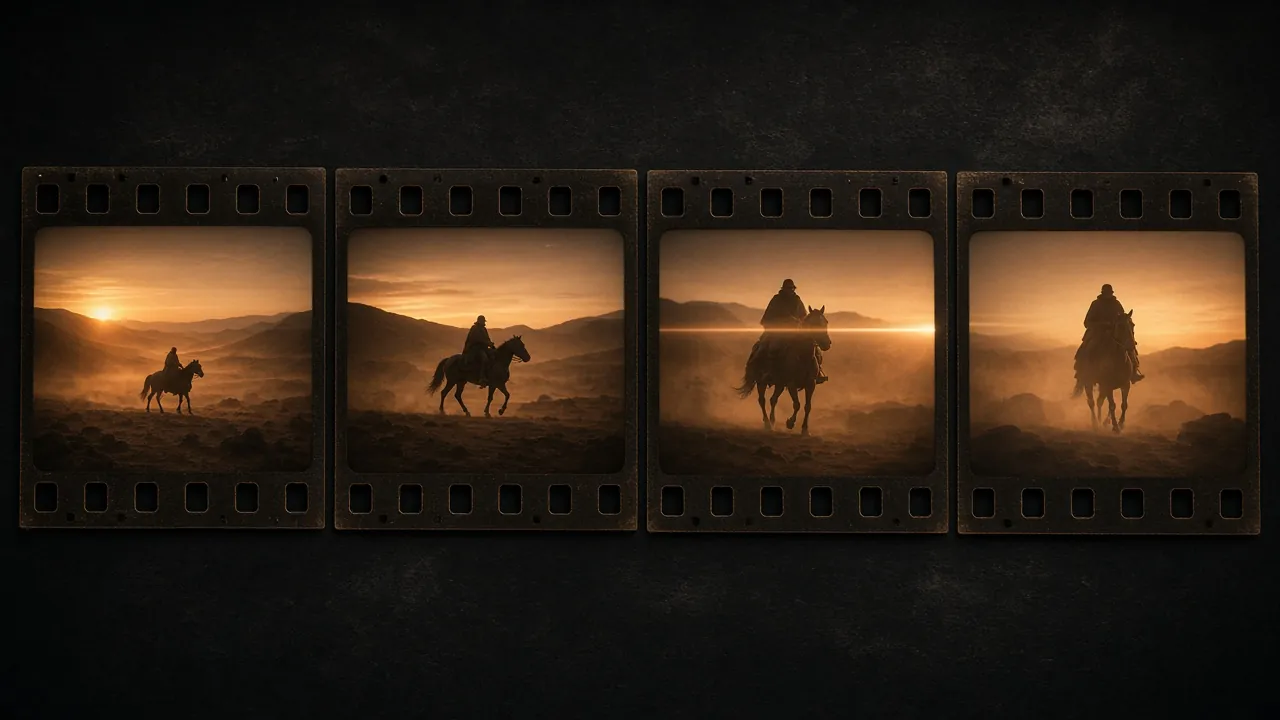 Models · Seedance 2.5 Prompt Guide: A Four-Shot Storyboard, AnnotatedPrompting Seedance 2.5 for story work: a four-shot sequence in full, keeping one character on model with references, and what breaks continuity.
 ModelsMiniMax H3: One model for sight, sound, and motionExplore MiniMax’s open general-purpose video model for multimodal direction, native stereo audio, and output up to 2K.
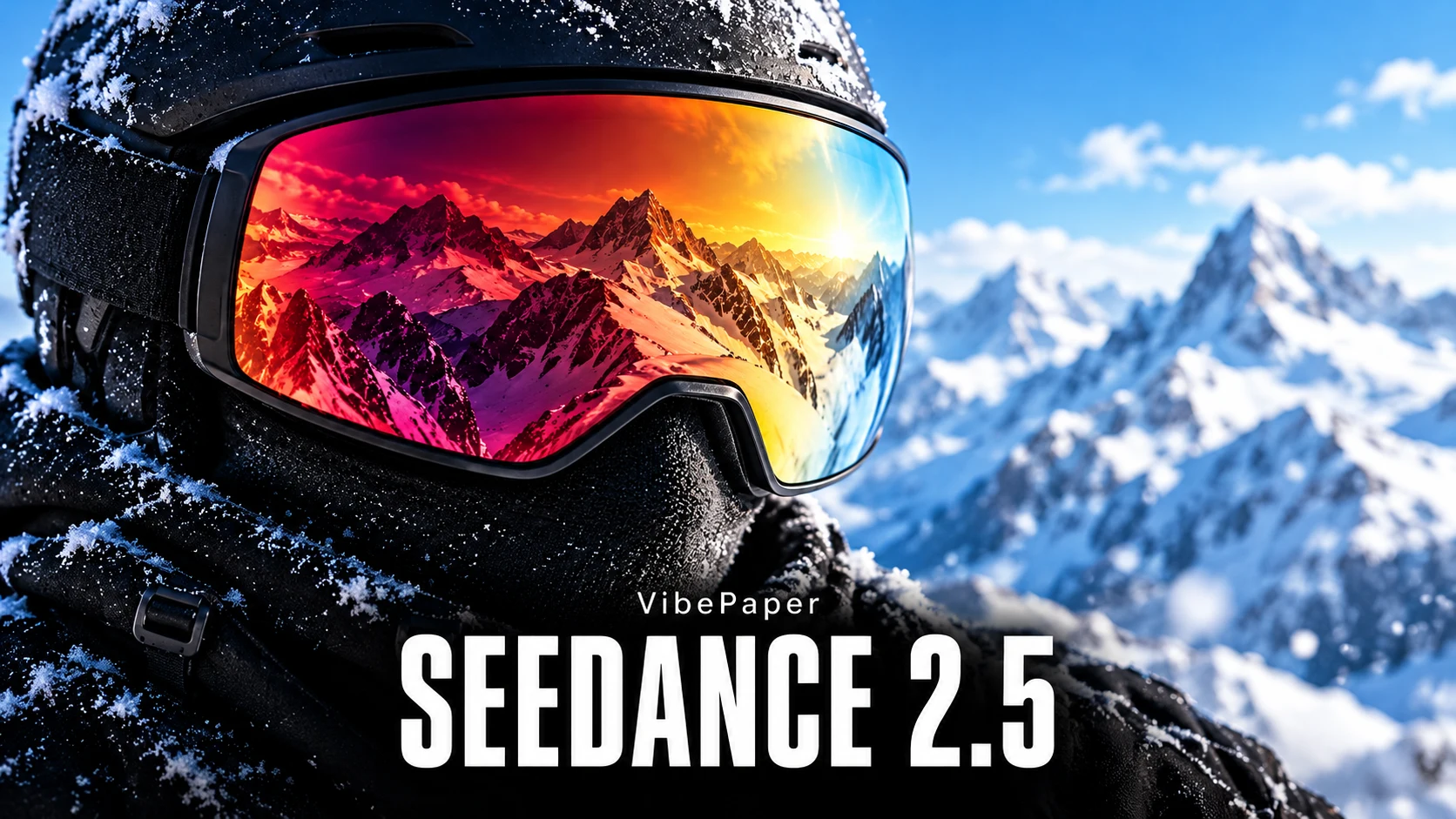 ModelsSeedance 2.5: A complete video workflowExplore ByteDance Seed’s new video model for 30-second audiovisual stories, multimodal references, and targeted editing.
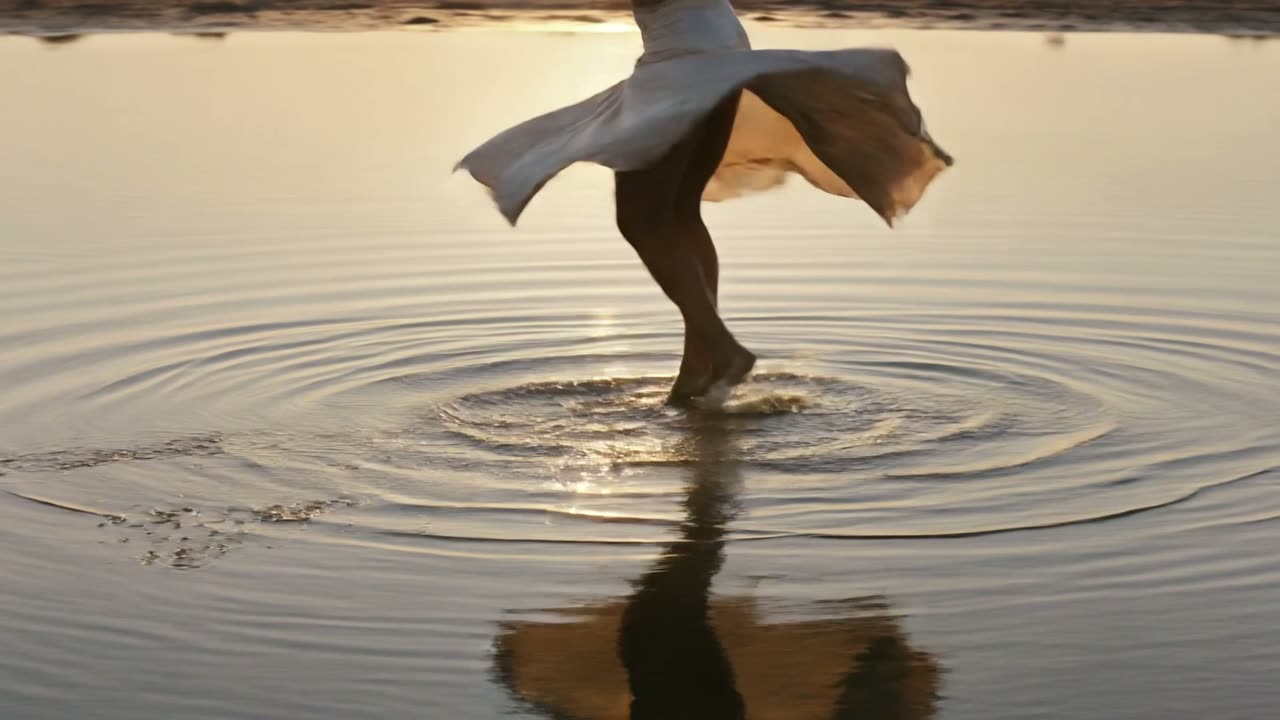 ModelsKling 3.0: Cloth, hair, and water that behaveExplore Kling 3.0 for video where physics matters: cloth, hair, water, and a car leaning into a corner, with reference images that keep a character on model.
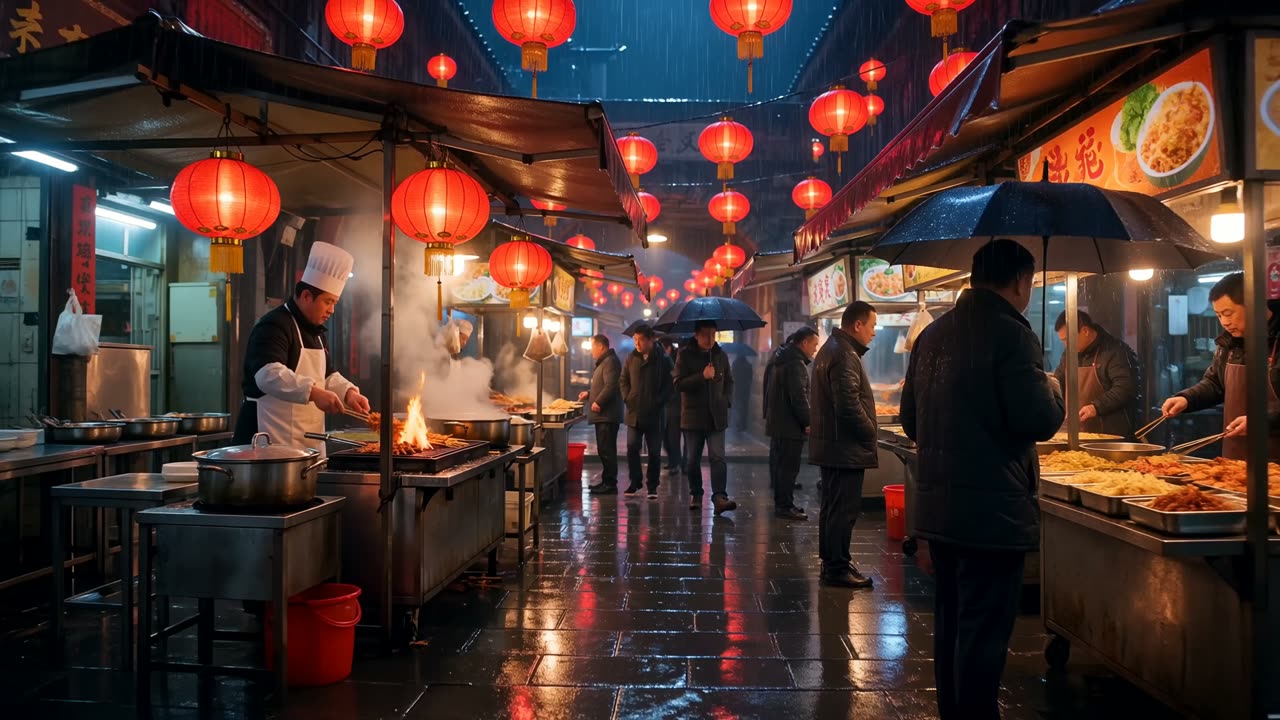 ModelsWan 3.0: Full HD one-take scenes with soundExplore Wan 3.0 for longer one-take shots at 1080p with sound, and image, video, and audio references that follow one character through the shot.
Product updates
What changed in VibePaper, and why we built it that way.
 Workflow · Introducing VibePaper 2.0: A new way to createVibePaper 2.0 puts node-based image and video creation, detailed design and Paper Agent in one project, from film and ad assets to finished posters.
 Workflow · Template Plaza: a starting point for your next creationDiscover what VibePaper Template Plaza is, why it exists, how creators can use it, how templates become editable canvases, and where the product can go next.