VibePaper CLI: AI Image and Video from the Terminal
Three commands get you from nothing to a generated image. A five-line loop gets you a whole folder of them. Here is both, and an honest note on when to close the terminal.
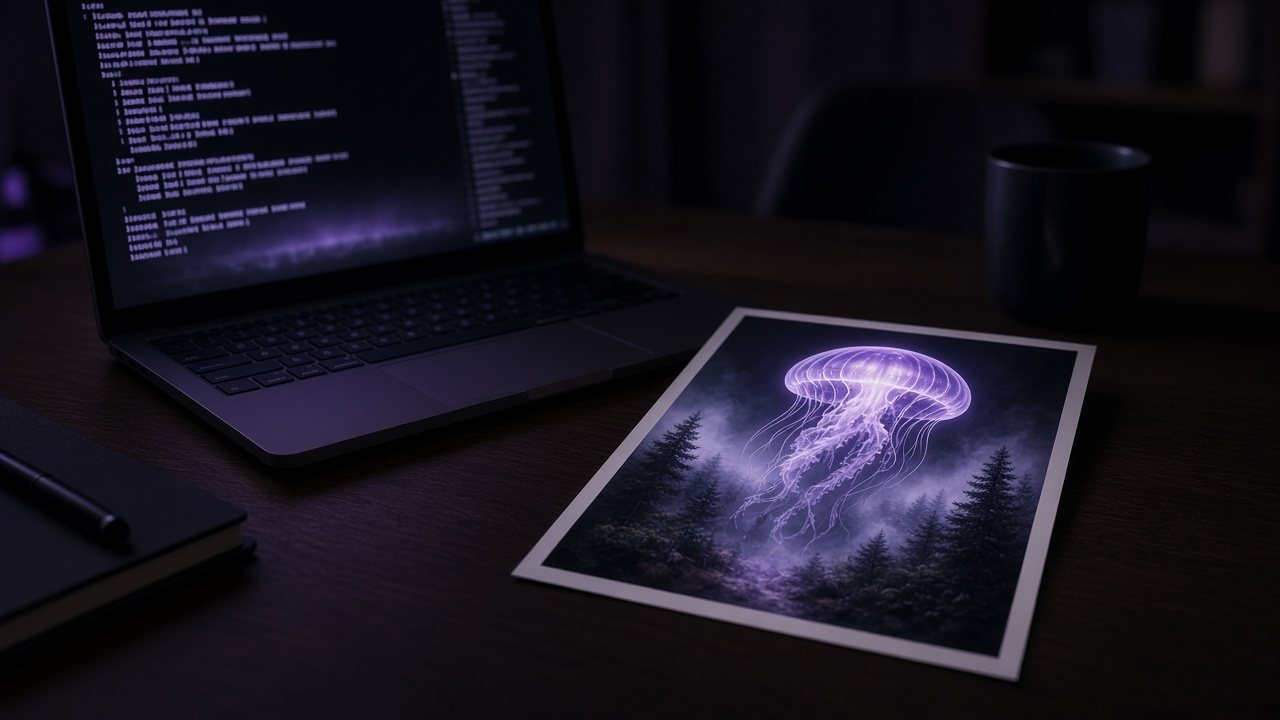
The VibePaper CLI runs the same generations as the browser, from your terminal or from a script. If you have ever generated forty variations by clicking forty times, this is for you.
Install and sign in
It is on npm. Install it globally, then sign in with your VibePaper account. Generations use the same account and credits as the web app.
npm install -g @vibepaper/cli
vibepaper auth loginYour first generation
vibepaper generate create z-image-turbo --prompt "a giant translucent jellyfish over a misty pine forest at dawn" --yes --waitTwo flags matter. --yes skips the confirmation prompt. --wait keeps the command running until the result is ready. Leave both off when you are poking around interactively; you want both in a script.
Batching a prompt file
Put one prompt per line in prompts.txt and loop over it:
while IFS= read -r prompt; do
  vibepaper generate create z-image-turbo \
    --prompt "$prompt" --yes --wait
done < prompts.txt
That is the whole trick. Because each call waits, the loop runs one generation at a time, which keeps things predictable and easy to stop with Ctrl-C.
When the browser is still better
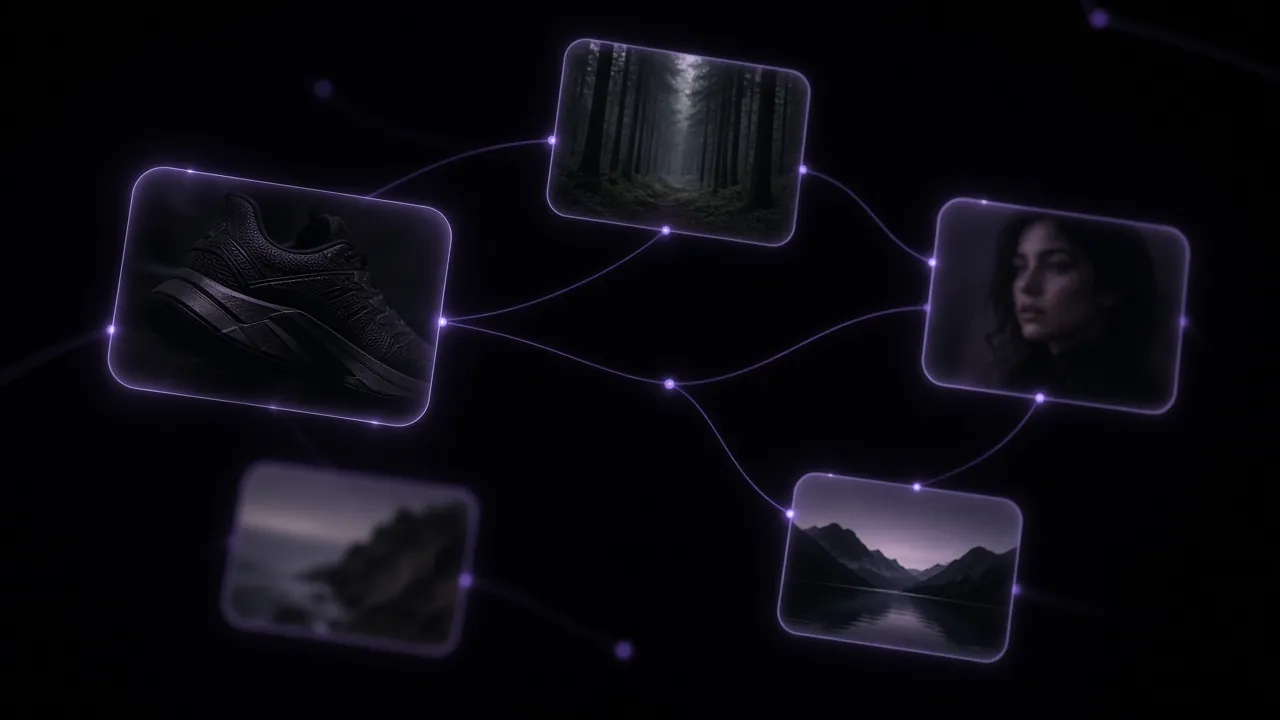
Exploration. When you do not know what you want yet, you need to see results side by side, branch, compare models. That is what the canvas is for. I use the CLI once a prompt is settled and the job is repetition.
Explore VibePaperThe canvas, Paper Gen and the rest of the workspace.Questions
How do I install the VibePaper CLI?
Run npm install -g @vibepaper/cli, then vibepaper auth login.
Can I run it unattended in CI?
Yes. Use --yes to skip confirmation and --wait to wait for each result.