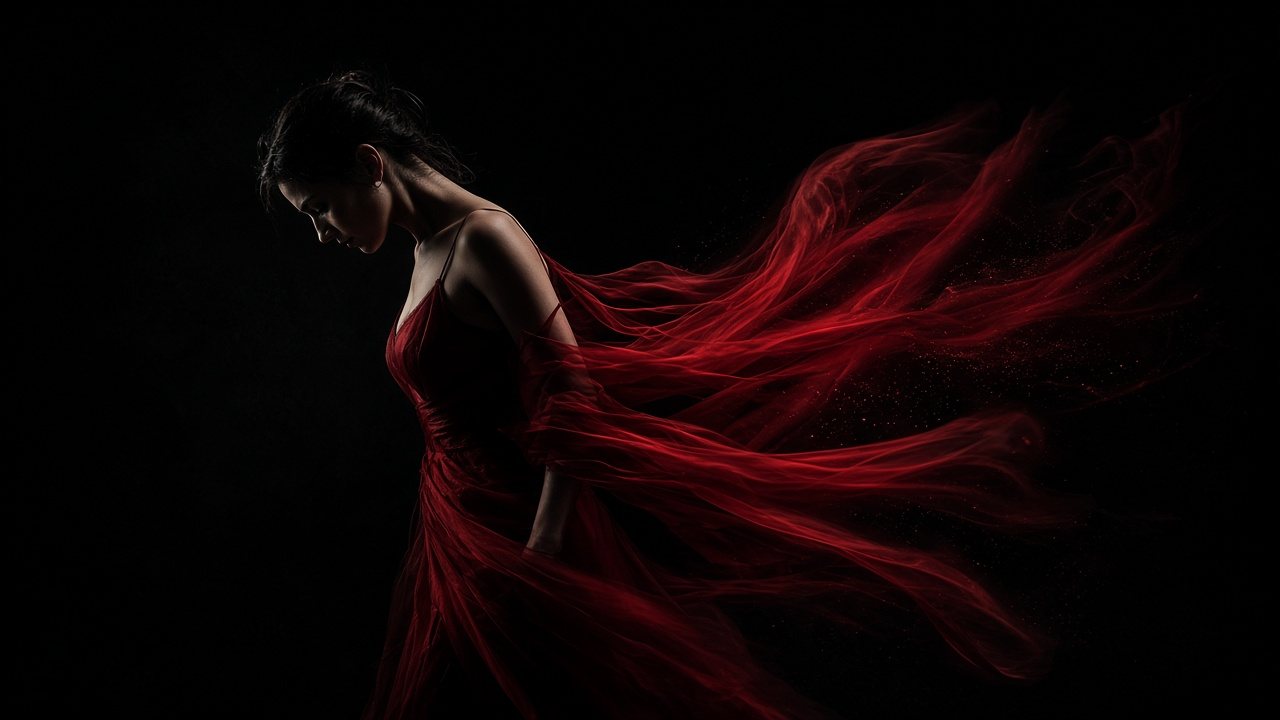
Gemini Omni 1.2 FlashAI video generator with sound
Up to 15 seconds in one scene, with speech, effects and music made in the same pass. Start from a prompt, two frames or your own references, then edit the take by talking to it.
No watermark. You see the price before you generate.
What it does
One model for the whole scene

A whole scene in one go, speech included
Two women at a cafe table, speaking Mandarin, laughing between lines. Gemini Omni 1.2 Flash plays the scene through for up to 15 seconds, so the glances, the lip movement and the clink of cups come from one pass instead of being stitched together afterwards.
Block it in 720p, finish it in 1080p or 4K
Test the timing, the framing and the camera move at a lower resolution while you save credits. When a take works, finish that one at 1080p or 4K. Full quality goes only to the shots you keep.
- 720p draft
- 1080p or 4K final

Cast it, dress it, then roll
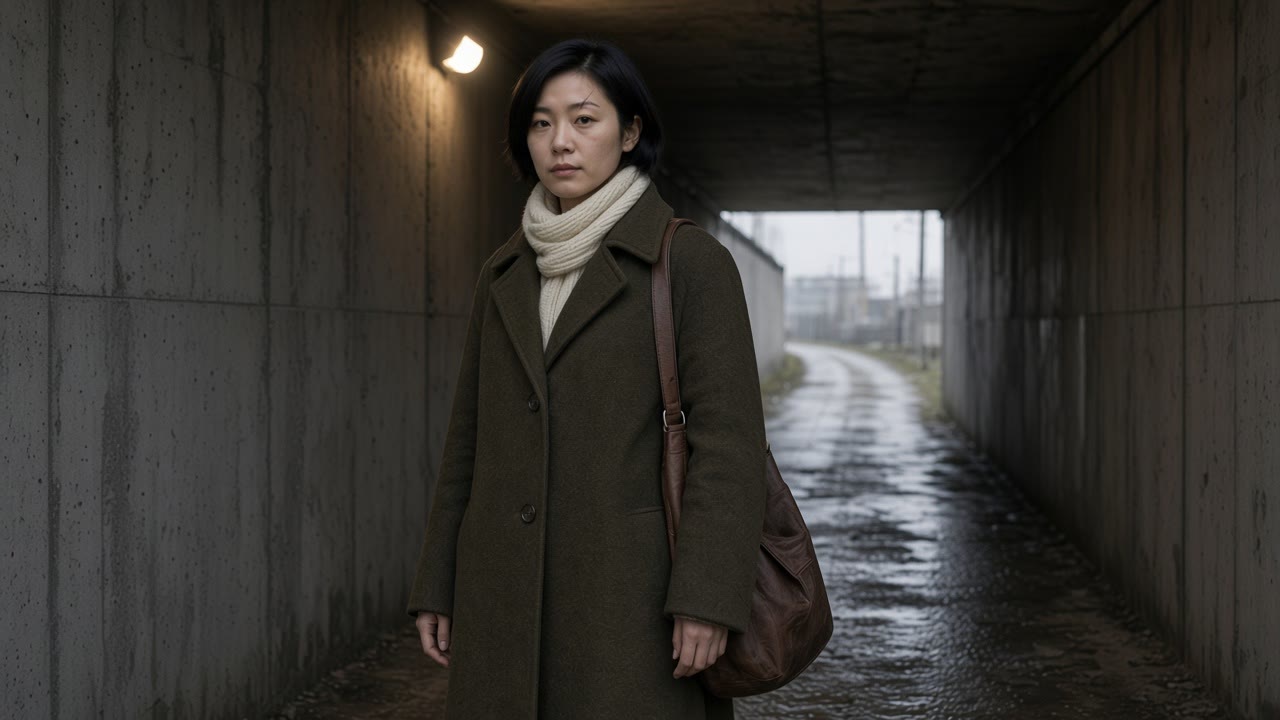
Upload a face, a coat, a pair of shoes and a street, and say in the prompt what each one is for. Omni 1.2 Flash keeps the same person and the same garment from the first frame to the last.
Start generating


Built for
Made for work that ships

Product ads. Lock the bottle from one photo, then pull a drop of serum through the light. The glass, the dropper and the soft light on the stone stay put.


Only in Omni
Change the take without starting over
Generate once, then ask for a change in the same chat. The person, the action and the camera stay; only what you named moves. Two follow-up messages turned a sunlit coffee bar into a rainy night, then put the barista in a red apron with sunflowers on the counter.
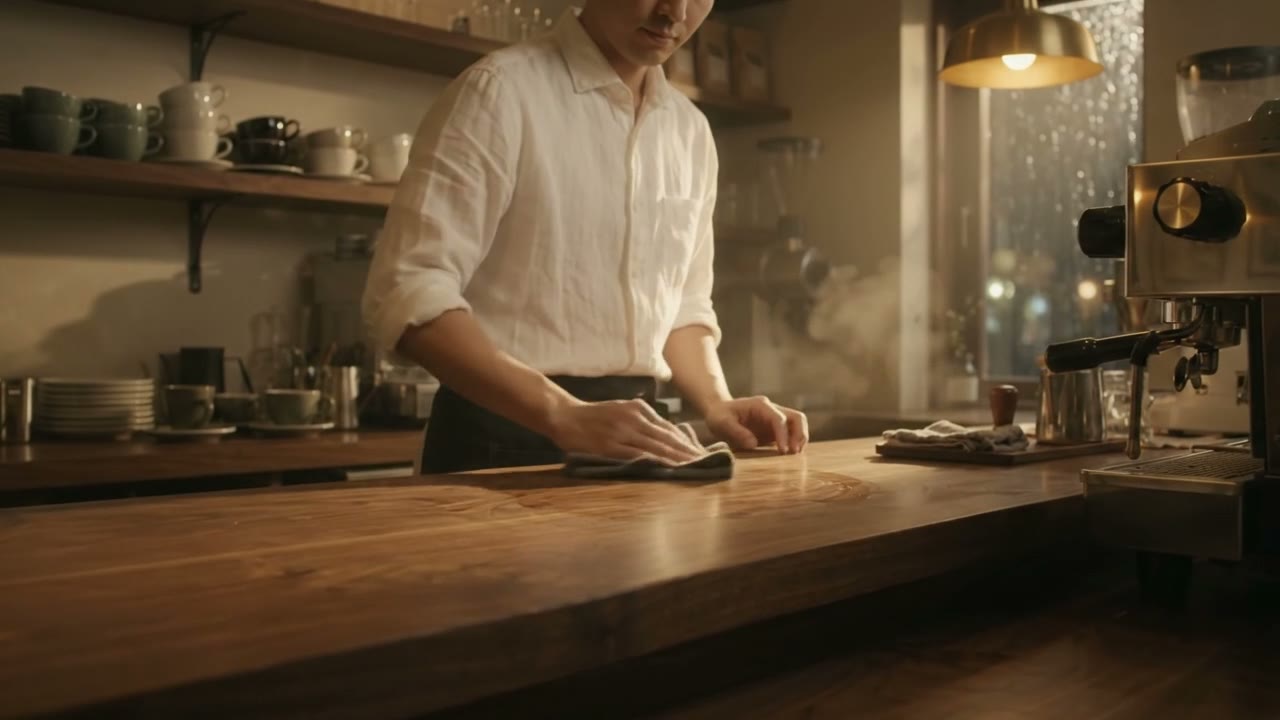 1Edit 1
What you type
Edit the attached video, keep everything else exactly the same: same coffee bar, same barista, same camera move and timing. Only change the time and weather: it is now a rainy night, with rain on the window and warm lamp light inside.
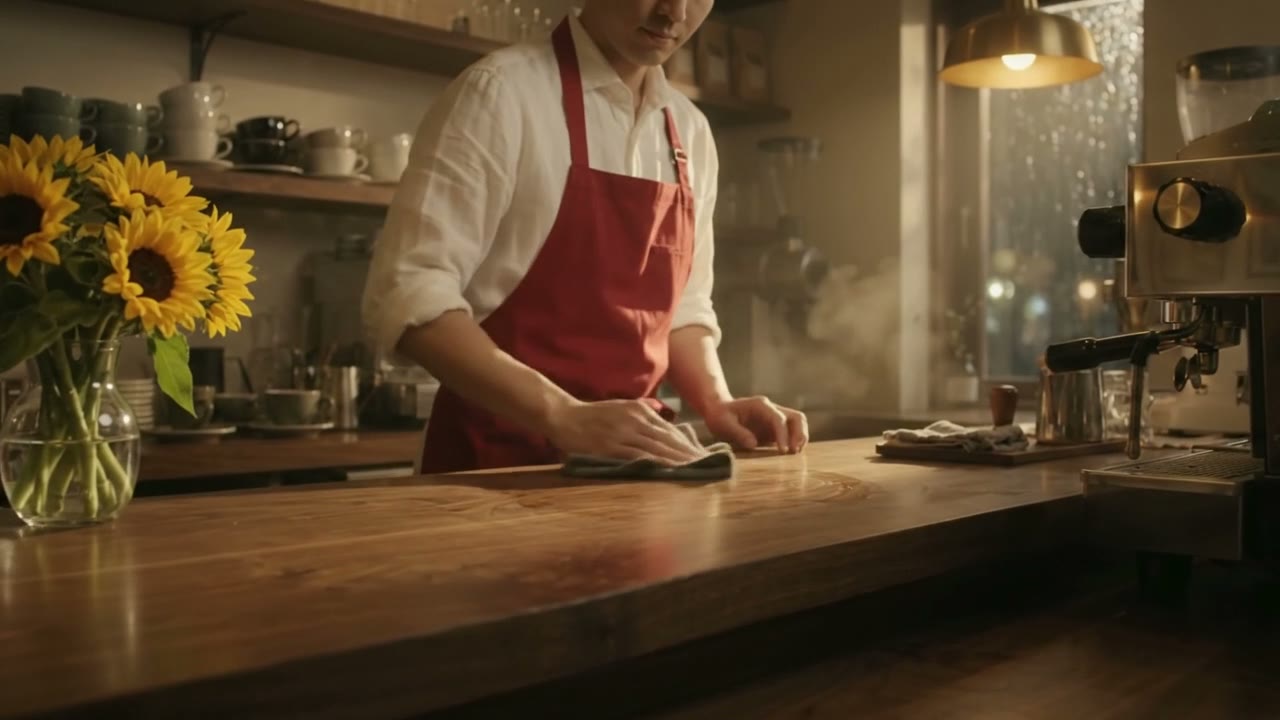 2Edit 2
What you type
Edit the attached video, keep the rainy-night scene. Only change two things: the barista now wears a red apron over the white shirt, and a vase of fresh sunflowers is added at the end of the counter. Nothing else changes.


Three ways to start
Start from words, frames or references
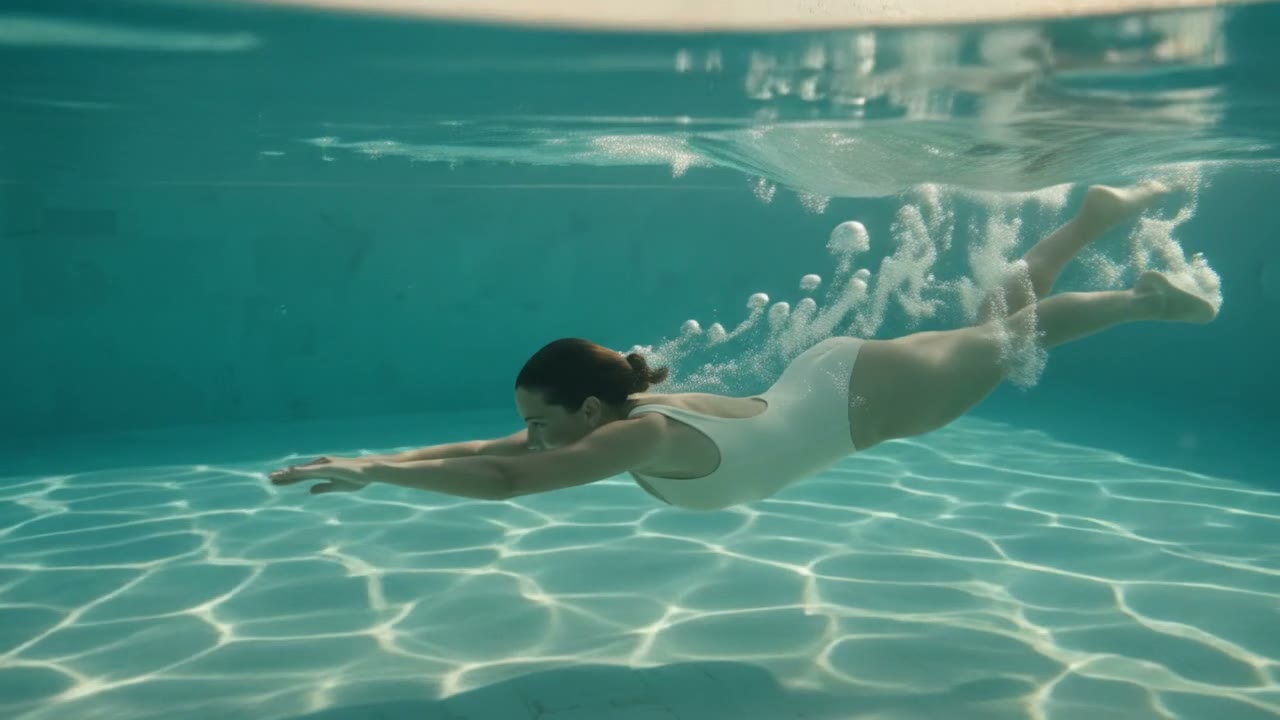
A prompt
Describe the pool, the dive and the sound of the water. No files needed.

First and last frame
Give it a closed bud and an open bloom, and it films the way from one to the other.

First frame 
Last frame 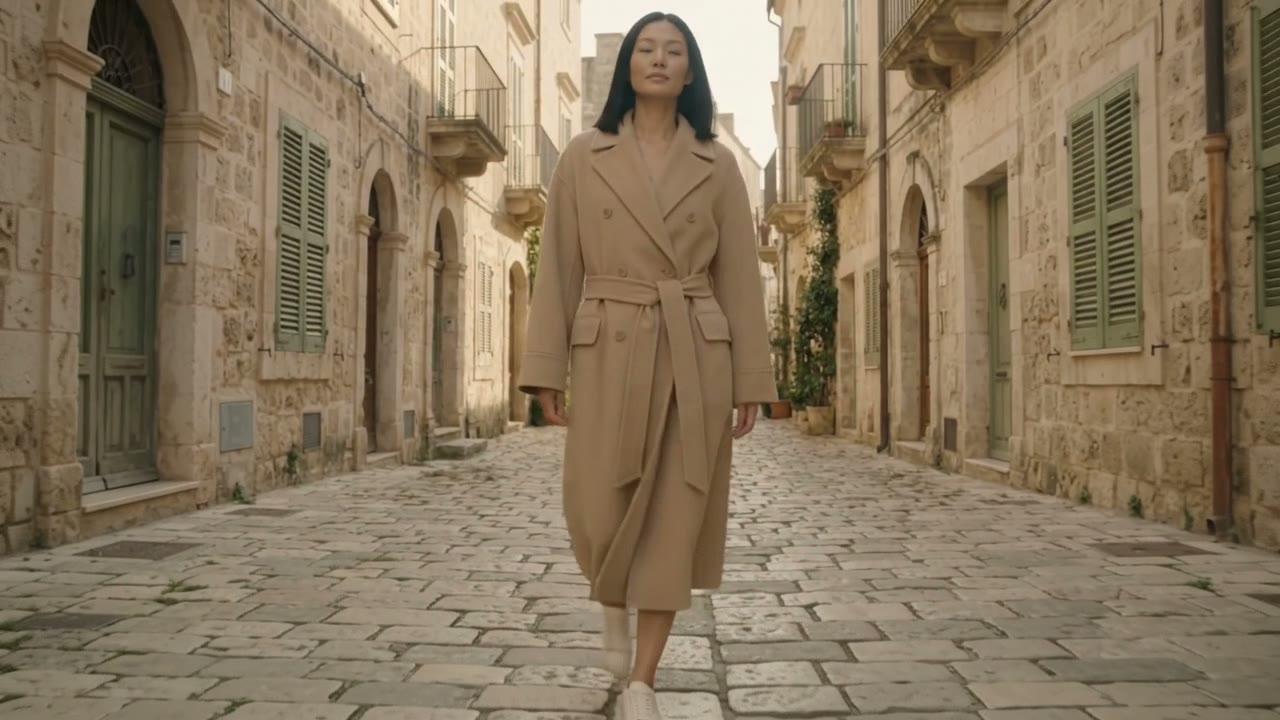
References
Upload the person, the product or the place and let the prompt say what each file is for.


- Developer
- Length
- 3 to 15 seconds per generation
- Resolution
- 360p, 720p, 1080p or 4K
- Start from
- A text prompt, a first and last frame, or references
- References
- Images and videos
- Sound
- Speech, effects and music generated with the picture
- Aspect ratio
- 16:9 or 9:16
- Where to use it
- Paper Gen and the canvas in VibePaper
Made with Gemini Omni 1.2 Flash
Start generatingGemini Omni 1.2 Flash questions
What is Gemini Omni 1.2 Flash?
Gemini Omni 1.2 Flash is a Google video model. It generates up to 15 seconds of video with sound from a text prompt, a first and last frame, or image and video references. In VibePaper it runs in Paper Gen and on the canvas.
How long can a video be, and at what resolution?
Each generation runs 3 to 15 seconds. Output is 360p, 720p, 1080p or 4K. Test a take at a lower resolution, then finish the one you like at 1080p or 4K.
Does it generate sound?
Yes. Speech, ambient sound, effects and music are generated with the picture, so lips and actions line up with what you hear.
Can I change a video after it is made?
Yes. Ask for a change in the same chat, such as a new setting, a different outfit or an extra prop, and keep the person, the action and the camera.
Can it keep the same character and product?
Yes. Upload a face, a garment or a product as a reference and say what each file is for. Keep the cast small when several faces have to stay consistent.
Which aspect ratios does it support?
16:9 for widescreen and 9:16 for vertical social video.
Why was my prompt refused?
Prompts that name a known film, song, artwork or real person can be refused. Describe original characters and places in your own words instead.
Can I use the videos commercially?
Yes. Videos download without a watermark, and you can use them in ads, client work and social channels. You are responsible for the images and footage you upload as references.
Guides and Model Briefs from Our Blog
Practical guides and plain-language briefs on the models you can use here: what each one is good at, how to prompt it, and how to get a better result on the canvas.