Canva Craft Plans the Picture. Keep the Plan on the Canvas.
On 22 October 2026 Canva’s first image model started by writing a layout. The layout belongs where you can see it.
On Thursday, Canva Research shipped Craft, its first image model. Ivan Mehta at TechCrunch that morning, and Emma Roth at The Verge that evening, described the same split: one stage writes the composition, the next stage paints it. Canva’s newsroom says the planning stage decides which elements appear, how they relate, their scale, the hierarchy, and any text, then a second model renders up to 2K across more than 30 aspect ratios. The plan is what makes type and placement more reliable. It is also the part you cannot point at. It stays inside the model.
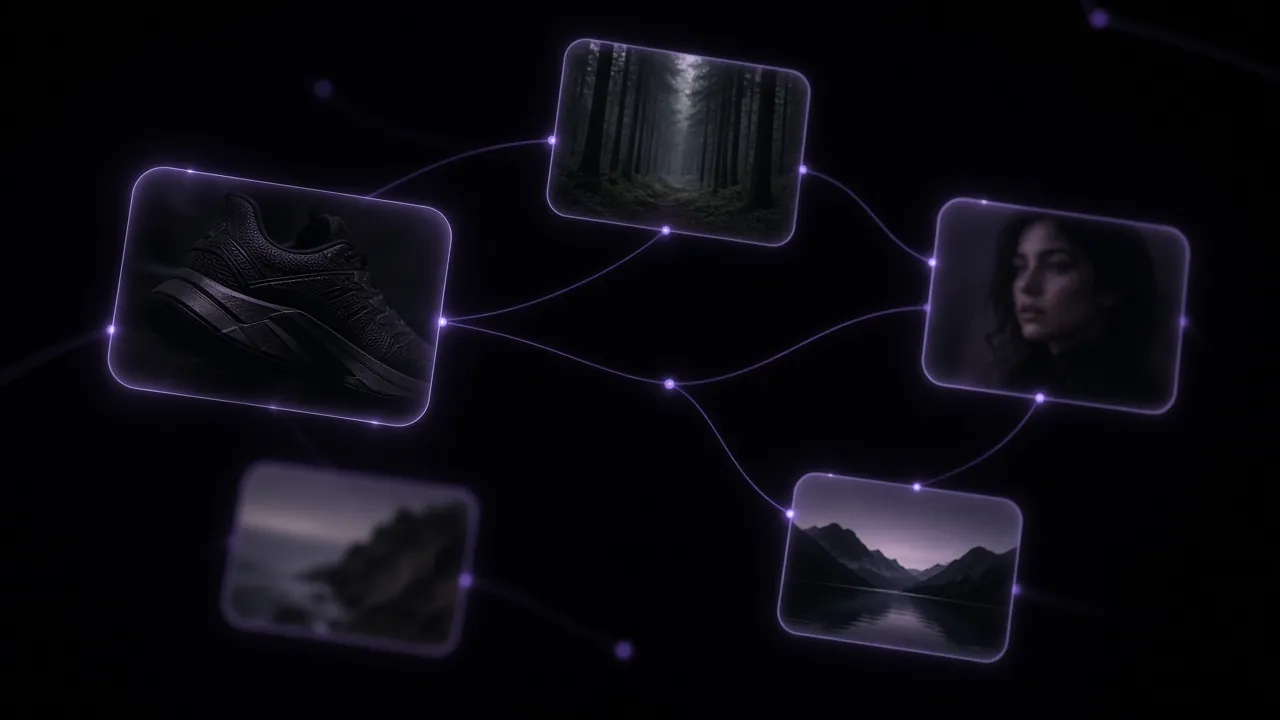
If the plan is the product, it should be a thing on the board.
The week layout became the feature
- 15 OctoberFLUX.3 Image Klein
The Hugging Face Diffusers post says the open checkpoint does text-to-image, multi-reference edits, and bounding-box layout control: you write boxes into the prompt to place each part. Klein is not a model in VibePaper.
- 22 OctoberCanva Craft
Two stages, trained with an emphasis on designed templates rather than photographs alone. The Verge puts it fourth on DesignArena, behind GPT-Image-2.5 Sunburst, GPT-Image-2.5 Flare, and GPT Image 2. Craft runs in Canva Dream Lab, not here.
- 26 OctoberThe same sentence, three boards
Flare, Sunburst, GPT Image 2, Seedream 5.0 Pro, and Z-Image Turbo are in the Paper Gen picker. The links below prefill a model and a prompt. They do not call Craft.
One kettle, read as a plan
A canvas link creates a board and fills a node or the agent panel. A Paper Gen link fills the composer. Neither spends credits until you run it. The cost estimate appears before Generate.
The brief
Agent panel on a new canvas. Craft’s first stage is a layout you never get to read. This handoff puts the layout in the agent composer instead. Sign in if you are asked. VibePaper opens a new canvas and leaves the brief in the agent panel. It is not sent until you send it.

Plan a morning product film for an unbranded ceramic pour-over kettle on a pale oak counter. Write the composition in three lines: where the kettle sits, which third of the frame stays empty, and what the only motion is. Then draft one still prompt and one static video prompt that obey those three lines. No logos. No text in the pictures.
The agent panel fills with this text. Sending it is a separate click.
The same still, five models
Image node, or Paper Gen. The comparison only means something if every model receives the same spatial sentence: kettle low on the right, left third empty, one curl of steam. Flare, GPT Image 2, Seedream 5.0 Pro, and Z-Image Turbo can start as a canvas image node with the model already selected. Sunburst is in the Paper Gen picker and has no canvas launch template, so that row opens the composer only. Seedream 5.0 Pro takes multiple reference images at 1K or 2K, and the price steps up with how many you attach. Z-Image Turbo is the fast pass: one PNG, text to image. Banana 2 is also in the picker, with up to 14 reference images; open it from Paper Gen with model set to banana2, then use Continue in Canvas. There is no one-click node for it.
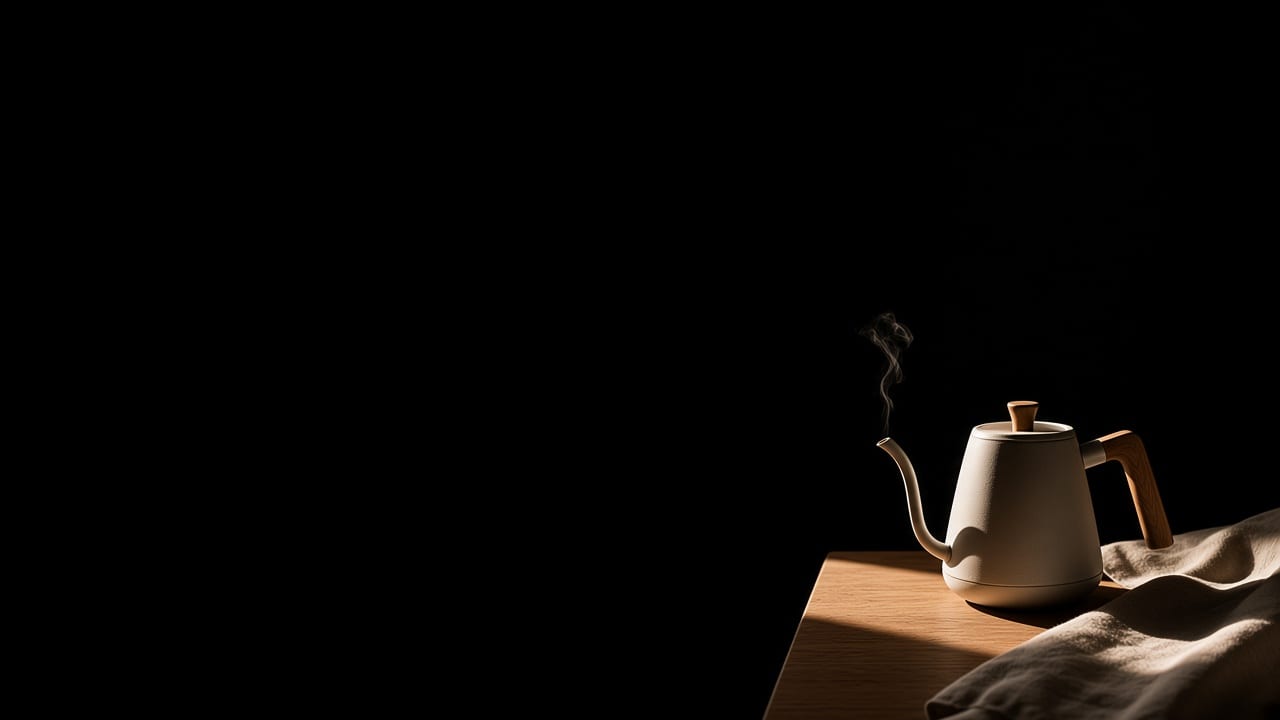
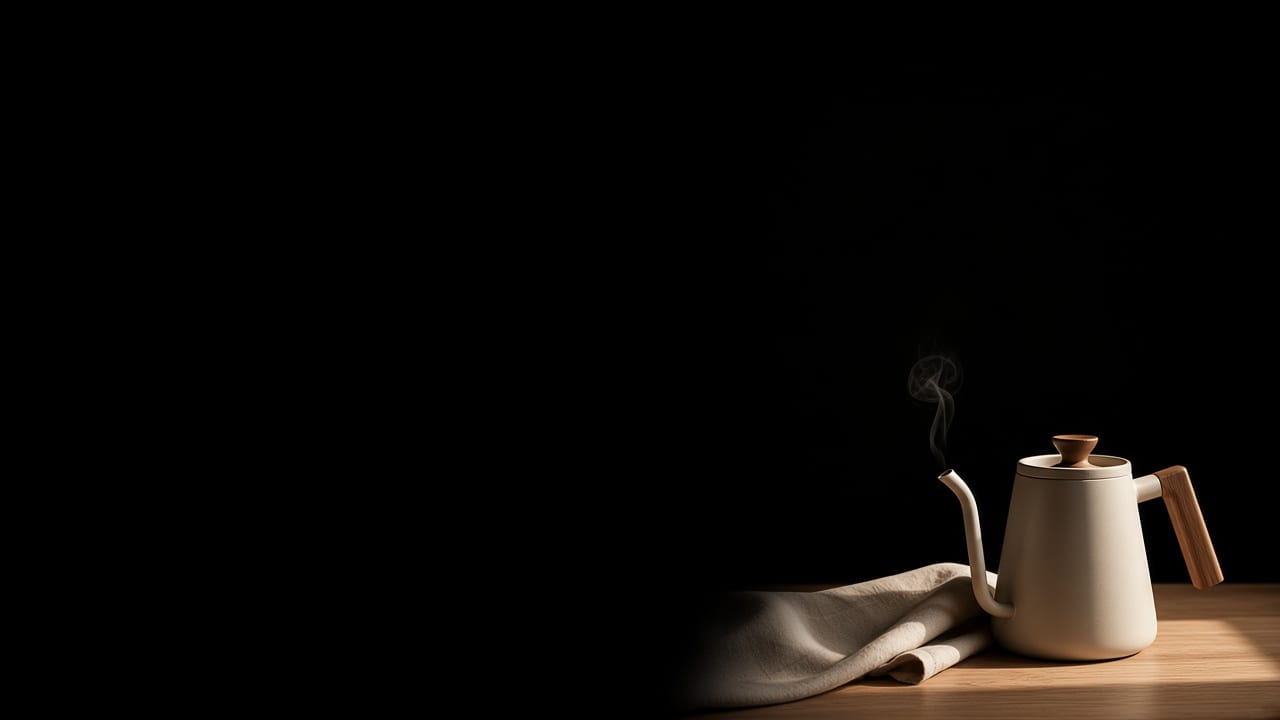
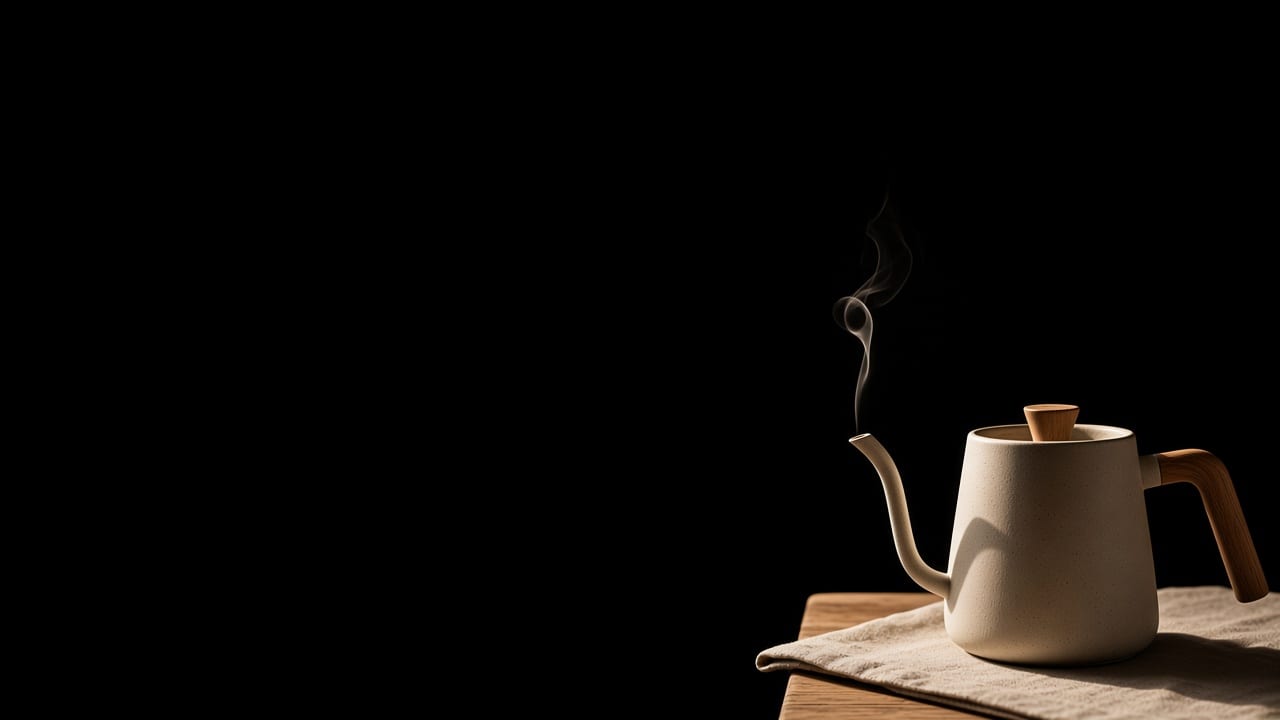
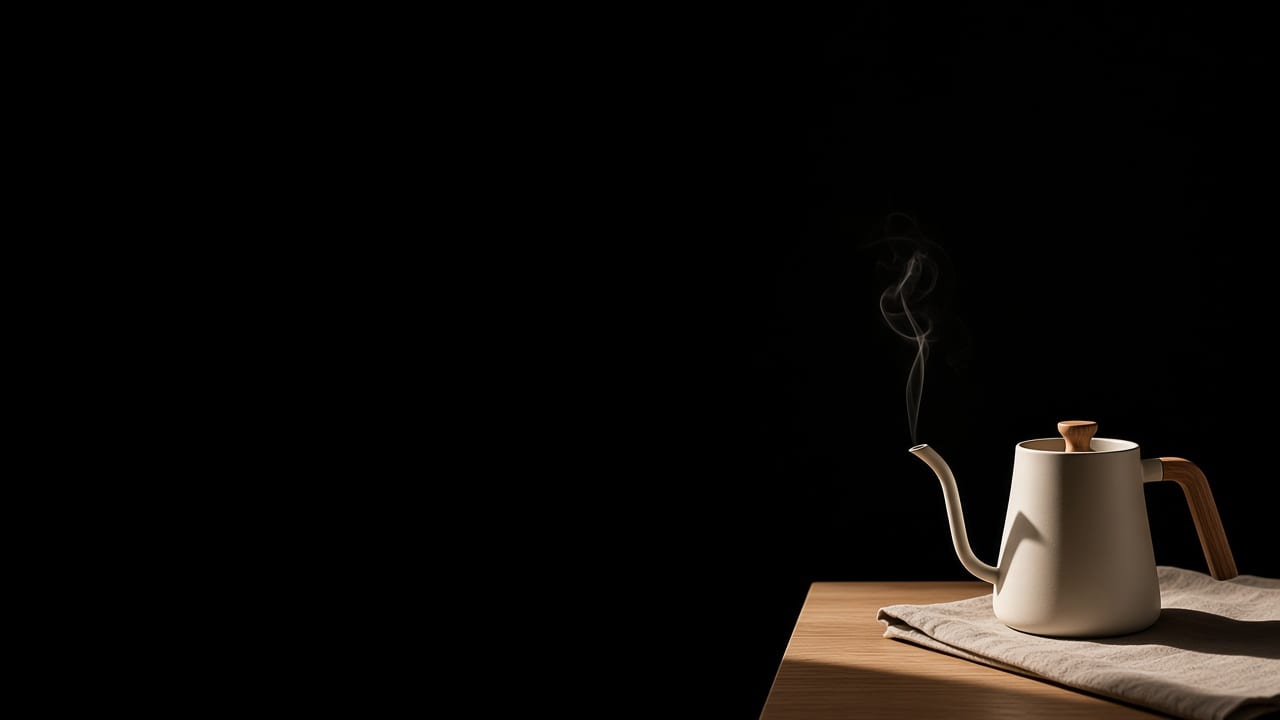
Editorial product photograph of an unbranded ceramic pour-over kettle on a pale oak counter. The kettle sits in the lower right. The entire left third of the frame is empty pale wall. Morning side light from the left, one folded linen cloth, a single small curl of steam. No logo. No text.
Same sentence on every row. The empty left third is the comparison.
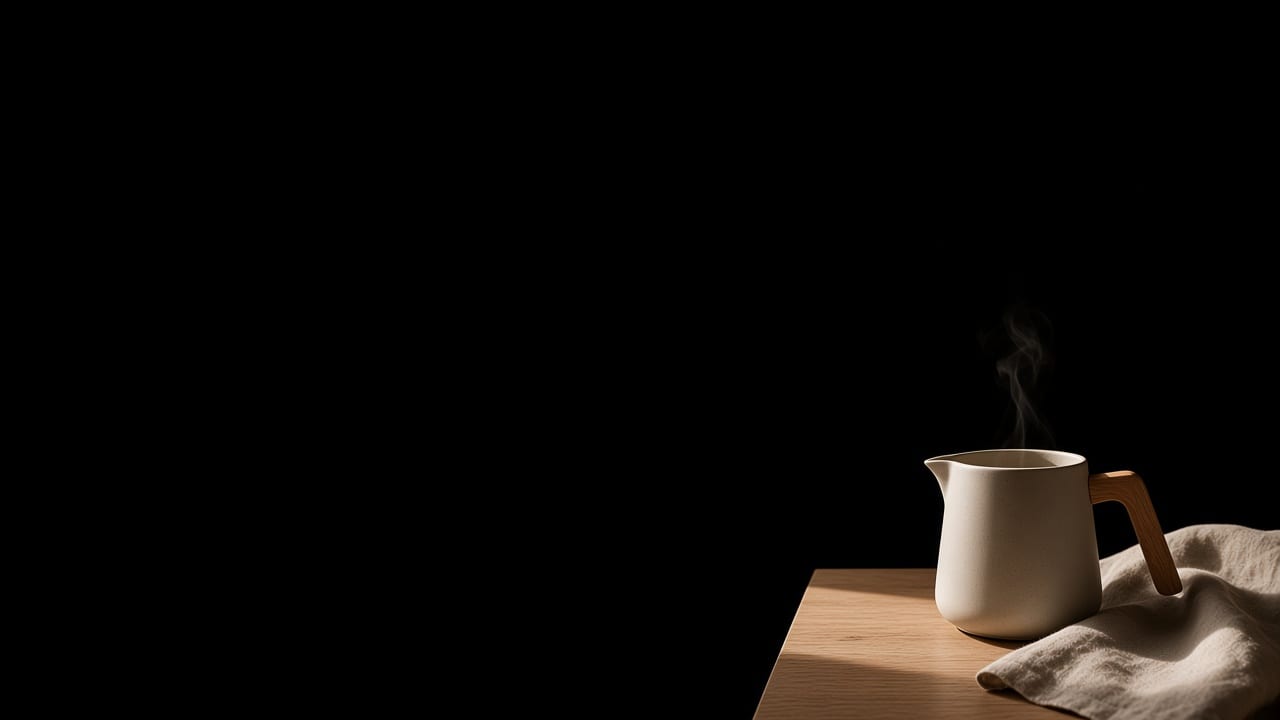
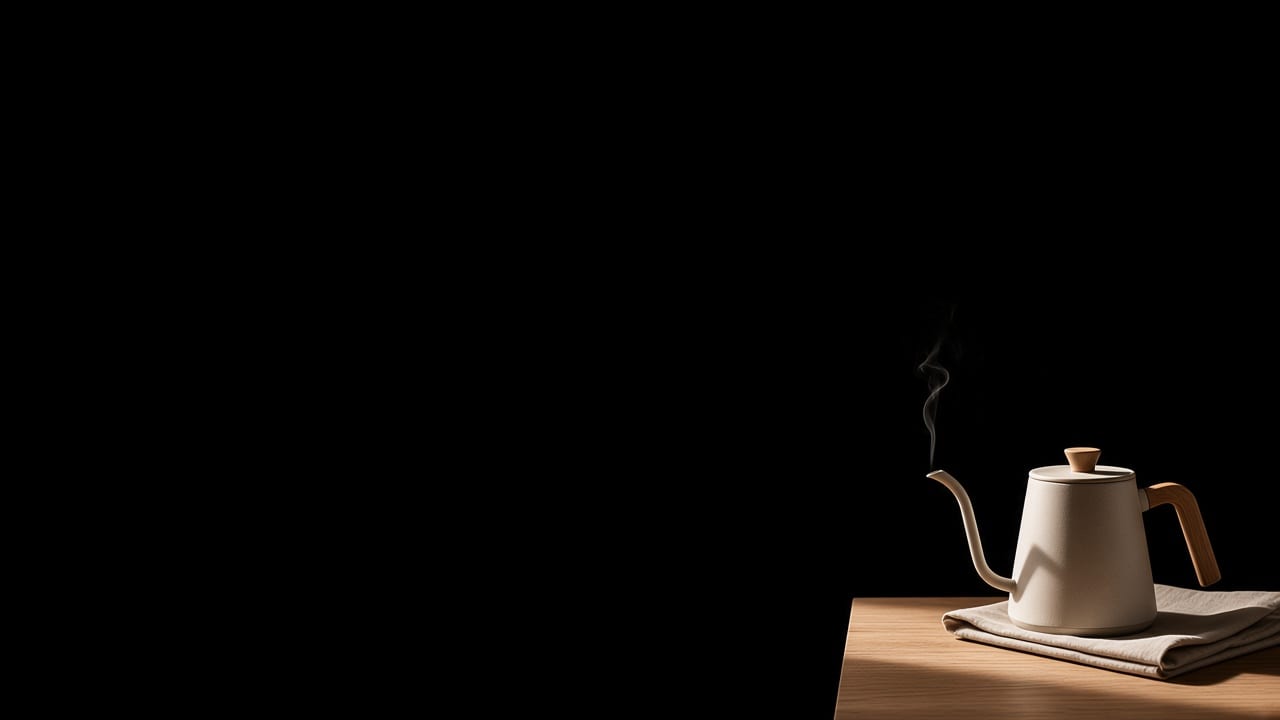
One shot of steam
Seedance 2.5 video node. A still is not a film. This prompt names one camera and one motion, and it does not restate the kettle. The canvas link places a video node, selects Seedance 2.5, and writes the prompt into the node. Wire an image node into it when the still should lock the frame. The video prompt then only has to say what moves.

Static medium shot of the same kettle. One small curl of steam rises and thins. The camera does not move. No logo. No text.
Seedance 2.5 is the video default in the picker.
What the link actually does
Sign in if asked. The workspace keeps the handoff and opens a new canvas after you are signed in.
A node link places one node. It sits at the center of the board. The model is already selected. The prompt is already in the node. Nothing generates until you run it.
The brief opens the agent panel. The text is waiting in the composer. Sending it is your click, not the link’s.
Paper Gen reads the address once. The prompt parameter fills the composer, then leaves the address bar, so a reload will not wipe what you type next. The model parameter selects the picker entry. Omit it and the image composer starts on Seedream 5.0, the default, which is not the Pro route used above.
The estimate comes first. Paper Gen shows the credit cost before Generate. If the estimate fails, it says so, and you can retry.
Continue in Canvas keeps the pair. On a finished image or video, Continue in Canvas saves a board: a text card titled Prompt, wired into the picture, using the stored file rather than a link that expires.
Share the board, not a chat scroll. Share, in the top bar, copies a link to this canvas. People who open that board show up as avatars.
Sources
Canva newsroom, Introducing Canva Craft22 October 2026. Two stages, 2K, more than 30 aspect ratios.TechCrunch, Ivan Mehta22 October 2026. The planning stage, then the render.The Verge, Emma Roth22 October 2026. Fourth on DesignArena, behind Sunburst, Flare, and GPT Image 2.Hugging Face, FLUX.3 Image Klein in Diffusers15 October 2026. Bounding-box layout control. Not in VibePaper.Questions
Do these links generate Canva Craft images?
No. Craft runs in Canva Dream Lab. These links open VibePaper. The image models are GPT-Image-2.5 Flare, GPT-Image-2.5 Sunburst, GPT Image 2, Seedream 5.0 Pro, and Z-Image Turbo. The video model is Seedance 2.5.
Will a canvas link spend credits on its own?
No. It creates the canvas, selects the model, and fills the prompt or the agent panel. You run the node, or you send the brief. Paper Gen fills the composer and waits the same way.
Can the five stills share one board?
Each canvas link starts a clean board so the model is not mixed into an older graph. To gather the keepers, use Continue in Canvas on a finished Paper Gen image, or change the model on an image node and run the same prompt again.
Why leave the left third empty?
It is the composition test. The same sentence asks every model to keep one region clear. That is the spatial instruction Craft’s planning stage is built to handle, written here as text you can point at.