On 27 October 2026 DeepMind published Genie 4, a photoreal world model you can steer while it runs. Google’s blog the same day describes natural-language edits, native audio, and a rollout that starts with trusted testers. TechCrunch’s Rebecca Bellan puts a consistent scene at up to two minutes, twice Genie 3. You cannot open that session from here. You can put the still on a phone tonight.
A world model you cannot open yet. A frame you can.
Five moves
Paper Gen opens on Seedream 5.0. Its ratios include 9:16 and 16:9. The credit cost is shown before Generate. The link sets the model and the prompt. It does not set the ratio.
01Open the link.
The highway prompt is already in the image composer. Paper Gen reads the prompt parameter once, then removes it from the address bar, so a reload will not wipe what you type next.
02Set 9:16.
The ratio control sits with the prompt. Set it before you generate. The phone will still crop. Empty sky is what keeps the clock off the road.
03Generate.
If the highway climbs into the time, say where the sky is and run it again. “4 more like this” keeps the same prompt and makes four variations.
04Continue in Canvas.
On the finished image, Continue in Canvas opens a board with the prompt wired to the stored file. Select the image card. The style chip sits in the generate row, next to the model. A preset is appended to the prompt. It does not replace the subject. Paper Gen itself has no style chip.
05Steer only if you need motion.
Make it a video switches to the video composer and attaches the still as a reference. The default video model is Seedance 2.5. A weather change that has to land uses First / last frame, not a live Genie session.
Three lock screens
One world, three stills
10:27Tue, Oct 27
01 / 9:16
The coastal highway
Paper Gen · Seedream 5.0
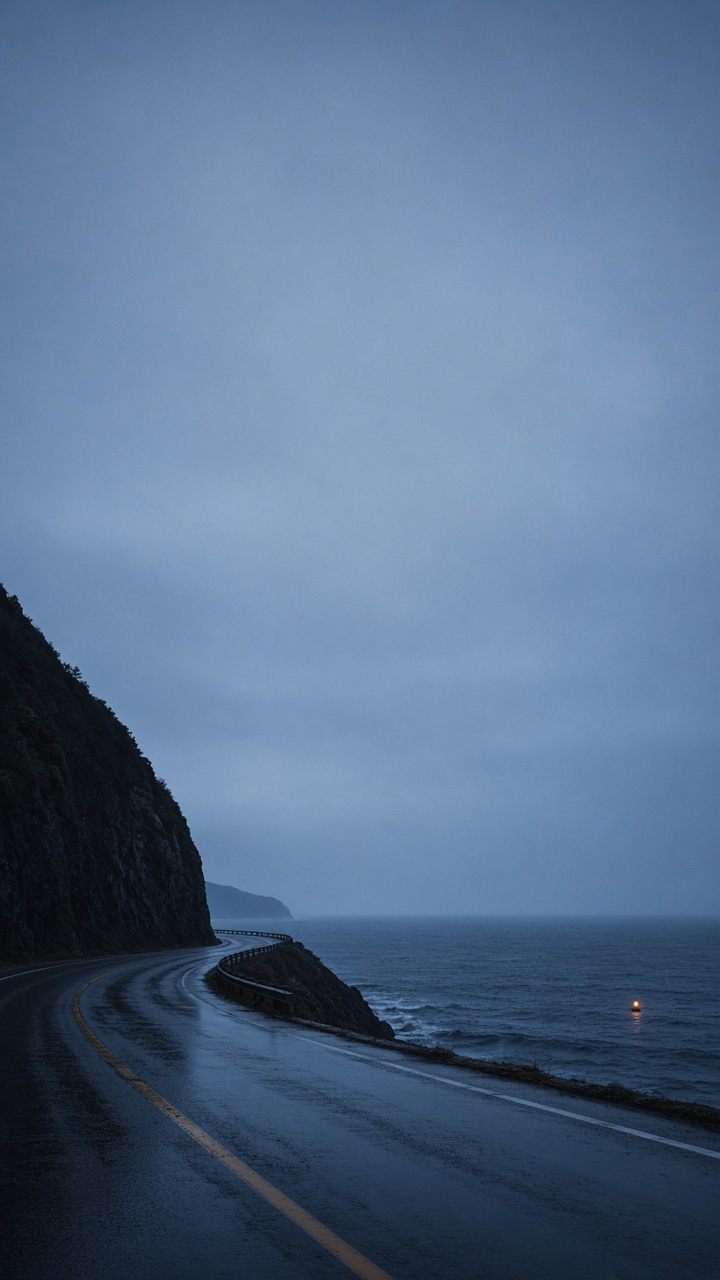
The tall crop of the picture behind this page. DeepMind’s post shows worlds you steer while they run: weather, camera, a new person, a new object. You do not have that session. You have a frame with the sky left empty. Leave the canvas style off for the first pass. Cinematic → Western is the photoreal landscape grade, and its prompt fragment describes a dusty canyon and a western town. It will try to pull this coast inland. Use it only after the highway is the one you want, or skip it.
Highway
A quiet coastal highway at blue hour. Wet asphalt curves along a dark sea cliff and stays in the lower third. The upper two thirds are empty pale slate sky. One small amber buoy light far out on the water. Cold, photoreal, fine film grain. No people. No signs. No text.
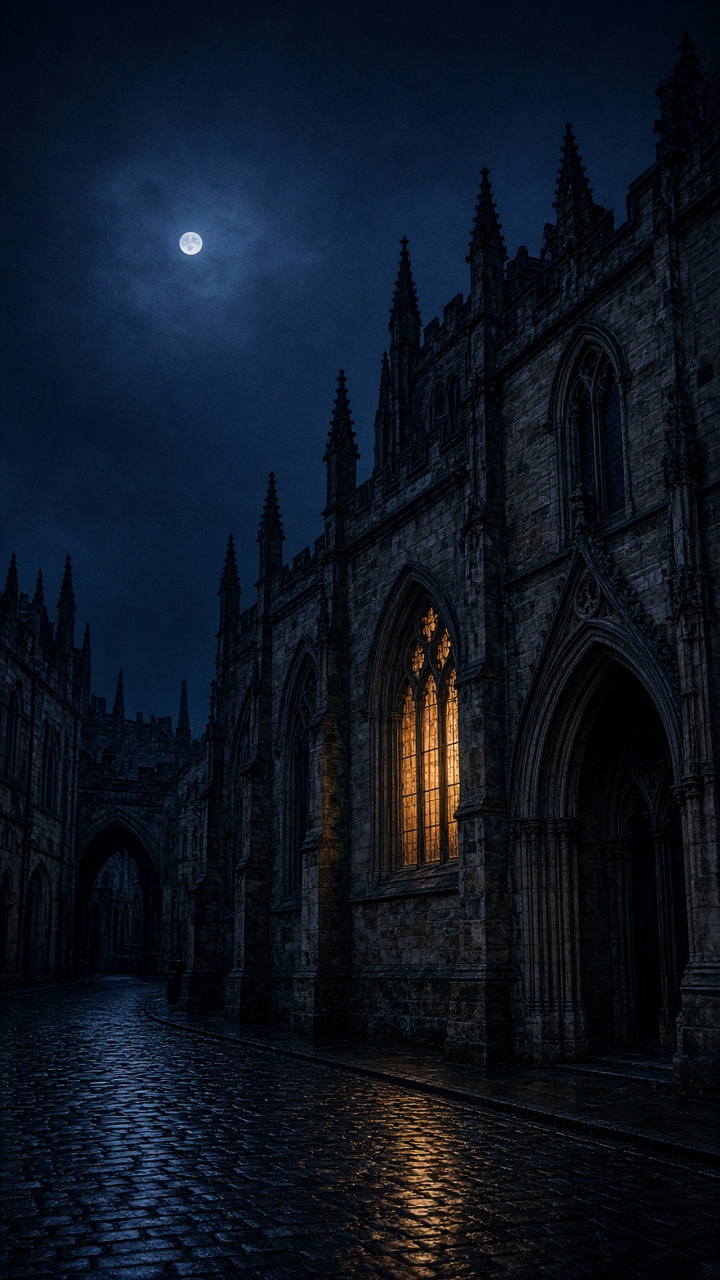
One lit window, wet stone, the moon high enough to clear a clock. On the canvas, Cinematic → Suspense is the matching preset: cold, low exposure, high contrast, written as photoreal. It appends. It does not replace the street. If you want rain and neon instead, CG → Cyberpunk will take the city somewhere more futuristic than this stone. That is a different still.
Street
A quiet neogothic stone city after rain. Pointed arches and wet cobbles sit in the lower half, with one warm window. The upper half is empty night sky and a thin moon. Photoreal, cold slate, fine film grain. No readable signs. No crowds. No text.
Canvas style: Cinematic → Suspense, after the first pass.
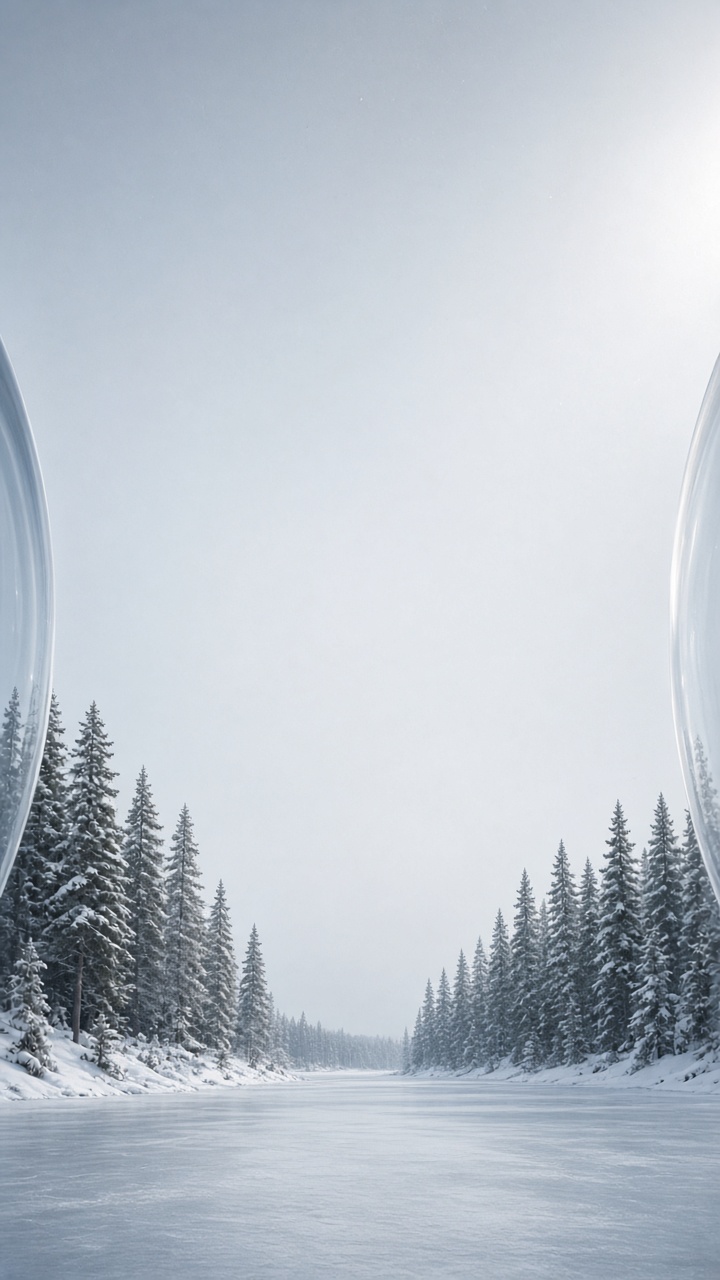
Genie 4’s demos include enclosed places you can move through. This is the still of one: inside the glass, snow below, empty sky above. On the canvas, Cinematic → Dark Fairy Tale is the wide cold grade: blue-grey, fog, a hard light through cloud. If a storybook figure walks in, clear the style and run the prompt alone.
Sphere
Inside a vast glass sphere on a snowfield. Frozen pines and a pale lake sit in the lower third. Curved glass catches a faint rim of light at the left and right edges. The upper two thirds are empty cold white-blue sky. Photoreal, quiet, fine grain. No people. No text.
Canvas style: Cinematic → Dark Fairy Tale. Clear it if a figure appears.
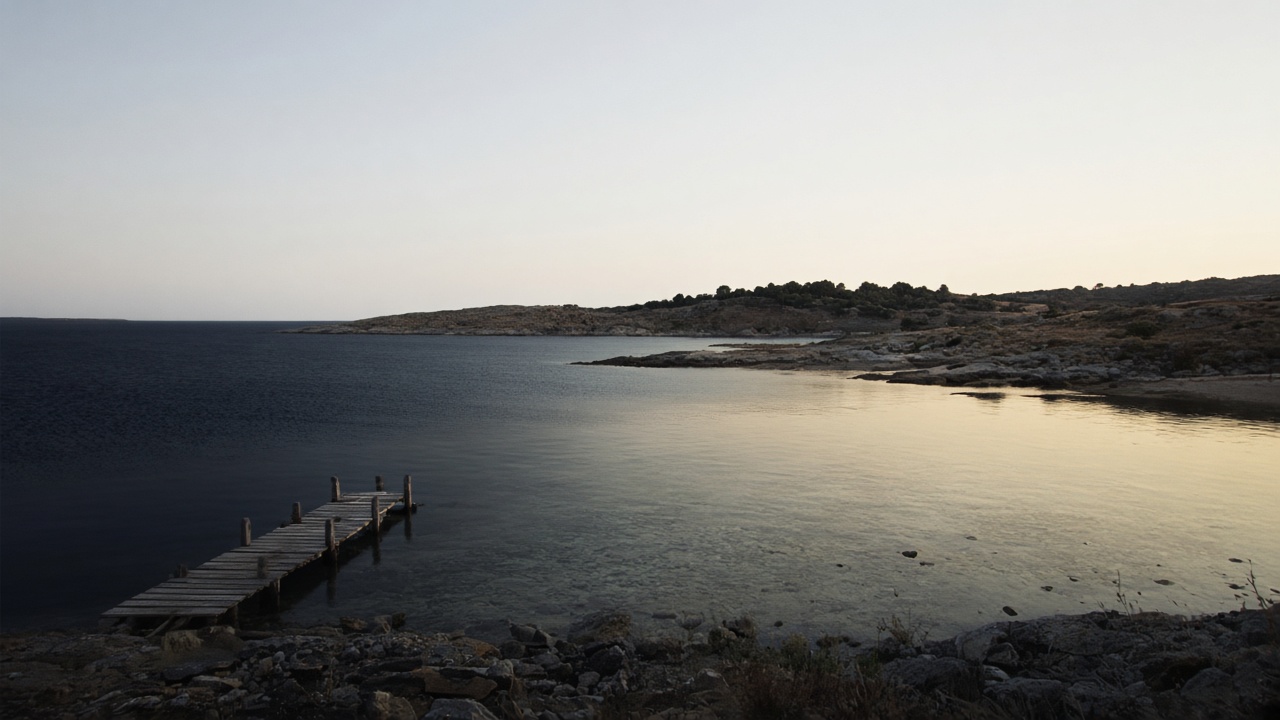
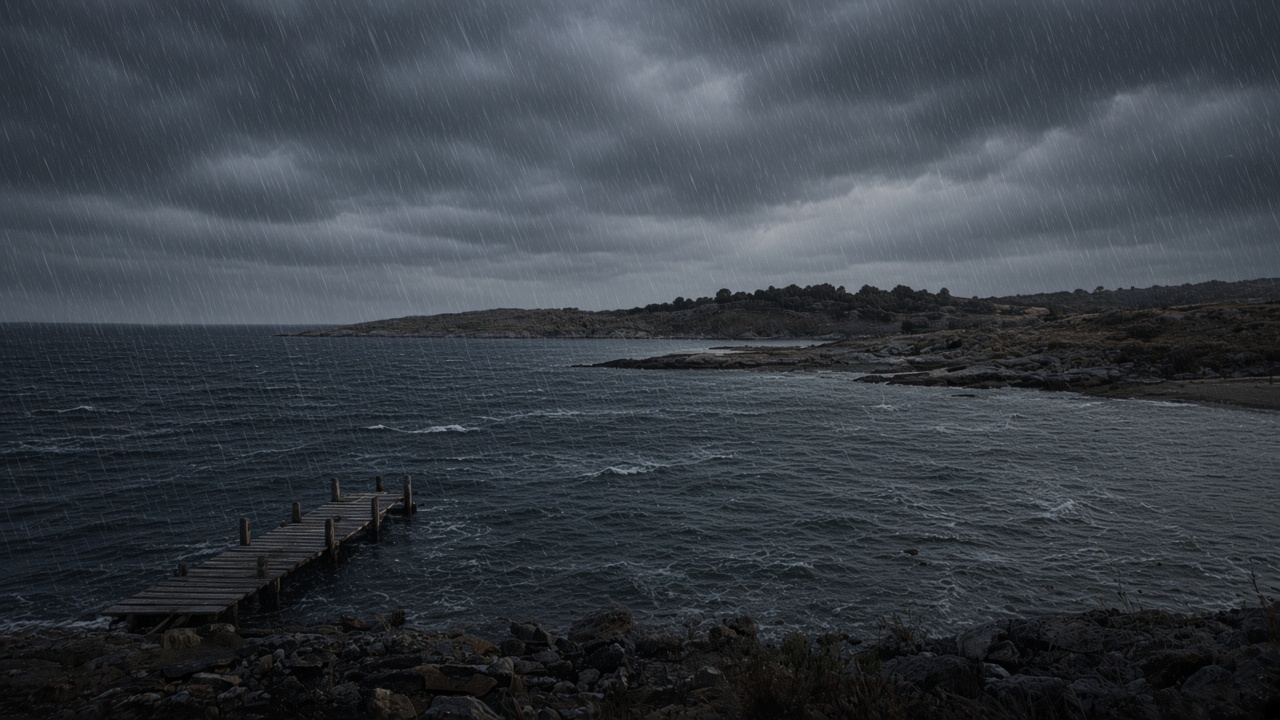
TechCrunch describes Genie 4 taking a prompt in the middle of a simulation: change the weather, move the camera, add someone. Ars Technica’s Ryan Whitwam writes that Gemini helps steer each update, and that the world stays consistent for a couple of minutes before it forgets how it started. DeepMind’s own limitation note is the one to keep: visual details and objects drift as a run gets longer, after complex edits, or as you move through the scene. Real-time audio accuracy and legible in-world text are still open. Do not ask a wallpaper for a sign you need to read. Generate the clear bay at 16:9. The dark water on the left is where a desktop dock can sit. Then change only the weather sentence. The pier will move. If it moves too far, stop chasing a perfect second still. For the short clip, put the clear still first and the storm still last. On the clear image, Make it a video switches Paper Gen to video and attaches that still as a reference. Change the input mode to First / last frame. In that mode Seedance 2.5 locks the ratio to adaptive, so both stills should already be 16:9. Duration runs from 4 to 30 seconds and defaults to automatic. The audio toggle defaults to on. That soundtrack is part of the clip. It is not Genie’s live ambient, music, and dialogue.
Clear
→
Storm
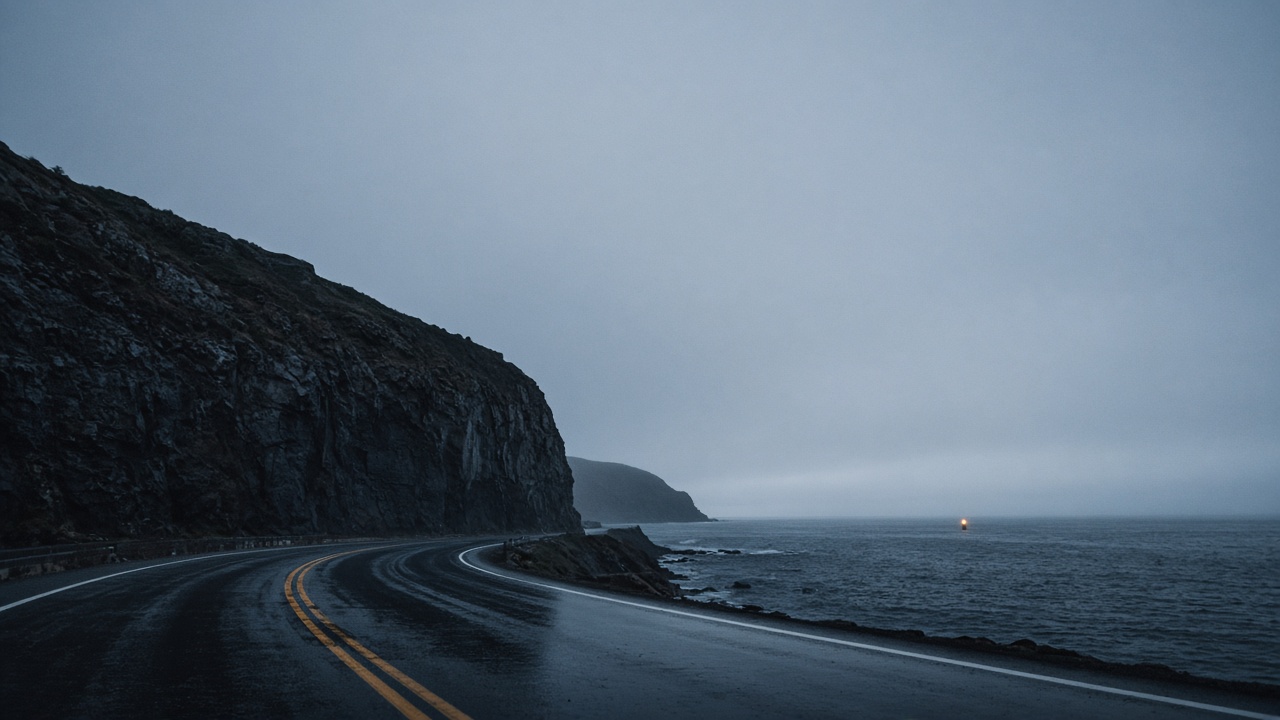
The desk is the clear frame. 16:9, style off. The phone wants the highway. The laptop wants the bay, with the dock over the dark water on the left. Same cold grade, less subject.
Motion only
The weather turns. Clouds drop and rain begins on the water. The wooden pier and the rocky shore stay where they are. Slow. No camera move. No text.
Seedance 2.5 · First / last frame. The stills already hold the place.
The link opens Paper Gen on Seedream 5.0 with the highway prompt filled in. Set 9:16, then Generate. The storm clip is optional. Genie 4, when your waitlist spot arrives, is a different tool.
DeepMind says every Genie 4 video and audio output carries SynthID, their imperceptible watermark. A picture you make in Paper Gen is not a Genie output, and it does not get that mark. Gemini Omni, in DeepMind’s account, anchors how a Genie world looks and behaves. Gemini 3.8 Flash is the guiding agent in the loop: it watches frames, breaks a goal into steps, and checks that each step happened. None of that runs inside VibePaper.
No. Genie 4 is Google DeepMind’s research-preview world model. VibePaper generates stills in Paper Gen and, if you ask, a short video between two stills. There is no live world, no real-time steering of a running simulation, and no native dialogue track.
What ratio should the lock screen use?
In Paper Gen, set Seedream 5.0 to 9:16 before you generate. The phone will still crop. An empty upper area matters more than a pixel size, which changes with the device. Use 16:9 for the desk.
How do I fake the weather steer?
Make two stills of the same place, clear then storm. In Paper Gen video, on Seedance 2.5, switch the input mode to First / last frame, attach the clear still as the first frame and the storm still as the last, and write only what changes. The ratio locks to adaptive in that mode.
When can I actually use Genie 4?
DeepMind and Google say it is a research preview for trusted testers first, then Google AI Ultra subscribers in Project Genie, and early-access partners on the Gemini API and Google AI Studio. The DeepMind post links a waitlist. This page is not that list.