VIBEPAPER JOURNAL / AI CREATION
Seedance 2.5: What It Changes, How to Direct It, and What We Learned Testing It
VibePaper · Updated
Seedance 2.5 is not just a better short-clip generator. ByteDance positions it as a tool for carrying one idea through a longer, audiovisual story: more reference material, a path from first draft to finished shot, and edits to specific moments without rebuilding everything. We spent a full working session running it through VibePaper’s video generator. What changed our results was not prompt length. It was deciding the shot before typing: where the camera sits, what the first frame holds, and which one thing moves.
- Seedance 2.5
- AI video generation
- multimodal references
- video extension
- VibePaper

At a glance
| Capability | Published figure or behavior | What it means in VibePaper |
|---|---|---|
| Clip length | Up to 30 seconds per generation | Set a fixed duration before generating. Leaving it on Auto made our price much higher. |
| References | Up to 50 total: 30 images, 10 videos, 10 audio clips | Attach them through Reference mode. Every reference should have a job in the shot. |
| Audio and video | Generated together, synchronized | Audio and picture come out of one pass rather than being layered afterwards. |
| Continuity | Multi-round extension keeps subjects, setting and pacing | Extend a result you like rather than starting a new clip with different characters. |
| Editing | Targeted changes to a character, action, background or camera move | Revise one moment instead of rebuilding the whole sequence. |
What changed from Seedance 2.0
Seedance 2.0 introduced a unified approach to audio and video generation. Seedance 2.5 keeps that architecture and shifts the emphasis toward the full production loop: concept, shot planning, generation, extension and selective editing. ByteDance describes the goal as carrying an idea forward into a finished work, rather than producing one isolated clip.
For creators, that difference shows up in three places: how long a sequence can run, how many kinds of reference material can guide it, and how much of a result can be revised without starting over.
The Seedance 2.5 feature set
Longer stories in one pass
A single generation can run up to 30 seconds with synchronized sound. ByteDance says continuity holds up better across shots, scene changes and narrative beats than in earlier versions. In our tests, that continuity worked best when the story had one location and one clear action. A long sequence with several locations and characters was harder to keep consistent, and we would plan it as several extensions instead.
Direction with up to 50 references
Reference-led generation is where Seedance 2.5 differs most from a plain text prompt. You can combine up to 30 images, 10 videos and 10 audio clips. The model can draw on characters, voices, environments, props, composition, motion and style from those files, and ByteDance says it handles multi-subject and multi-scene ideas with them.
We treat the 50-file figure as capacity, not a target. Each reference should answer one question: who is in the shot, what the place looks like, how the camera moves, or what it sounds like. Files that answer nothing new add noise.
Spatial plans as a production scaffold
ByteDance highlights clay renders as a scaffold for scene structure, character poses, blocking, movement paths and camera angles. Seedance 2.5 then applies materials, atmosphere and lighting while keeping the spatial relationships from that scaffold. This is useful when you need the same staging across several takes, because the layout stays fixed while the look changes.
Editing specific moments
Timestamped prompts let you direct narrative beats, camera perspective, movement and rhythm at specific points in a clip. Targeted edits can change a character, an action, a plot point, a background or a camera move without rebuilding the sequence. ByteDance also lists green-screen replacement and camera-perspective changes among the editing options.
Quality across the whole frame
ByteDance says Seedance 2.5 improves image quality, sound, motion, transitions, texture, skin, lighting and color, while keeping audio and visuals in sync. These are the areas where the difference from earlier models is most visible in side-by-side viewing. We would judge them on your own footage rather than on a launch reel.
Real footage from our tests
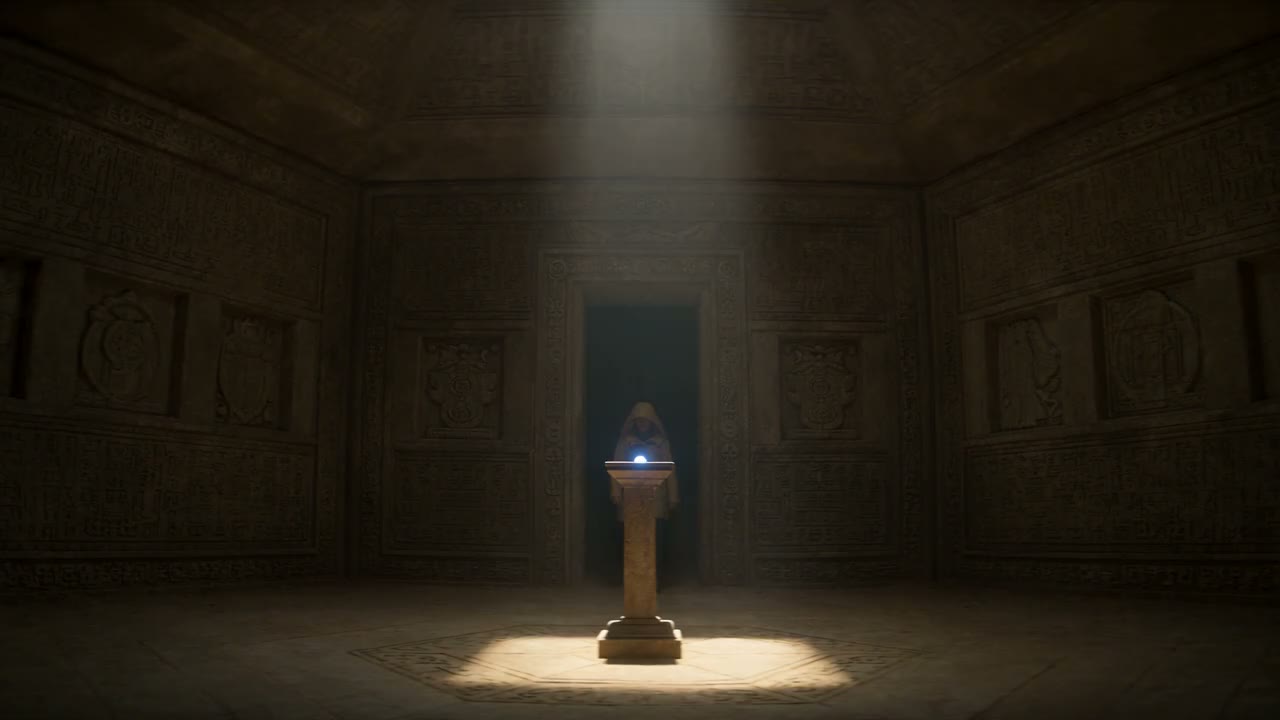
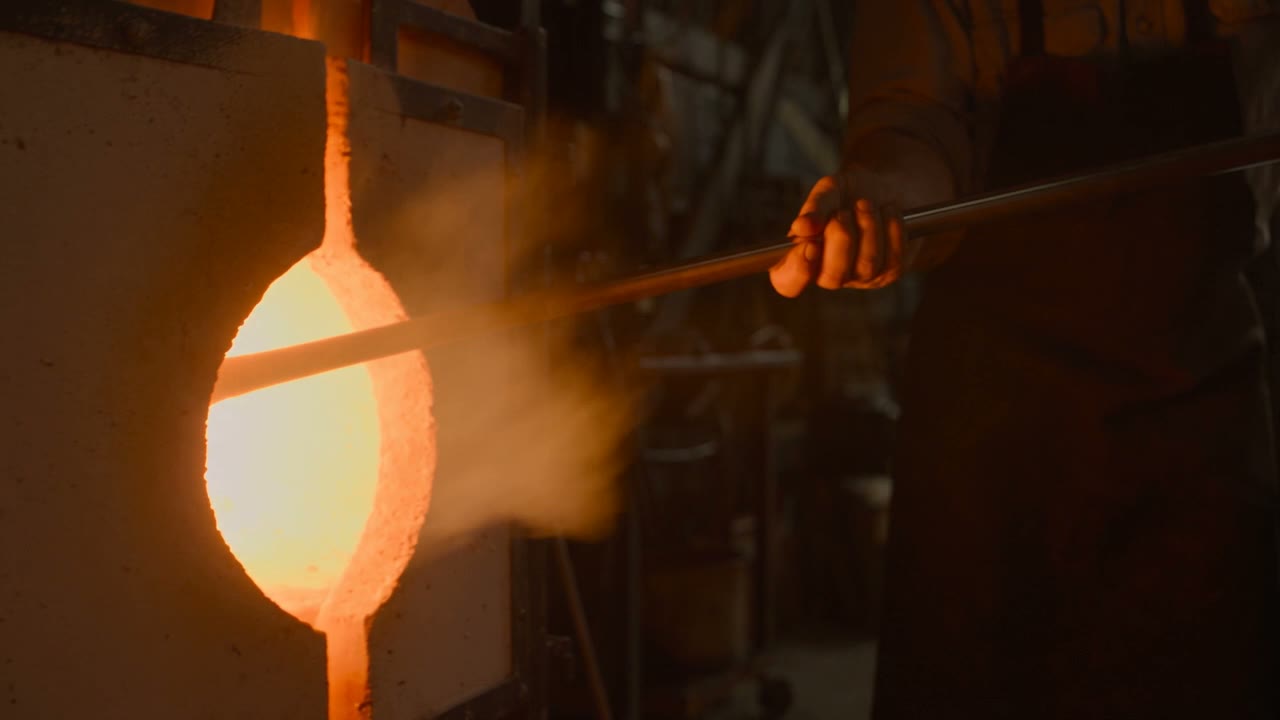
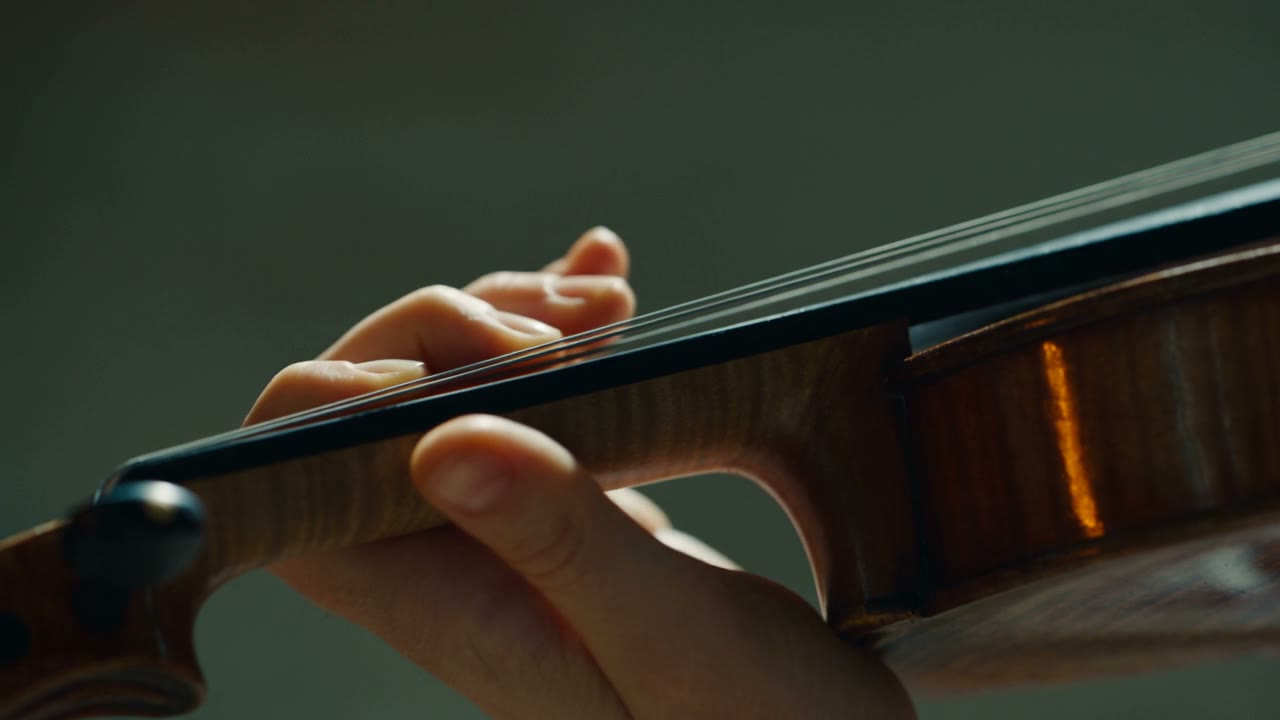
The clips below were generated in VibePaper with Seedance 2.5 at 720p. The first is a three-shot cinematic sequence in an ancient stone chamber, lit by a shaft of dusty daylight. The other two are a single-take glassblower and a close-up of a stringed instrument. We kept them as generated, without trimming or re-grading.
How to make a Seedance 2.5 clip in VibePaper
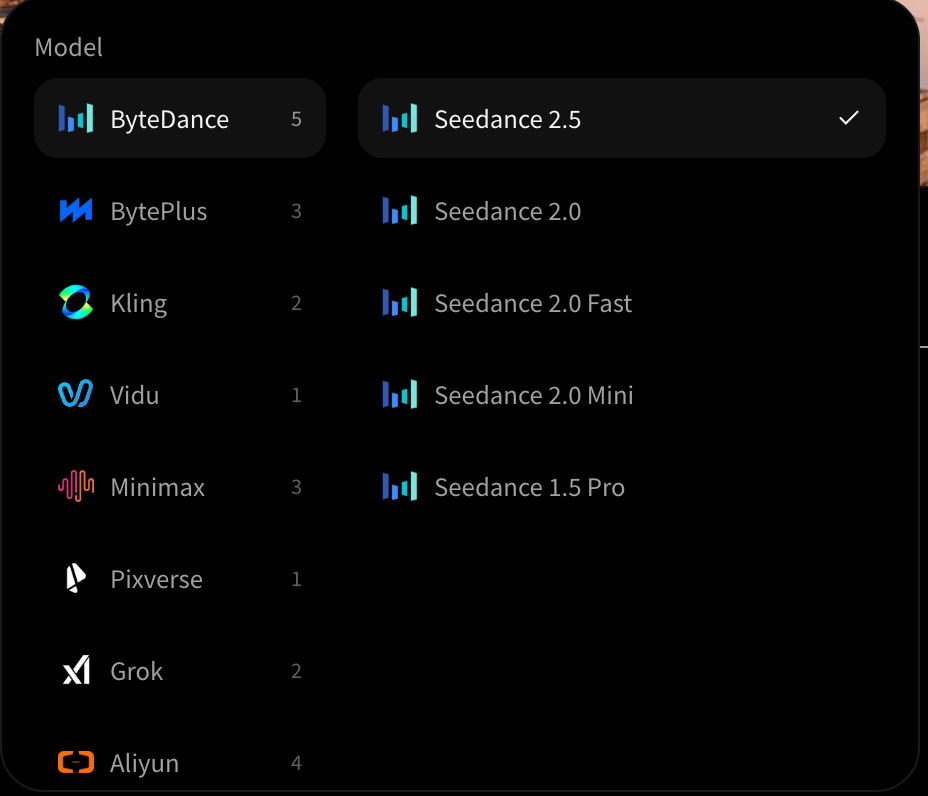
- 01Open Video mode and pick Seedance 2.5In Paper Gen, switch from Image to Video, open the model selector, go to the ByteDance group and choose Seedance 2.5.
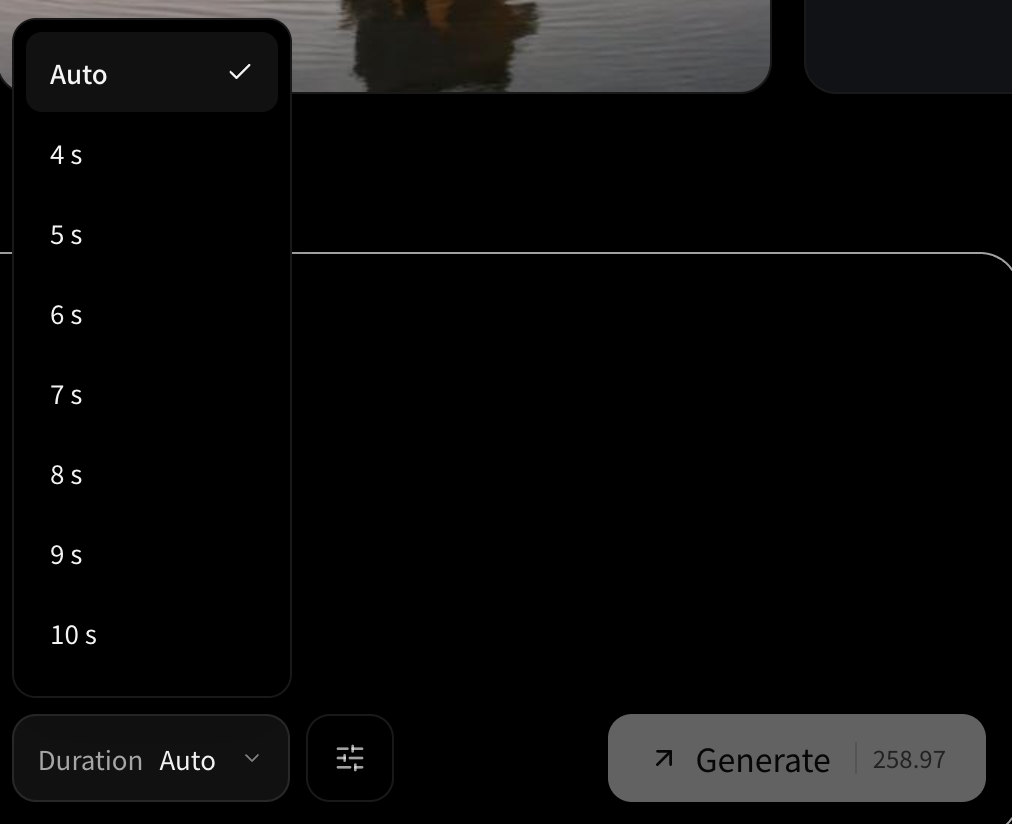
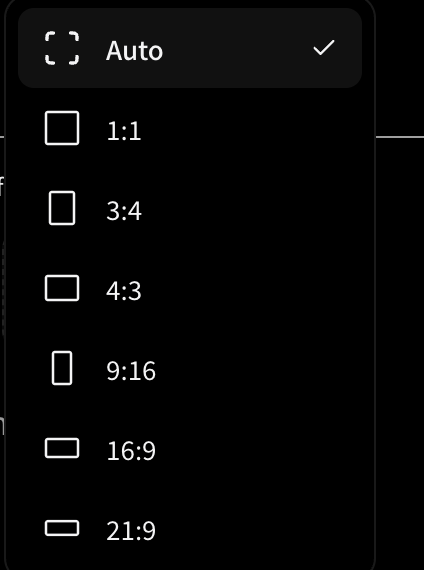
- 02Set ratio, resolution and duration firstThese drive the credit price. Left on Auto duration at 720p, the Generate button showed 258.97 credits in our session. Choose a fixed duration, such as 5 seconds, and check the number again before you submit.
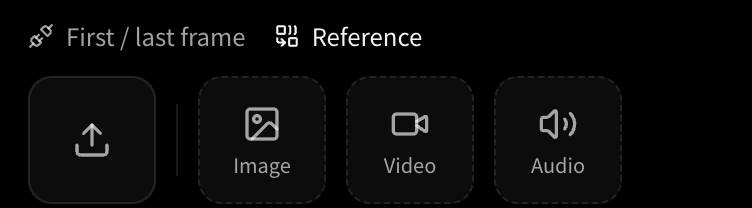
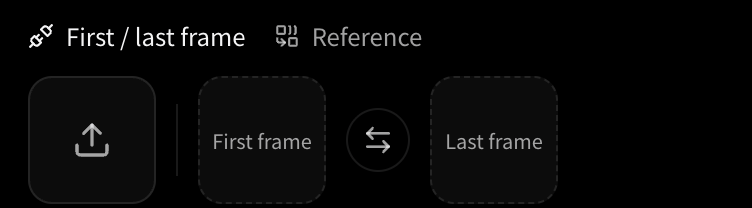
- 03Choose the input modeUse First / last frame when the opening image is already approved, for example a portrait you have signed off. Use Reference to attach images, a video or audio clip as guidance.
- 04Write the prompt as a shot listOne shot, in order: subject, one action, one camera move, the light. Short beats work better than one long paragraph. Ask for one camera movement per clip, then extend it if the result works.
- 05Read the price, generate, then reviewFinished jobs appear at the top of Your creations. A failed job keeps a card with the reason, so you can change the wording or the references and try again.
Where each control lives
The controls that shape a Seedance 2.5 job sit in two places: the input mode switch above the prompt box, and the settings row beneath it. The screenshots below follow that order, from how you attach material to how you read the result.

What the interface looks like
Start with the model. In the picker, ByteDance groups the Seedance family, and Seedance 2.5 sits at the top of the list. The model you choose decides which ratios, durations and prices apply, so pick it before you touch the other settings.
Limits and failures we ran into
A feature list tells you what a model is meant to do. The limits are what decide whether it fits your work, so here is what we hit.
- Copyright refusals happen. A violinist-in-a-cathedral prompt came back as a copyright-restriction failure. We did not pin down the exact trigger, so when a job is refused, rewrite the scene around original characters and settings instead of resubmitting the same wording.
- Price moves with settings. At the time we tested, a 720p, 5-second generation cost 76.17 credits. Prices change, so read the Generate button every time.
- Several subjects are harder. ByteDance says complex physical motion and multi-subject interaction still have room to improve. Our results agreed: one or two subjects were easier to keep consistent than a group.
- Long sequences need planning. Continuity across several locations was weaker than within one scene, so split long stories into extensions with a clear shot list for each.
A prompt checklist for your first attempt
Subject: one woman in a cream linen shirt, seated by a sunlit window. Action: she lifts her gaze and a quiet smile forms. Camera: slow push-in, shallow depth of field. Light: soft shaft of window light, dust drifting. Finish: premium editorial film look, no text, no logos.Questions we get about Seedance 2.5
How long can one Seedance 2.5 generation be?
ByteDance publishes up to 30 seconds per generation. For a longer sequence, generate the first part and extend it in rounds so subjects, setting and pacing carry through.
Do I need a first frame?
No. You can work from text alone or from references. A first frame is useful when you already have an approved opening image and want the shot to begin from it.
Why did my job fail with a copyright message?
The model refuses some requests that look too close to protected material. Rewrite the scene around original characters, places and objects, and avoid naming a specific famous work.
How do I keep the cost under control?
Set the duration to a fixed value before you write the prompt, then read the price on the Generate button. Auto duration is the number most likely to surprise you.
References and scope
Technical concepts follow the official and primary sources listed below. Workflow suggestions and examples are editorial analysis, not guarantees of results.
- One-take Creation, Flexible Referencing: Introducing Seedance 2.5, ByteDance SeedSource for the 30 second single-pass length, the 30 image, 10 video and 10 audio reference limits, timestamped editing, green-screen and camera-perspective edits, and multi-round extension.