AI Image Prompts, Taken Apart Line by Line
Instead of another list of tips, here is one prompt pulled apart phrase by phrase, plus the habits I dropped after a few hundred generations.
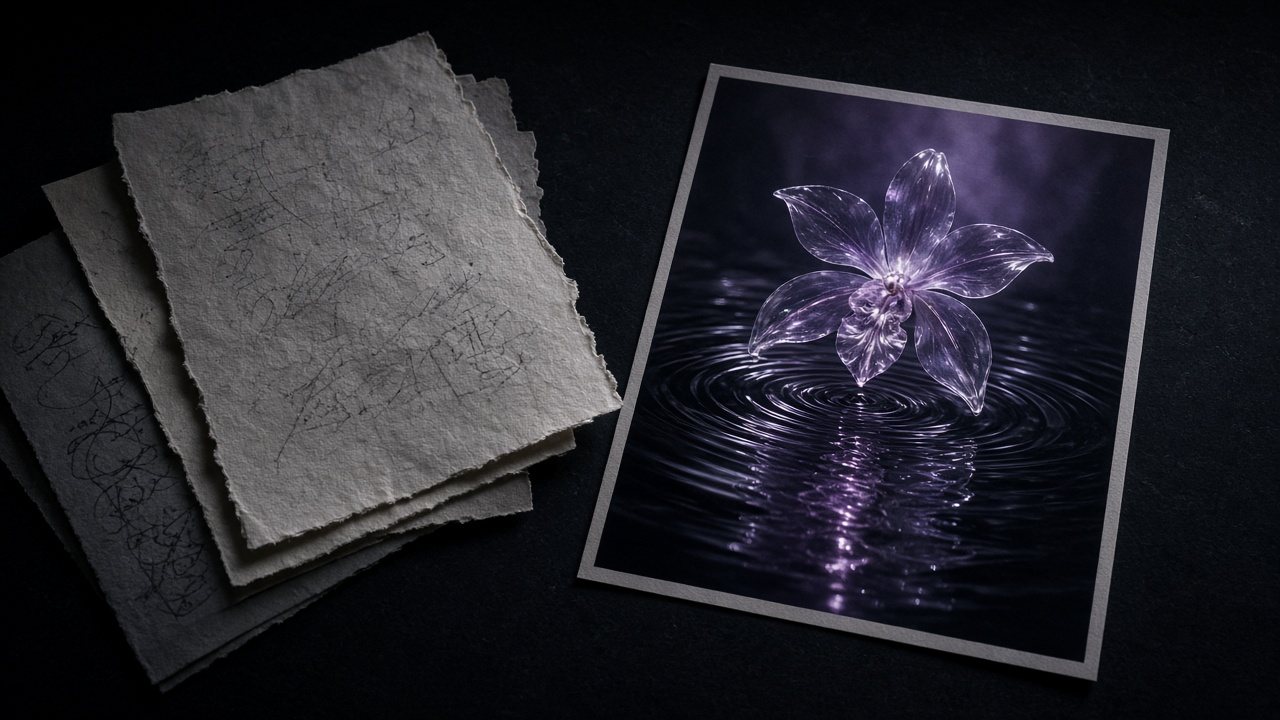
The prompt on the VibePaper home page is a decent example of an AI image prompt that works, so let’s use it as the specimen instead of inventing a perfect one.
A giant translucent jellyfish drifting over a misty pine forest at dawn, volumetric light
What each phrase is doing
| Phrase | Job |
|---|---|
| A giant translucent jellyfish | Subject first, with scale and material. “Translucent” is the word that makes the picture. |
| drifting | A verb, even for a still. It tells the model about pose and implied motion. |
| over a misty pine forest | Setting, and an implied composition: subject above, landscape below. |
| at dawn | Time of day is a lighting instruction in disguise. |
| volumetric light | The one technical term that earns its place. It gives the mist something to do. |
There is no “beautiful”, no “highly detailed”, no “8k”. Nothing in the prompt is decoration.
Habits I dropped
Stacking quality words
“Masterpiece, best quality, ultra detailed” mostly adds noise. If an image looks cheap, the problem is usually the light or the composition, so fix those directly.
Writing what I didn’t want
“No blur” mentions blur. “Sharp focus on the eyes” gets you there without planting the idea.
Rewriting before switching models
If a prompt misses twice, I try it on another image model before touching the words. Seedream and the other models read the same sentence differently, and on the canvas the results sit next to each other, so the comparison costs almost nothing.
When a reference image beats another sentence
Some things are faster to show than to say: the exact silhouette of a product, a character’s face, a brand’s palette. Attach the reference and spend your words on what should change, the setting or the light. Trying to describe a specific sneaker in text is a losing game.
Where the image goes next
A still you like is rarely the end. In Paper Gen it can become the first frame of a video shot, and on the canvas it stays connected to the prompt that made it, so you can come back and branch.
Open the AI Image GeneratorTry the specimen prompt, then change one phrase at a time.Questions
How long should an AI image prompt be?
Long enough to cover subject, setting, light and style. For most images that is one or two sentences.