AI Video Generator Guide: Write a Shot, Not a Wish
Most bad AI video starts as a vague sentence. Here is the same prompt rewritten three times, what each pass fixed, and how I decide which model gets the shot.
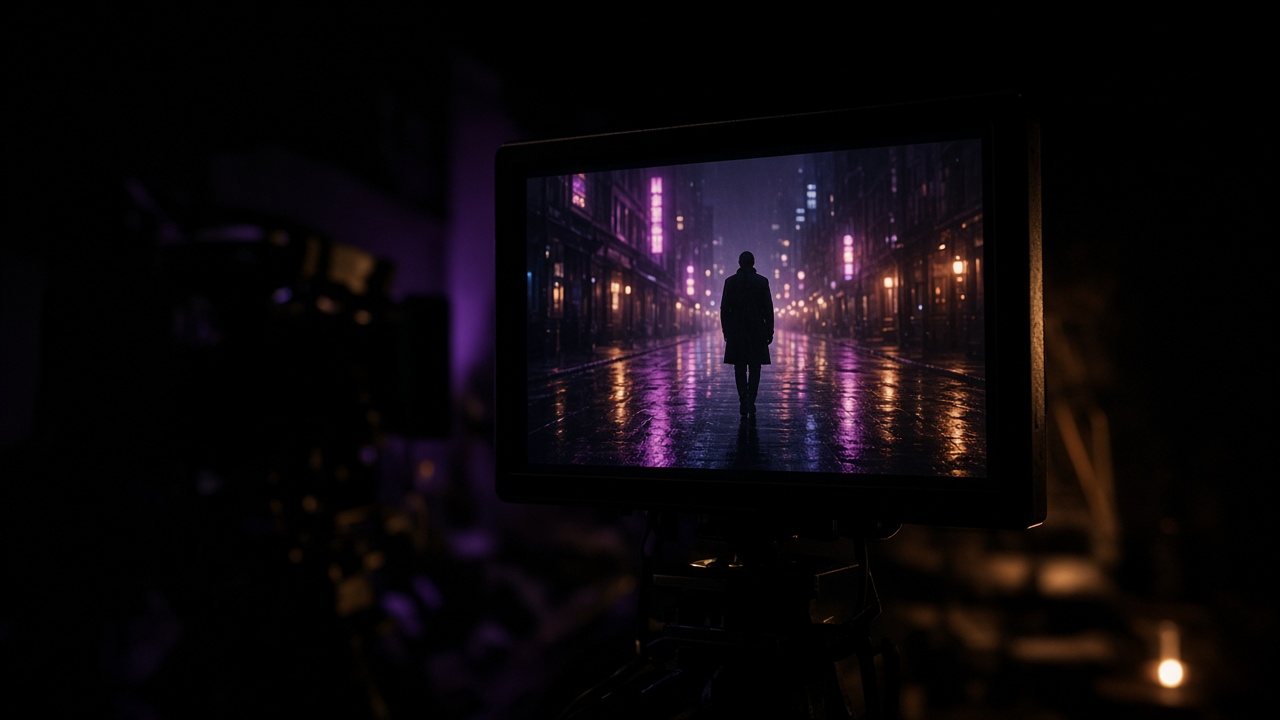
An AI video generator is very good at doing exactly what you asked and very bad at guessing what you meant. Type “a man walking in the rain, cinematic” and you will get a man, some rain, and a camera that drifts around with no idea why it is there.
The fix is not a longer prompt. It is a different kind of prompt: one that reads like a single line from a shot list. Below is how I get there, using text to video and image to video in Paper Gen.
One prompt, three passes
A man walking in the rain at night, cinematic, moody, 4k.
Everything here is an adjective. The model has no subject detail, no action beyond “walking”, and no camera, so it invents all three.
A man in a long dark coat walks away from camera down a narrow street at night. Rain, neon signs reflected in puddles.
Now there is a subject, a direction of travel and a place. Still no camera instruction, which is usually where clips go soft.
A man in a long dark coat walks away from camera down a narrow street at night. Rain, neon reflected in puddles. Static wide shot, low angle, he slows and glances back over his shoulder.
One camera setup, one beat of action at the end. This is the version I would actually generate.
Notice what I did not add: more mood words. “Cinematic” in pass 1 did nothing that “static wide shot, low angle” does not do better.
If you cannot say where the camera is, the model cannot either.
Text to video or image to video?
I start from text when I am still looking for the image. I start from a still when I already know what the frame should look like and only need it to move. In Paper Gen these sit side by side, so a still you just generated can become the first frame of a video without a download in between.
If the look matters more than the motion, a product shot or a character that has to match last week’s campaign, go image first. The still locks the palette and composition, and the prompt only has to describe what changes.
Image to video, in detailPicking a still that animates well, and when first and last frames are worth it.How I pick a model
There is no best AI video model, only a best one for this shot. My defaults:
| Shot | Where I start |
|---|---|
| A story beat with a recurring character | Seedance 2.5, with a reference image attached |
| Cloth, hair or water carrying the picture | Kling 3.0 |
| Someone speaking on camera | Veo 3.1 |
| A longer one-take scene | Wan 3.0 |
| Sport, dance, anything punchy | Hailuo |
Then I break my own defaults. The same prompt run through two models on the canvas tells me more in a minute than any comparison chart. The credit cost shows before each generation, so running a second model is a decision, not a surprise.
When not to reach for text to video
Logos, legible text on screen and exact product geometry are still easier to control from a reference image than from words. And if you need a cut, not a shot, generate the shots separately and edit them; asking one prompt to contain three scenes usually gets you three half-scenes.
Open the AI Video GeneratorSeedance, Kling, Veo, Wan and Hailuo in one place.Questions
Can I start an AI video from a photo?
Yes. Upload a photo, sketch or product shot in Paper Gen and describe only the motion. You can also set a first and last frame.
Do I see the cost before generating?
Yes. Paper Gen shows the credit cost before each generation starts.